You’re deep in a complex render, the deadline is looming, and your laptop’s fans start screaming. The chassis is hot enough to fry an egg on, and suddenly… everything slows to a crawl. In South Africa's warm climate, thermal throttling isn't just an annoyance; it's a creativity killer. A beastly CPU or GPU means nothing if your machine can't handle the heat. Finding the best cooling for graphic design laptops is non-negotiable.
Why Optimal Cooling is a Creative's Secret Weapon
Ever notice your performance dropping mid-project? That's likely thermal throttling. When your laptop's core components—the CPU and GPU—get too hot, the system automatically reduces their speed to prevent damage. For a graphic designer, this translates directly to laggy brush strokes in Photoshop, stuttering timelines in Premiere Pro, and painfully slow render times.
A powerful cooling system isn't a luxury; it's the engine that allows your high-performance parts to run at their peak, ensuring a smooth, uninterrupted workflow when it matters most. This is why many creatives now look at the robust thermal solutions typically found in the best gaming laptop deals, as they are built to sustain heavy loads for hours.
Understanding the Cooling Tech in Modern Laptops
Not all cooling is created equal. When you’re shopping, knowing what's under the hood can make a huge difference. The best cooled graphic design laptops often combine several advanced technologies to keep temperatures in check.
Vapour Chambers vs. Heat Pipes
Traditional laptops use copper heat pipes to draw heat away from the processor. They work well, but high-end machines are adopting vapour chambers. Think of a vapour chamber as a super-charged, flat heat pipe that covers a larger surface area, offering more efficient heat dissipation. This is a key feature for anyone pushing their hardware with 4K video edits or complex 3D models.
Fans, Vents, and Airflow 💨
More fans aren't always better if the airflow design is poor. Look for laptops with dual fans, multiple exhaust vents (ideally on the sides and back), and dust filters. The design of the fan blades themselves also plays a role, with some manufacturers creating thinner, more numerous blades to move more air with less noise.
What to Look For in a Cool-Running Design Laptop
So, how do you spot a laptop with a superior cooling solution? Beyond the core tech, a few key features are strong indicators of a well-engineered machine.
First, consider the chassis. All-metal bodies, particularly aluminium, act as a giant heatsink, helping to dissipate heat more effectively than plastic. Pay attention to the size and placement of air intake vents on the bottom. Second, look for customisable fan controls. Many performance-oriented Intel laptops on special come with software that lets you switch between silent, balanced, and turbo cooling profiles.
Quick Cooling Boost 🔧
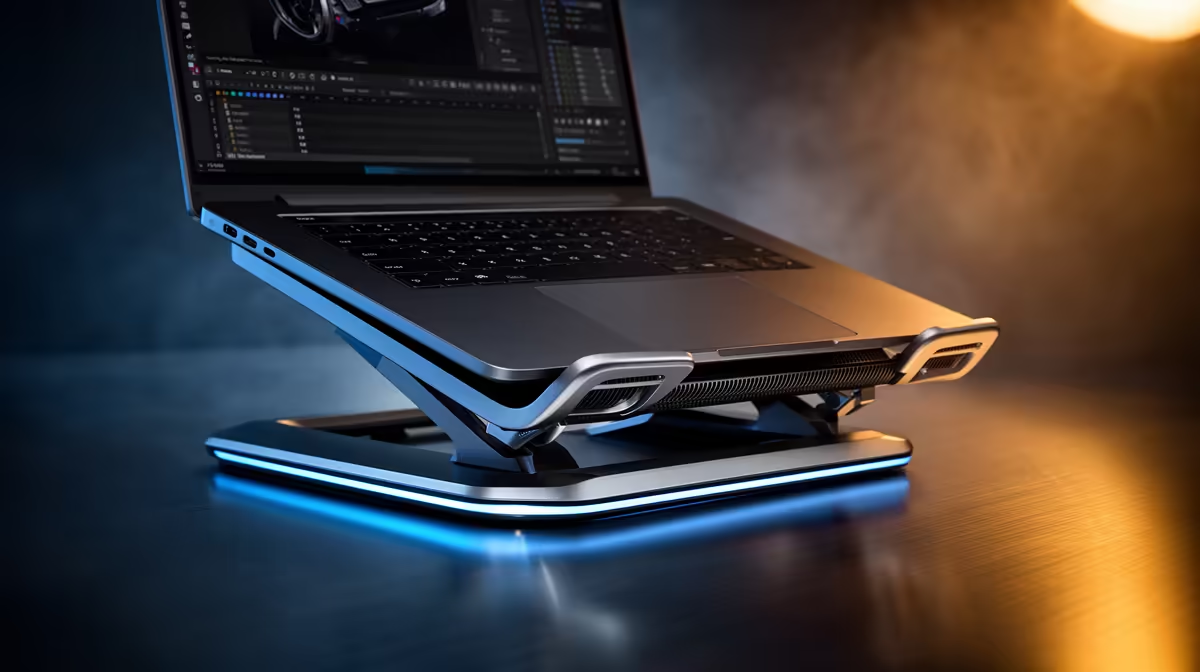
A simple laptop stand can dramatically improve airflow by lifting the machine's intake vents off your desk. For an extra boost during intense rendering sessions, consider an active cooling pad with built-in fans. It's a cost-effective way to supplement your laptop's internal system and prevent throttling.
Choosing the Right Cooled Laptop for Your Needs
Ultimately, the best cooling for a graphic design laptop is one that matches your specific workflow. If you primarily work with 2D illustrations in Photoshop, your thermal needs will be different from someone creating complex animations in After Effects.
Both Intel and AMD produce incredible processors for creative work, but they need the right thermal solution to shine. As you browse, look at reviews that specifically test thermal performance under load. Whether you're leaning towards one of the latest AMD laptops on special or a Team Blue machine, prioritising a robust cooling system will pay dividends in performance and longevity.
Investing in a laptop with excellent thermals is an investment in your productivity and is a key factor to consider when browsing the latest laptop specials for sale in South Africa. It means fewer interruptions, faster project completion, and a machine that lasts longer. ✨
Ready to Stop Throttling and Start Creating?
Don't let overheating kill your workflow. The best cooling solutions ensure your graphic design laptop delivers the power you paid for, every single time. Explore our massive range of performance laptops and find the perfect cool-running machine to bring your visions to life.