




Value GPU planning for Balatro at 1440p ultrawide
Balatro at 1440p ultrawide on a R20,000 budget needs balanced GPU planning. Compare settings, CPU limits, monitor target, warranty support, and SA price movement before choosing.
Read moreFrigate is free open-source NVR software running object detection locally on an Intel N100 mini-PC with a Coral TPU, versus cloud AI that requires a monthly plan. SA buyers get footage on-site with no fees and no reliance on uplink bandwidth. 📹
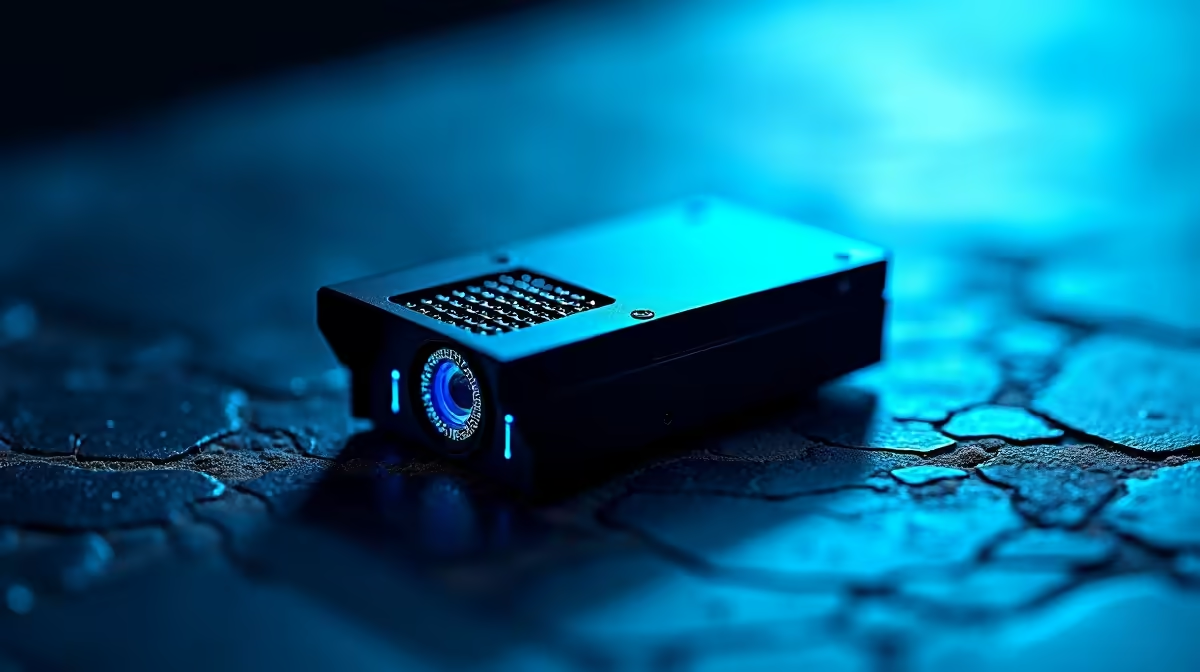
Nothing kills trust in a security camera faster than a phone buzzing every time a tree branch sways. The fix is smarter detection, and that splits into two camps: Frigate local AI, which runs object detection on your own hardware for free, and cloud subscription AI, which does the thinking on someone else's servers for a monthly fee. Which one actually cuts false alarms, and which suits an SA home? Let us weigh them honestly.
Frigate is free, open-source NVR software that runs AI object detection locally, often on a small Intel N100 mini-PC paired with a Coral TPU. Cloud subscription AI does the same job remotely for a recurring fee. Both dramatically cut false alarms versus basic motion detection, but Frigate keeps footage on-site, charges nothing monthly, and does not depend on your upload bandwidth.
Basic cameras trigger on any pixel change, so headlights, shadows and insects all set them off. Frigate replaces that with real object detection: it only alerts when it recognises a person, car or animal, ignoring the swaying branch entirely. Running on a modest Intel N100 mini-PC with a Coral TPU accelerator, it processes multiple camera feeds in real time while sipping power, so the box can stay on continuously without a meaningful electricity cost. Because everything happens on your network, detection is not slowed or interrupted by a patchy uplink, which matters on many SA fibre and LTE connections.
With a Coral TPU attached, Frigate achieves roughly 10 to 20 milliseconds per frame, far faster than software-only detection. If you already own a mini-PC, a Coral USB Accelerator is an inexpensive one-time addition. The 2026 version of Frigate also added support for YOLOv9 models on Coral hardware, which improves accuracy without extra cost. Alternatively, Intel systems with OpenVINO hardware acceleration work natively with Frigate and are now the primary recommendation for new builds, skipping the need for a separate Coral device entirely.
Cloud AI cameras do the clever detection on the provider's servers, which means no home server to build or maintain. You plug the camera in, pay a monthly plan, and the recognition and storage live in the cloud. The convenience is real, especially for non-technical users, but the trade-offs are equally real: ongoing fees, footage held off-site by a third party, and a hard dependence on your internet connection. If your uplink drops, so does the smart detection and often the recording.
Cloud plans typically charge per camera per month. Across a four-camera setup and a few years of operation, the running total climbs well past the cost of a self-hosted local box, even accounting for the hardware you need to buy upfront.
Frigate's only spend is the upfront hardware: a mini-PC and a Coral accelerator or a compatible Intel system. Cloud AI looks cheaper to start but bills every month indefinitely. The break-even point usually arrives within the first year or two on a multi-camera setup, after which the local approach saves money every month.
With Frigate, footage never leaves your property unless you choose to share it. Cloud services store your video on their infrastructure, which some households are uncomfortable with. Every frame of every camera goes to a server you do not control, and data-breach history across the security camera industry is not encouraging.
Cloud AI continually uploads video for analysis, which strains the limited upload speeds common on SA fibre and LTE connections. Frigate processes locally and uploads only what you explicitly ask it to, keeping your connection free for everything else.
A capable Frigate setup is approachable even for someone who has never run a home server. A low-power Intel N100 mini-PC handles the software stack, while a Coral TPU or OpenVINO-compatible Intel GPU handles the AI inference. Add storage for your recordings and you have a box that can process six or more camera streams simultaneously on around 10W of idle power.
Frigate integrates neatly with Home Assistant for notifications and automations, so a person detected at the gate can trigger exactly the alert you want and nothing else. The combination of Frigate, Home Assistant, and a quality camera layer is what serious SA home-security enthusiasts build, because it costs nothing to run month to month once the hardware is in place. If you want to assemble or expand a smart-security setup, our smart home and appliances range covers the cameras and controllers that pair with a local NVR. Stock the cables, mounts and storage extras you will need from our accessories best sellers to get the build finished in one go.
Yes, because it uses object detection rather than raw motion, alerting only when it identifies a person, vehicle or animal. That ignores the wind, shadows and bugs that trigger basic cameras constantly. The result is far fewer pointless notifications.
A common, capable setup is a low-power Intel N100 mini-PC with either a Coral TPU accelerator or an Intel GPU supporting OpenVINO, plus storage for recordings. The accelerator handles AI detection efficiently so the system stays cool and cheap to run. It can process several camera feeds at once on modest power.
Over time, almost always, because Frigate has only an upfront hardware cost and no monthly fee. Cloud AI keeps billing indefinitely, so its lifetime cost grows well beyond a local box. The break-even point usually arrives within a couple of years.
Cloud AI depends on your connection for both detection and often recording, so an outage can disable the smart features and uploads. Frigate processes everything locally, so it keeps detecting and recording even when the internet is down. This independence is a real advantage on less reliable SA links.
Yes, Frigate integrates cleanly with Home Assistant, letting you build notifications and automations around detected objects. You can route a person-at-the-gate alert to your phone while ignoring everything else. This combination is a big part of why enthusiasts choose a local setup.
Yes. Frigate has no per-camera licensing fees. Adding more cameras only requires additional storage for the recordings and enough processing headroom on your mini-PC. The Coral TPU or OpenVINO acceleration scales to multiple feeds efficiently, so most home setups can grow without replacing the host hardware.
Want detection that runs on your terms with no monthly fee? Build a local NVR setup with cameras and controllers from our smart home and appliances collection and keep your footage at home.
Yes, because it uses object detection rather than raw motion, alerting only when it identifies a person, vehicle or animal. That ignores the wind, shadows and bugs that trigger basic cameras constantly. The result is far fewer pointless notifications.
A common, capable setup is a low-power Intel N100 mini-PC with either a Coral TPU accelerator or an Intel GPU supporting OpenVINO, plus storage for recordings. The accelerator handles AI detection efficiently so the system stays cool and cheap to run. It can process several camera feeds at once on modest power.
Over time, almost always, because Frigate has only an upfront hardware cost and no monthly fee. Cloud AI keeps billing indefinitely, so its lifetime cost grows well beyond a local box. The break-even point usually arrives within a couple of years.
Cloud AI depends on your connection for both detection and often recording, so an outage can disable the smart features and uploads. Frigate processes everything locally, so it keeps detecting and recording even when the internet is down. This independence is a real advantage on less reliable SA links.
Yes, Frigate integrates cleanly with Home Assistant, letting you build notifications and automations around detected objects. You can route a person-at-the-gate alert to your phone while ignoring everything else. This combination is a big part of why enthusiasts choose a local setup.
Yes. Frigate has no per-camera licensing fees. Adding more cameras only requires additional storage for the recordings and enough processing headroom on your mini-PC. The Coral TPU or OpenVINO acceleration scales to multiple feeds efficiently, so most home setups can grow without replacing the host hardware.
Balatro at 1440p ultrawide on a R20,000 budget needs balanced GPU planning. Compare settings, CPU limits, monitor target, warranty support, and SA price movement before choosing.
Read more
Every magnetic-switch keyboard in SA should be shortlisted around the job it must do. South African buyers should compare switch feel, latency, layout, and software, warranty path, and upgrade room before treating any pick as best.
Read more
Customs and warranty notes for gaming hardware in Makhanda should focus on proof of purchase, serial numbers, courier handling, and return steps. SA buyers should confirm policies before ordering costly parts.
Read more
Can NVMe SSDs under R20,000 handle should be shortlisted around the job it must do. South African buyers should compare capacity, speed, thermals, and motherboard support, warranty path, and upgrade room before treating any pick as best.
Read more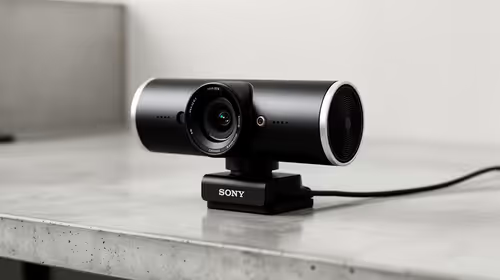
Buy now or upgrade later: webcams decisions should be shortlisted around the job it must do. South African buyers should compare fit, performance, compatibility, and upgrade room, warranty path, and upgrade room before treating any pick as best.
Read more
A USB microphone is the right starting point for a podcast setup under R35,000. The speaker prices still frame playback options, from MARVO SG-118 R73 to Logitech Z407 Bluetooth 2.1 R1,404.
Read more
Chrome change search engine settings control ordinary address-bar searches. Check site shortcuts and managed-browser rules if the wrong provider keeps returning.

VASTARMOR RX 9070 XT red adds a matching red finish to the Super Alloy PRO family. Check its length, thickness and three power sockets before buying.

OLED edge rot is a panel-edge defect examined in new longevity research. Older TV results do not establish the failure rate of current gaming monitors.

Chrome translate not working often needs a page refresh or language-setting check. Test one foreign-language page before changing broader browser settings.
Chrome translate not working often needs a page refresh or language-setting check. Test one foreign-language page before changing broader browser settings.

Check when Chrome saves power, compare a repeatable task on battery and separate browser changes from battery health and Windows settings.

Find Chrome's caption control, check language and audio and bring back the floating bubble when captions disappear during playback.

Open the simplified Chrome reader, adjust type and spacing and check whether the page supports the view before changing your display setup.
Chrome change search engine settings control ordinary address-bar searches. Check site shortcuts and managed-browser rules if the wrong provider keeps returning.
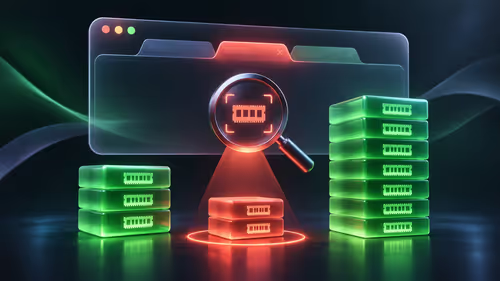
Chrome task manager helps identify resource-heavy pages and extensions. Save your work, compare the busy task and close it before deciding you need more RAM.

Chrome reset settings restores browser defaults while keeping saved bookmarks and passwords. Record essential extensions and preferences before confirming the reset.

Chrome block pop ups settings can stop unwanted windows while allowing a trusted site that needs one. Keep the exception specific instead of allowing every site.