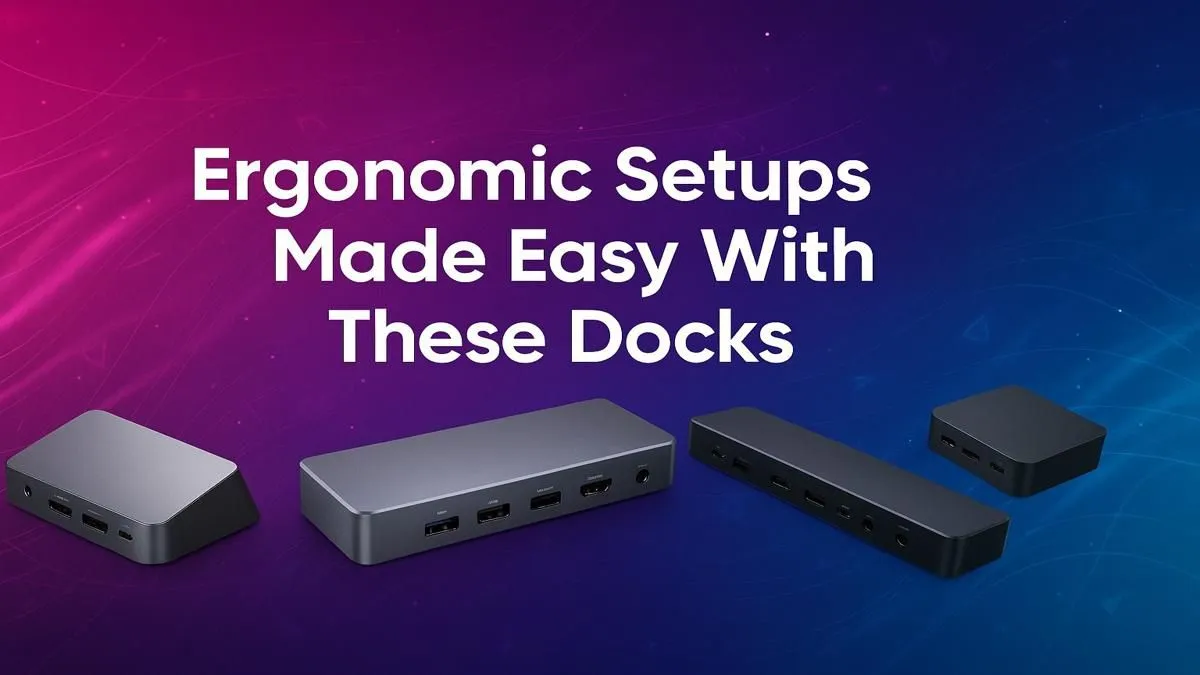
Tired of that chaotic nest of cables cluttering your desk? We get it. A truly ergonomic setup isn't just about a comfy chair; it's about a clean, efficient workspace that lets you focus on the win... or the deadline. For South African gamers and professionals, the secret weapon is a powerful docking station. It’s the single-cable solution that transforms your desk from a tangled mess into a streamlined command centre. 🚀
Why an Ergonomic Docking Station is Non-Negotiable
Let's be honest, plugging in your power, monitor, mouse, and keyboard one by one is a drag. The core benefit of using one of the best docks for ergonomic setups is simplicity. It declutters your space, which has a proven impact on focus and reduces stress.
More importantly, it promotes better posture. By making it effortless to connect to external monitors, you can position your screens at the perfect eye level, preventing that dreaded "laptop hunch." This small change is massive for long gaming sessions or workdays. A single, powerful hub is the first step to building a smarter, more comfortable desk bundle, and finding the right docking station is easier than you think.
Finding the Best Dock for Your Setup
Not all docks are created equal. Choosing the perfect one for your ergonomic setup depends on your specific needs. Before you buy, ask yourself three key questions:
1. What Do You Need to Connect?
Take a quick inventory of your peripherals. Do you need multiple USB-A ports for your keyboard and mouse, an SD card reader for your camera, or a wired Ethernet port for lag-free online gaming? The more devices you have, the more ports you'll need. Some solid options under R1000 offer a fantastic range of connectivity for most users.
2. How Many Screens Are You Running? ✨
A dual-monitor setup is brilliant for productivity and immersive gaming. Make sure the dock you choose supports the number of displays you want to run, and at your desired resolution and refresh rate. A 4K gamer will have different needs than someone running two 1080p monitors for work.
Check Your Port Power! ⚡
Not all USB-C ports are the same. Before buying, check if your laptop’s USB-C port supports "DisplayPort Alt Mode" for video output and "Power Delivery" (PD) for charging. This info is usually on the manufacturer's spec sheet and ensures your dock will work as expected.
3. Does It Deliver Enough Juice?
If you want a true one-cable solution, look for a dock with Power Delivery. This feature allows the dock to charge your laptop while it's connected, eliminating the need for your laptop's original power brick. Just plug in one cable and you're connected, powered, and ready to go. You can find great choices from brands like Promate that offer robust power solutions.
An organised desk is an organised mind. By investing in one of the best docks for an ergonomic setup, you're not just buying a piece of hardware; you're upgrading your comfort, productivity, and the entire feel of your workspace.
Ready to Build Your Ultimate Desk Setup?
Stop wrestling with cables and start enjoying a cleaner, more powerful workspace today. Explore our range of powerful docks and find the perfect hub for your ergonomic needs at Evetech.