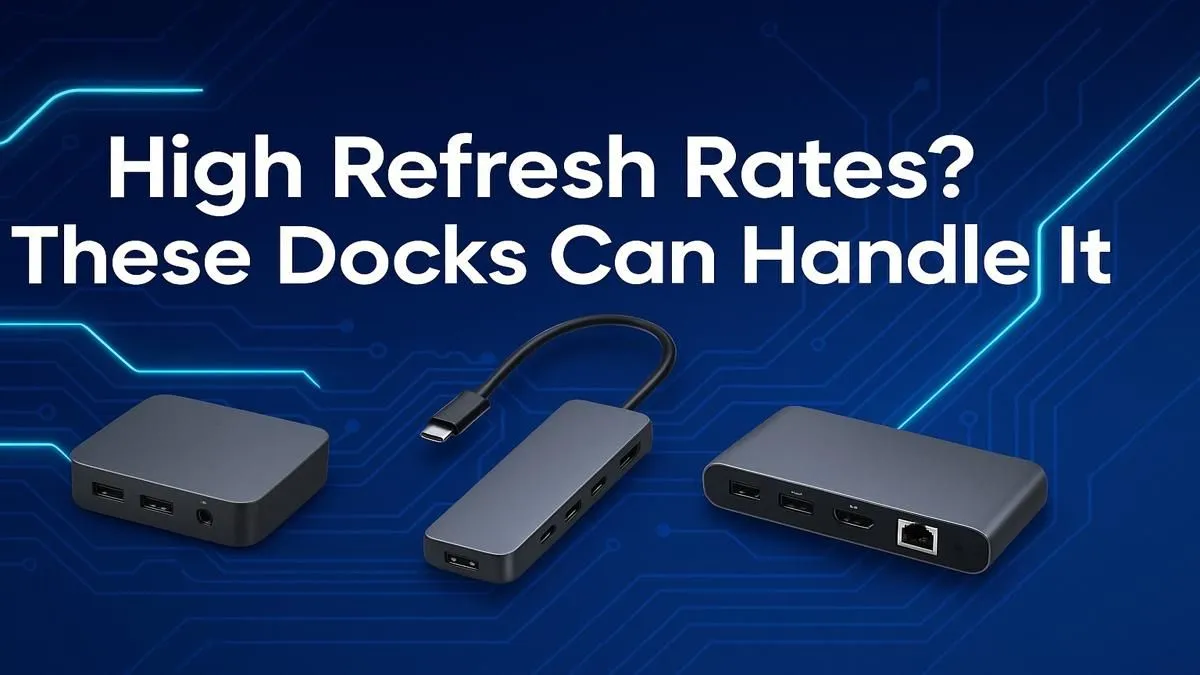
So, you've dropped some serious ZAR on a glorious 144Hz (or faster!) gaming monitor. The colours pop, the motion is buttery smooth... until you plug it into your laptop with a basic dock and get stuck at a choppy 60Hz. Eish. Don't let a bottleneck ruin your setup. Finding the best dock for your high refresh rate monitor is crucial for unlocking the performance you paid for, whether for work or play.
Why Your Old Dock Can't Handle High Refresh Rates
It all comes down to one word: bandwidth. High resolutions combined with high refresh rates demand a massive amount of data to be sent from your laptop to your screen every second. Most standard, older USB-C hubs just weren't built for that kind of digital heavy lifting.
Your laptop's USB-C port might look simple, but it can support different protocols. For high-performance video, you need a port and a dock that support DisplayPort Alt Mode 1.4 or higher, or even better, Thunderbolt 3 or 4. These standards have the pipeline needed to push all those frames without compromise. Cheaper docks often use older standards, capping your output and wasting your monitor's potential. It is possible to find some affordable options under R1000, but you'll need to check the specs carefully.
What to Look For in a Docking Station for Gaming Monitors 🚀
Choosing the right dock isn't just about plugging things in; it's about matching capabilities. Here’s what to prioritise to find the best dock for a high refresh rate monitor.
The Connection is King: Thunderbolt vs. USB-C
While a good USB-C dock with DisplayPort 1.4 can handle 1440p at 144Hz, Thunderbolt is the undisputed champion for maximum performance. It offers a dedicated 40Gbps of bandwidth, ensuring you can run your monitor at its native refresh rate and resolution, often while powering other peripherals without breaking a sweat. If you have a 4K 120Hz+ screen or want to drive multiple high-res displays, a Thunderbolt dock is the way to go.
Check the Specs: DisplayPort and HDMI Versions
Don't just look at the port on your laptop; check the outputs on the dock itself. For the best results, you need a dock that has a DisplayPort 1.4 or HDMI 2.1 output. These ports are essential for carrying the signal required for resolutions and refresh rates like 4K @ 120Hz or 1440p @ 240Hz. Brands like Promate design reliable docking stations that clearly list these modern specifications, taking the guesswork out of your purchase.
Check Your Source! ⚡
Your dock is only as fast as the port you plug it into. Before you buy, confirm your laptop’s USB-C port supports Thunderbolt or DisplayPort Alt Mode. A quick Google of your laptop model + "port specs" will save you a massive headache.
Finding the Right Dock for Your Setup in SA
You don't always need the most expensive piece of kit. The key is to buy the right tool for the job.
For most South African gamers and professionals running a single 1080p or 1440p monitor at up to 165Hz, a well-made USB-C dock that explicitly supports DisplayPort 1.4 is the sweet spot. You can find plenty of quality docks under R2000 that fit this description perfectly, offering a fantastic balance of price and performance for a clean, one-cable desk setup. ✨
If you're a content creator, a competitive gamer with a 240Hz+ monitor, or someone who needs to drive multiple 4K displays, investing in a Thunderbolt 4 dock is a non-negotiable. It's the ultimate solution for a clutter-free, high-performance workspace.
Ready to Unleash Full-Frame Freedom?
Your high-refresh-rate monitor is waiting for a partner that can keep up. Stop settling for 60Hz and explore Evetech's full range of docking stations for performance that leaves lag in the dust.