Quick Answer
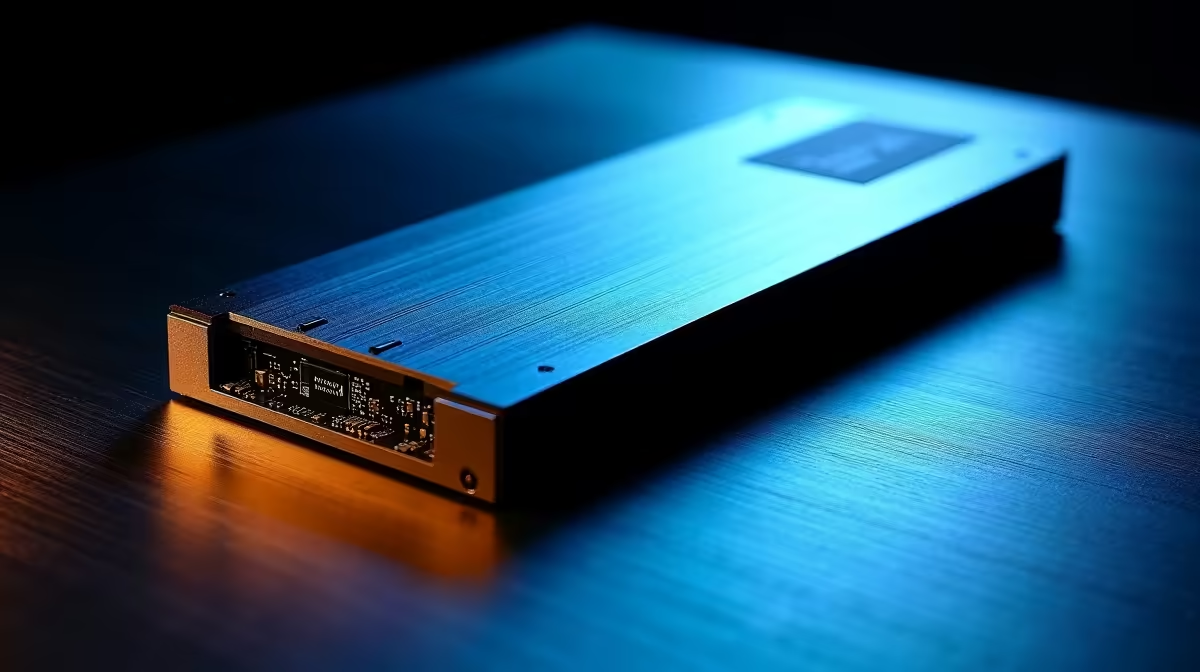
The best Gen 5 NVMe SSD available to Krugersdorp buyers right now is the Crucial T705 1 TB (R2,100) or the Samsung 9100 Pro 1 TB (R2,400). Both are stocked at Evetech. The T705 delivers 13,600 MB/s sequential read; the 9100 Pro hits 14,700 MB/s. Either is a major upgrade for anyone currently on a Gen 3 SATA SSD (550 MB/s) — a 25x improvement in raw throughput.
Is Gen 5 Worth the Price Premium in Krugersdorp?
Gen 5 drives cost R800–R1,000 more than a comparable Gen 4 SSD like the WD Black SN850X. The premium is justified if your workflow involves: compiling large software projects (Node, Java, C++), exporting 4K video timelines, working with large VM images, or running Docker container swarms. For gaming alone, a Gen 4 drive like the Samsung 980 Pro or Crucial P5 Plus is within 5% on real-world game load times and costs ~R1,200 less.
Crucial T705 Specs and TBW for Krugersdorp Buyers
1 TB model: 13,600 MB/s sequential read, 10,200 MB/s sequential write, 1.5M read IOPS, 1.45M write IOPS. TBW (endurance) rated at 600 TBW — equivalent to writing 164 GB per day for ten years. Heatsink included in the retail kit. PCIe 5.0 x4, NVMe 2.0 interface. Available in 1 TB and 2 TB at Evetech.
Samsung 9100 Pro Specs
1 TB model: 14,700 MB/s sequential read, 13,800 MB/s sequential write, 2.8M read IOPS, 2.1M write IOPS. TBW rated at 600 TBW. The 9100 Pro leads in 4K random IOPS — the benchmark most relevant to database-heavy and virtualisation tasks. Slightly pricier than the T705 but worth it for server-adjacent workloads running on a desktop.
FAQ
What motherboard do I need for Gen 5 NVMe in Krugersdorp?
You need a board with a PCIe 5.0 x4 M.2 slot: AMD B650E, X670E, or Intel Z790/Z890. Standard B650 (without the E suffix) has PCIe 4.0 M.2 only. Always confirm the slot spec in your board's manual before purchasing a Gen 5 drive.
Will a Gen 5 SSD improve gaming frame rates?
No — GPU and CPU are the fps drivers. Game load times improve slightly (5–15% faster map loads vs Gen 4) but in-game fps is unaffected by SSD generation. Gen 5 benefits are mostly felt outside gaming in heavy IO workloads.
Does the Crucial T705 need a heatsink?
Yes. The T705 can reach 75–80°C under sustained loads without a heatsink, triggering thermal throttling back to Gen 4 speeds. Install the bundled heatsink or use your motherboard's M.2 cover — both keep temps under 65°C in typical airflow conditions.
2 TB version of the Crucial T705 if your budget allows (~R3,800) — doubling capacity costs far less per gigabyte than buying a second SSD later, and keeping the drive under 70% full maintains peak performance for longer.