Quick Answer
On a R20,000 budget for podcast recording, the monitor should be a modest slice — a good 27-inch 1440p IPS runs R5,500–R8,000, leaving the bulk for a strong audio interface, microphones and acoustic treatment. Podcasting barely taxes a screen, so prioritise a clear, comfortable panel and put R12,000+ toward audio and recording hardware.
Spend the R20,000 Where It Counts
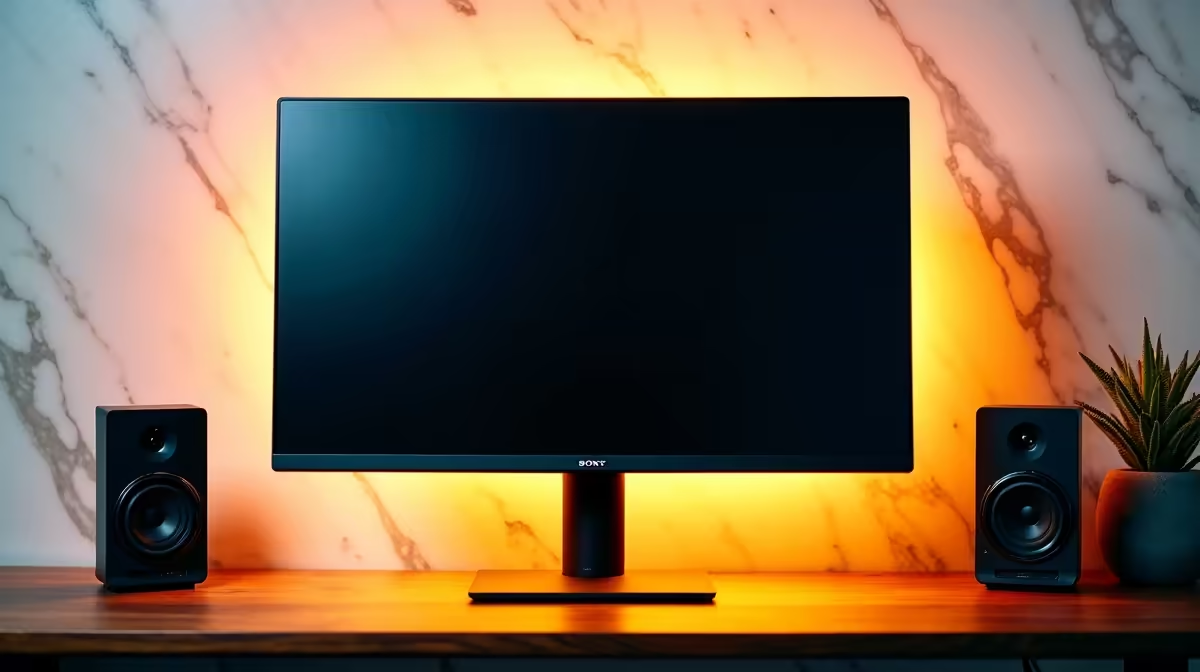
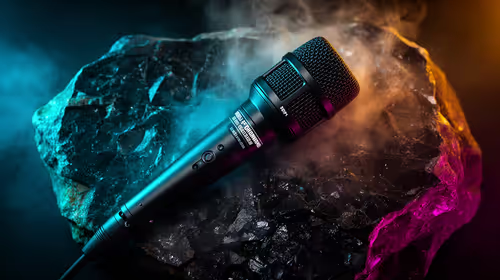
Podcast quality comes from audio, not pixels, so allocate the budget accordingly: roughly R5,500–R8,000 for a 27-inch 1440p IPS monitor and the remaining R12,000+ for microphones, an audio interface, headphones, boom arms and basic acoustic foam. The monitor's job is showing your recording software (Audacity, Reaper, Adobe Audition) and a guest call clearly — it doesn't need gaming specs.
What the Monitor Needs for Podcasting
A 27-inch 1440p IPS gives crisp text for editing timelines and waveforms, and enough width to keep recording software beside notes or a video call with a remote guest. A flicker-free, low-blue-light backlight eases long editing sessions, and a height-adjustable stand keeps posture neutral. A standard 60–75Hz refresh is fine; refresh rate is irrelevant to audio work.
Connectivity and Desk Practicalities
USB-C with power delivery is handy if you record on a laptop — one cable docks and charges it. Confirm enough USB ports on your PC for the audio interface, microphones and any capture device. A second small monitor or a wide 1440p panel helps if you run video calls, a script and editing software at once. Keep the desk tidy so the mic stays away from keyboard and mouse noise.
FAQ
How much of a R20,000 podcast budget should go to the monitor?
Around a quarter to a third — R5,500–R8,000 for a solid 27-inch 1440p IPS. The rest belongs to microphones, an interface and acoustic treatment, which drive recording quality.
Does a podcast monitor need a high refresh rate?
No — audio work is unaffected by refresh, so a standard 60–75Hz panel is fine. Spend the saving on better audio gear instead.
Is 1440p enough for editing a podcast?
Yes — 27-inch 1440p gives crisp text for waveforms and room to keep editing software beside notes or a guest call. 4K adds little for audio-led work.
Pro Tip
For a R20,000 podcast budget, cap the monitor at about R7,000 and pour the rest into a good interface, microphones and acoustic foam — audio quality, not the screen, is what listeners notice.