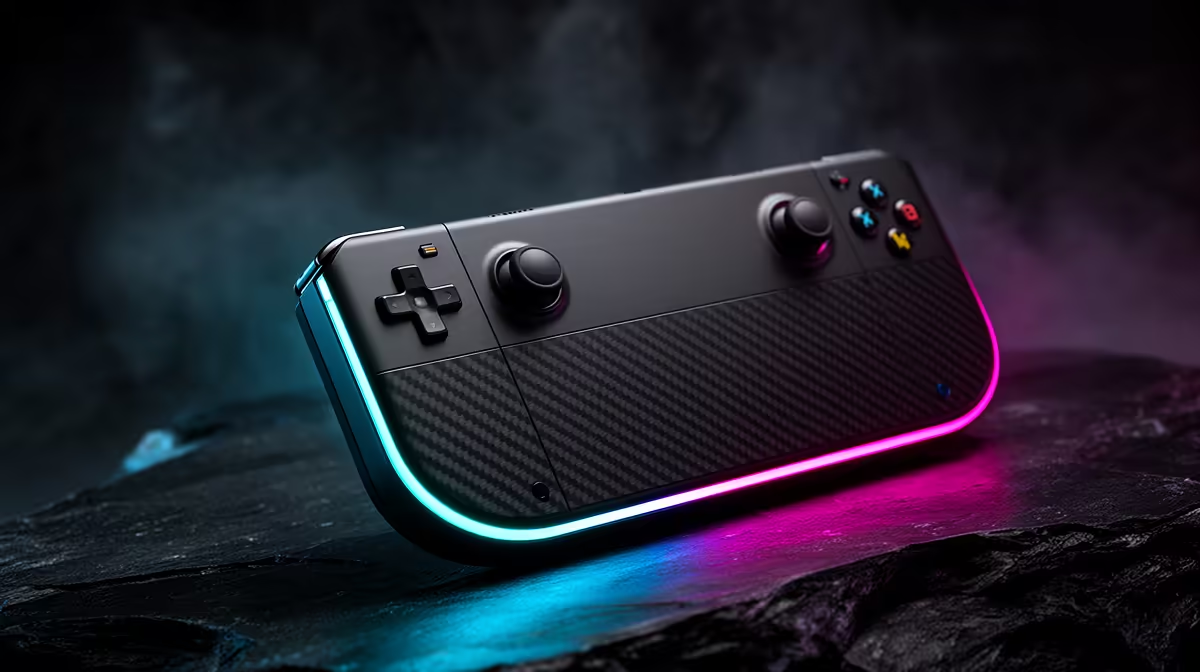
The best handheld is the one you will hold after the first week. Raw performance matters, but weight, operating system, screen and battery capacity decide whether a handheld gaming console in 2026 becomes a daily machine or an expensive object beside the PC.
Quick Answer
Choose a Windows handheld for broad PC software flexibility, a SteamOS device for a more console-like interface, and a closed platform when its exclusive library and simplicity matter most. Evetech's July 2026 handheld range ran from the ASUS ROG Ally Z2A at R9,999 to 1TB Lenovo Legion Go S and MSI Claw models between R17,499 and R18,999, so the best choice must justify its price through the games and places where it will be used.
🎮 Start with the library and operating system
Windows handhelds can install multiple PC storefronts and ordinary desktop applications. That breadth is useful, but Windows menus and pop-ups are not always comfortable on a small touchscreen.
SteamOS offers a controller-led interface and suspend-focused console feel. Compatibility depends on the game, anti-cheat and any third-party launcher. Check the exact titles in your library through official support and current user reports.
Closed consoles trade PC flexibility for one controlled platform. Their hardware and software are designed together, which can improve consistency and standby behaviour. They cannot automatically replace a PC library built across several stores.
The Lenovo Legion Go S appeared in both SteamOS and Windows configurations in Evetech's July 2026 listings. That makes the operating system a first-order buying choice, not an afterthought attached to identical-looking hardware.
Game ownership deserves an audit before checkout. List the ten titles most likely to be installed, note their storefronts and confirm controller, anti-cheat and operating-system support. A handheld with theoretically broader access is a poor match if three favourite games require awkward workarounds.
Offline behaviour matters on travel. Some games and launchers need a periodic sign-in, while others work cleanly without a connection. Test offline mode before leaving home rather than discovering an authentication requirement in transit.
🔋 Battery depends on the power profile
No single battery-life figure describes a handheld. A light independent game at a limited frame rate can run far longer than a demanding release at maximum power and brightness.
Battery capacity provides context. Evetech's dated products listed 55.5Wh Legion Go S models, a 60Wh ASUS ROG Ally and an 80Wh MSI Claw 8 AI+. A larger battery can improve runtime but also influences weight, size and charging time.
Review tests should state the game, power limit, brightness, frame cap and wireless condition. Without them, two runtime figures cannot be compared.
Charging speed and charger size matter on trips. A power bank must support suitable output and cable standards; capacity lost through conversion means its label does not transfer fully into the handheld.
Frame caps can be more valuable than maximum power. A stable 40fps or 45fps target may feel better than a fluctuating higher rate and can reduce energy use. Variable-refresh screens help when the chosen frame range sits inside their supported window.
Battery serviceability also deserves attention. Capacity declines with cycles and heat. Check warranty terms and replacement options for the exact model, because a handheld with a tired integrated battery loses the feature that justified it.
🖥️ Balance screen, speed and ergonomics
A larger screen improves readability and immersion but widens the device. The 7-inch ROG Ally and 8.8-inch Legion Go S create noticeably different hand positions.
Resolution should be judged beside GPU power. A high-resolution panel can look sharp while requiring upscaling or lower settings in demanding games. Refresh rate improves motion only when the hardware supplies useful frame rates.
Weight distribution matters more than the number alone. Shoulder buttons, stick placement, grip depth and heat around the hands should be tested if possible. A device that causes wrist fatigue is not the best handheld for long sessions.
Controls are wear parts. Research replacement sticks, dead-zone settings, calibration tools and repair access. Detachable controllers can simplify one failure, while an integrated design may require the whole unit to be serviced.
Speakers and headphone placement also affect comfort. A cable crossing the grip or a vent aimed at the hand becomes more irritating over a two-hour session than it appears in a specification table.
Evetech's handheld gaming console range provides exact local dimensions and configurations.
💾 Check storage, docking and repair reality
A 512GB drive can fill quickly after Windows, launchers and several large games. Check microSD support, internal SSD replacement difficulty and warranty implications before planning an upgrade.
Many PC handhelds output video through USB-C and can connect to a dock, display, keyboard and mouse. Confirm DisplayPort support, charging passthrough and the dock's output limits. A dock does not turn the integrated GPU into a desktop graphics card.
Fan noise and thermals change with power mode. Read sustained tests rather than a short launch benchmark. Also inspect the warranty path for controls, battery and screen, because these integrated parts are less modular than a desktop.
Storage expansion needs performance context. A microSD card can suit lighter games and archives, but demanding titles may benefit from the internal SSD. If replacing that SSD, confirm physical size, cloning method and recovery process before opening the device.
Docking can expose another trade-off: a handheld running a larger 1440p or 4K television may need lower settings than it uses on the built-in screen. The dock adds convenience, not graphics power.
Use Evetech's PC best sellers to compare a handheld with complete PC alternatives. Portability has value only when it will be used.
Frequently Asked Questions
Do Windows handhelds run more games?
They offer broad PC-store access, but individual performance, controls and anti-cheat support still vary.
How long does the battery last?
Runtime can change dramatically by game, power mode, brightness and frame cap. Compare tests under matching conditions.
Is screen size or resolution more important?
Size affects comfort and readability; resolution affects sharpness and GPU load. Neither should be chosen alone.
Can handhelds dock to a television?
Many PC handhelds can through compatible USB-C output and a suitable dock. Verify charging and display support.
Which type has better long-term game support?
PC handhelds benefit from broad PC libraries, while closed platforms control compatibility more tightly. Support is title-specific.
Are handhelds good value beside a gaming PC?
Yes, when portable play has real value. A desktop usually provides more performance and upgradeability at a fixed desk.
Does weight matter?
Very much. Distribution, grips and hand size determine comfort over a long session.
Ready to choose the handheld you will still enjoy holding?
Match your library and operating-system preference first, then compare Evetech handhelds by battery, screen, weight and storage rather than processor name alone.