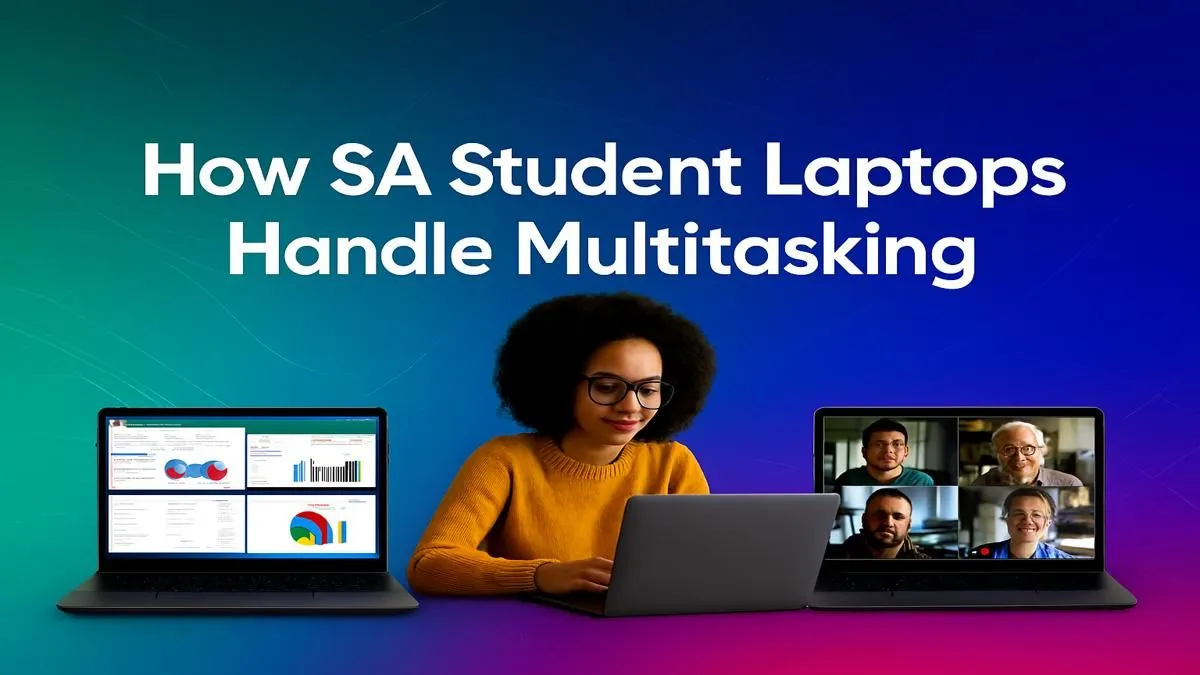
Juggling a hectic Discord server, a resource-hungry game, and ten browser tabs for a university project? We get it. In South Africa, our hustle demands more from our tech. Finding the best laptops for multitasking isn't just about convenience; it's about keeping your workflow smooth and your K/D ratio high. Let’s dive into what separates a good laptop from a great one for your demanding digital life in SA. 🚀
What Makes a Laptop Great for Multitasking?
Before you even look at a price tag, you need to understand the hardware that powers a seamless experience. A powerful multitasking laptop is a finely tuned machine where the processor, memory, and storage work in perfect harmony. Get one of these wrong, and you'll feel the lag instantly.
The Processor (CPU): The Brains of the Operation 🧠
The CPU is the core of your machine's ability to handle multiple tasks. Think of cores as individual workers. The more cores and threads a CPU has, the more tasks it can handle simultaneously without breaking a sweat.
For serious multitasking, an Intel Core i5 or AMD Ryzen 5 is the baseline. But if you're a power user—gaming, streaming, and coding all at once—you'll want to look at the beefier options. Exploring the latest Intel laptops on special will give you a great sense of what CPUs like the Core i7 and i9 series can offer. Similarly, the performance from Team Red is staggering, with many of the best multitasking laptops powered by their silicon; check out these AMD laptops on special to see the Ryzen 7 and 9 in action.
RAM: Your Digital Workspace
If the CPU is the worker, RAM (Random Access Memory) is the size of their desk. 8GB of RAM is okay for light browsing and document editing. But for true multitasking in 2024? 16GB is the new standard. It gives you the headroom to run demanding applications like Adobe Premiere, your favourite AAA game, and a dozen browser tabs without your system grinding to a halt. For developers or video editors, 32GB is the sweet spot.
Storage: Speed is Everything
Your storage drive (SSD or HDD) determines how quickly your laptop can launch apps and access files. An NVMe SSD (Non-Volatile Memory Express Solid-State Drive) is non-negotiable for a modern multitasking laptop. The speed difference is massive, turning boot-up times from minutes into seconds and making the whole system feel incredibly responsive.
Pro Tip: Check Your Task Manager
Not sure where your bottleneck is? Press Ctrl+Shift+Esc in Windows to open Task Manager. Click the "Performance" tab. If your CPU, Memory, or Disk is constantly hitting 100%, it's time for an upgrade!
Finding the Best Laptops for Multitasking in South Africa
Now that you know the specs, how do you find the right machine for your budget? The key is balancing power with practicality. A top-tier gaming rig might have all the power you need, but its battery life might not survive a bout of load shedding.
Consider these user profiles to narrow your search:
- The Power Gamer & Streamer: You need the best of everything. A strong CPU (Core i7/Ryzen 7 or better), a dedicated GPU like an NVIDIA GeForce RTX 40-series, and at least 16GB of RAM are essential. This setup ensures you can stream high-quality gameplay without dropping frames. Dive into the best gaming laptop deals to find a machine built for this kind of heavy lifting.
- The Creative Professional: Your priorities are similar to a gamer's but with an emphasis on screen quality and RAM. Look for laptops with colour-accurate displays (100% sRGB or better), 32GB of RAM for handling large project files, and a powerful GPU to accelerate rendering in apps like DaVinci Resolve or Blender.
- The Student & Hybrid Worker: You need a reliable all-rounder. A laptop with a modern Core i5 or Ryzen 5, 16GB of RAM, and a 512GB NVMe SSD is a fantastic sweet spot. It offers snappy performance for research and assignments while still being capable enough for light gaming and media consumption. Portability and battery life are also key factors here.
Optimise Your Machine for Peak Performance 🔧
Even the best laptops for multitasking need a little TLC to run at their best. Here are a few quick tips to keep your machine running smoothly:
- Manage Startup Apps: Too many programs launching at boot can slow your system down. Disable non-essential ones in the Task Manager's "Startup" tab.
- Keep Drivers Updated: Ensure your graphics and chipset drivers are current. This often unlocks performance improvements and fixes stability issues.
- Use Virtual Desktops: Hit
Win+Tab to create separate virtual desktops. You can keep your work apps on one, your gaming and social apps on another, and switch between them instantly. It’s a built-in feature that dramatically improves organisation.
Ultimately, the best multitasking laptop for you is one that doesn't make you compromise on your workflow or your fun. By focusing on a strong CPU, ample RAM, and fast storage, you're setting yourself up for a lag-free future.
Ready to End the Lag?
Find the perfect machine that keeps up with your hustle and your hobbies. Explore our massive range of laptop specials for sale in South Africa and get performance that lets you do it all, all at once.