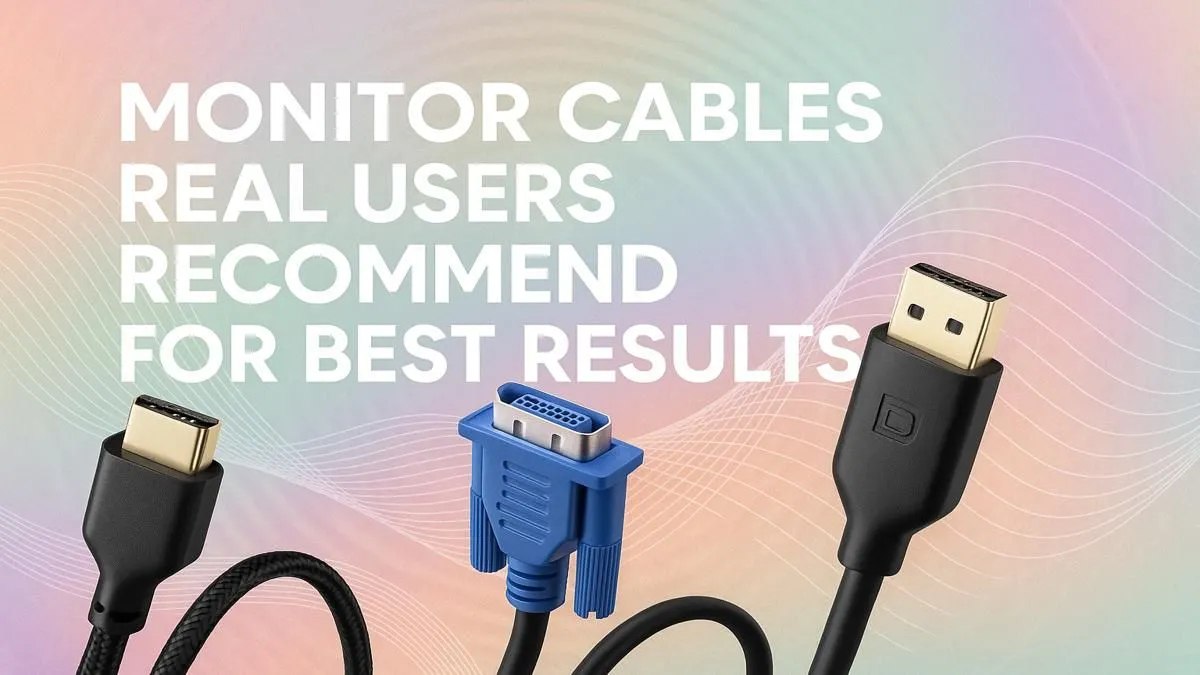
You’ve just unboxed a beast of a graphics card and a shiny new 240Hz monitor. You plug everything in with the old cable you found in a drawer, boot up your favourite game… and it looks… off. Stuttering? Screen tearing? That, my friend, is your PC screaming for a better connection. Choosing the best monitor cables isn't just a final touch; it’s the vital link that unlocks the performance you paid for. Let's get it sorted.
Why Your Monitor Cable is the Unsung Hero of Your Rig
Think of a monitor cable as a highway for pixels. A cheap, poorly made one is like a congested, pothole-ridden road… it creates a bottleneck, preventing your GPU's glorious graphics from reaching your screen at full speed and quality. The best monitor cables ensure a clean, stable signal, which is crucial for high refresh rates, vibrant colours, and technologies like G-Sync or FreeSync.
A faulty or low-spec cable can cause:
- Flickering or black screens: The signal keeps dropping.
- Sparkles or "artifacts": Digital noise corrupting the image.
- Locked refresh rates: Your 144Hz monitor might be stuck at 60Hz.
- Washed-out colours: The full colour data isn't getting through.
Investing a few hundred ZAR in a quality cable is one of the most cost-effective upgrades you can make.
DisplayPort vs. HDMI: The Main Event ⚡
For PC gamers, this is the big debate. While both can deliver a stunning picture, they have key differences. The monitor cable recommended for your specific setup depends on your hardware.
DisplayPort: The Gamer's Choice
DisplayPort (DP) is typically the top choice for high-performance PC gaming. Why? It generally offers more bandwidth than HDMI at the same price point. This is the key to unlocking ultra-high refresh rates at 1440p or 4K resolutions. It’s also the original standard for NVIDIA G-Sync, ensuring the smoothest, tear-free gameplay. If your GPU and monitor both have a DP port, you should probably be using it. Check out Evetech's wide range of comprehensive cable solutions to find the perfect match.
HDMI: The Versatile All-Rounder
HDMI is everywhere—on TVs, consoles, and of course, PCs. Modern HDMI 2.1 is incredibly capable, matching DisplayPort 1.4 for 4K @ 120Hz gaming. It’s a fantastic all-rounder, especially if you also connect your PC to a big-screen TV. For a reliable connection that won't let you down, brands like HP offer excellent HDMI cables built to last.
Check Your Ports! 🔧
Before you buy, physically check the ports on your graphics card and monitor. It sounds obvious, but it’s a common mistake! Most modern GPUs have multiple DisplayPort and at least one HDMI output. Match the cable to the best available port on both devices.
What Real Users Say Makes the Best Monitor Cables
Beyond the port type, seasoned builders in the SA gaming scene look for a few key features that separate the good from the downright dodgy.
- Build Quality: A thick, well-shielded cable prevents signal interference from other electronics. Gold-plated connectors resist corrosion and ensure a solid connection. Brands like GIZZU are known for their robust build quality, making them a local favourite.
- Correct Length: A cable that's too long can degrade the signal, while one that's too short is just a pain. Measure the distance you need and add a little slack for cable management.
- Certified Versions: Look for cables certified for a specific standard (e.g., "Ultra High Speed" for HDMI 2.1 or "DP8K" for DisplayPort 1.4). This guarantees it meets the performance specs you need for your high-end gear.
Ultimately, the best monitor cable is one you plug in and forget about, because it just works flawlessly. ✨ Don't let a R100 cable bottleneck your R30,000 gaming rig.
Upgrade Your Visuals Today
Stop letting a bad cable dictate your gaming experience. Explore our curated selection of high-performance Promate monitor cables and see the difference a quality connection makes.