You’re lining up the perfect headshot, your team is counting on you… and then it happens. A lag spike from hell. Your Wi-Fi signal, weaker than a load shedding schedule, has betrayed you again. For too many South African homes, patchy Wi-Fi is a daily frustration. But what if you could blanket your entire house, from the gaming room to the braai area, in a single, strong, and seamless network? That’s the magic of OneMesh. ✨
Understanding OneMesh for Seamless Sync
So, what is this OneMesh wizardry? In short, it’s a clever feature from TP-Link that lets a compatible router and one or more range extenders work together as a unified team. Instead of having multiple Wi-Fi network names (like "HomeWiFi" and "HomeWiFi_EXT"), you get one single, intelligent network. Your phone, laptop, or console will automatically switch to the strongest signal as you move around, ensuring a truly seamless sync with zero interruptions.
To build this dream network, you need a solid foundation. It all starts with one of the many powerful wireless routers that support the OneMesh feature.
Finding the Best OneMesh-Compatible Extenders
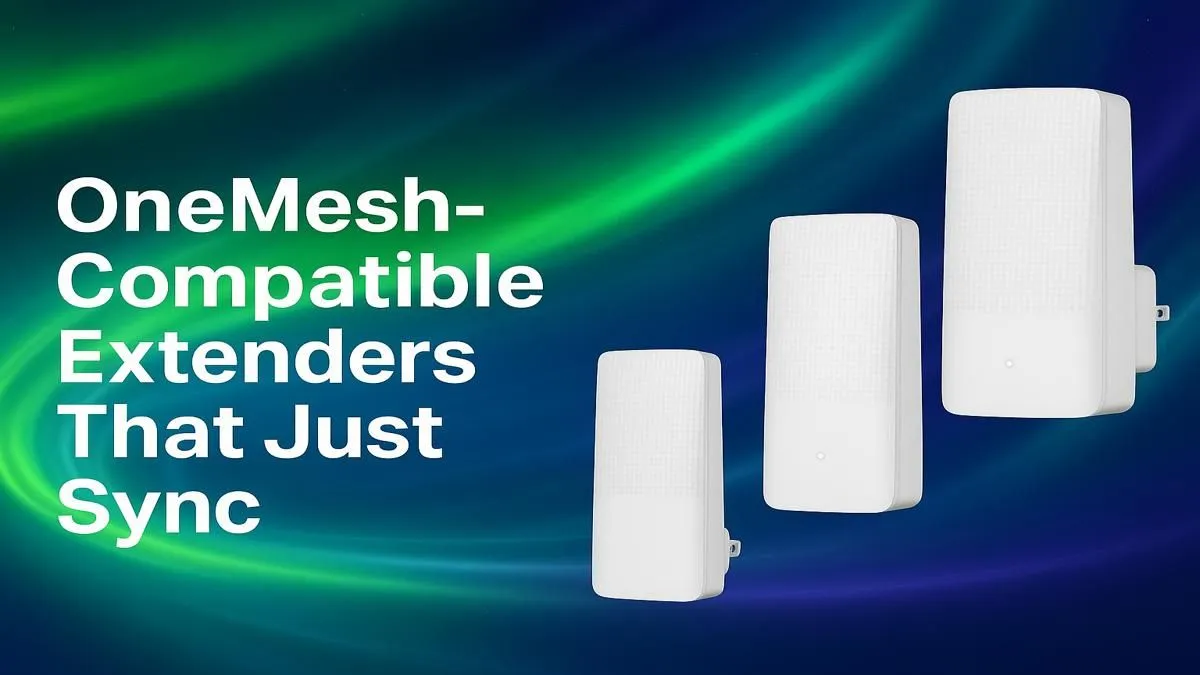
Not all extenders are created equal. When looking for OneMesh-compatible extenders, you’re choosing a device specifically designed to join this smart ecosystem. The key benefit is that it stops acting like a separate, loud repeater and starts acting like a smart, integrated part of your network.
Think of it like this… your router is your main signal source, but those thick brick walls are blocking the signal to your bedroom. A standard extender creates a new network you have to manually connect to. But the best OneMesh extender for your setup simply catches the signal and rebroadcasts it under the same network name, eliminating dead zones without the hassle. It’s a core part of creating a complete wireless networking setup that just works. 🚀
Quick Setup for Peak Performance 🔧
Getting your OneMesh network up and running is surprisingly simple and usually takes just a few minutes via the TP-Link Tether app.
- Plug It In: Place your new extender roughly halfway between your router and the Wi-Fi dead zone.
- Press a Button: Hit the WPS button on your router, then on your extender. They'll sync up automatically.
- Manage with Ease: Use the Tether app on your phone to see everything connected to your new, unified mesh network.
For desktop PCs or older devices that might not have the latest Wi-Fi tech built-in, pairing your new network with high-speed wireless adapters can ensure you get every drop of performance you're paying for.
Pro Tip: Location is Everything 📶
Don't hide your extender behind the TV or in a cabinet. For the best performance, place it in an open area, free from obstructions and other electronic devices, about halfway between your router and the dead spot.
Is a OneMesh Extender Right for You?
Let’s be honest, it’s a brilliant solution, but not for everyone. A OneMesh-compatible extender is a perfect upgrade if you already own or plan to buy a TP-Link OneMesh router and are struggling with dead zones. It offers a massive improvement over traditional extenders for a relatively small cost.
If your home is small and you already have great coverage, you can probably save your money. But for most medium-to-large South African homes with multiple users and devices, investing in a seamless mesh system is one of the best upgrades you can make. You can explore a wide variety of OneMesh-compatible wireless range extenders to find the perfect match for your router and budget.
Ready to End Wi-Fi Dead Zones for Good?
Stop juggling networks and start enjoying smooth, uninterrupted connectivity across your entire home. Shop our range of OneMesh extenders at Evetech and build a network that keeps up with you.