You’re staring at the buffering wheel of death. Again. That assignment is due at midnight, and your res Wi-Fi has decided to take a nap. Or maybe you’re about to clutch a 1v3 in Valorant when… lag spike. For South African students, a weak signal is more than an annoyance; it’s a barrier. But fixing it doesn’t require an IT degree or a fat wallet. The best plug-and-play boosters for student rooms are here to save your sanity. 📶
Why Your Student Digs Wi-Fi is a Nightmare
Before we dive into the fix, let's quickly diagnose the problem. Student accommodation, whether it's a university res or a shared commune, often has Wi-Fi that wasn't designed for a dozen people streaming, gaming, and attending online lectures at once. The signal has to battle through thick concrete walls, navigate crowded airwaves, and travel a long way from the main router to your desk in the corner.
This is where understanding your basic wireless networking components becomes a superpower. Knowing the cause helps you choose the right cure.
Finding the Perfect Plug-and-Play Wi-Fi Booster
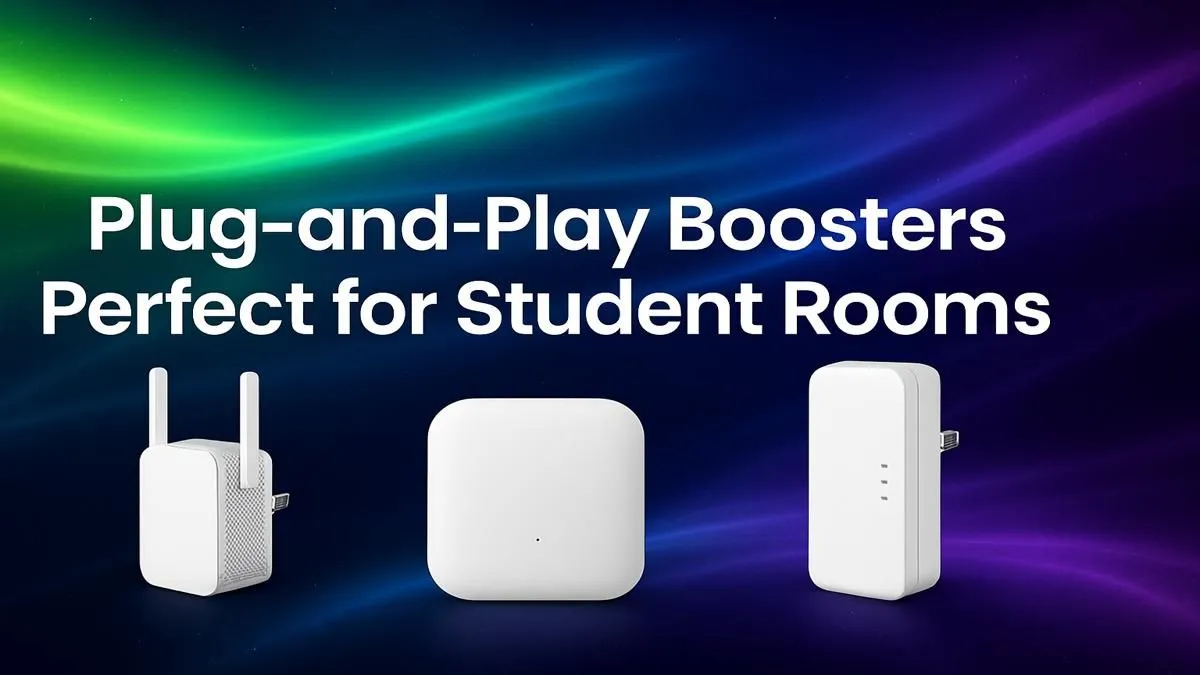
You don't need a complex mesh system for a single room. You need a simple, effective fix. These are the best plug-and-play boosters for student rooms, designed for instant results.
The Signal Stretcher: Wi-Fi Range Extenders
This is the classic solution and often the most effective. A Wi-Fi range extender grabs the existing signal from your main router and rebroadcasts it, creating a new, stronger bubble of coverage right where you need it. It’s perfect if you get one or two bars of signal in your room, but it’s weak and unreliable.
Just plug it into a wall socket, follow a simple setup on your phone or laptop, and you’re golden. For a few hundred Rand, you can turn a Wi-Fi dead zone into a high-speed hotspot. Explore our collection of affordable wireless range extenders that are perfect for the job.
Pro Placement Tip ⚡
Don't place your range extender in the dead zone itself! For best results, plug it in about halfway between the main router and your room. It needs to pick up a decent signal to be able to boost it effectively.
The Direct Connection: USB Wireless Adapters
What if your problem isn't a weak signal, but no signal at all for your desktop PC? Many student gamers build budget rigs, and an integrated Wi-Fi card isn't always included. A USB wireless adapter is the ultimate plug-and-play solution here.
It's a tiny dongle that plugs into a spare USB port, giving your PC instant Wi-Fi capabilities. Modern adapters support fast Wi-Fi 5 or Wi-Fi 6 standards, ensuring your connection is as quick and stable as your roommate's gaming laptop. Check out these easy-to-install USB wireless adapters and get your desktop online in seconds.
When a Simple Booster Isn't Enough 🎓
Sometimes, the problem is the source. If the main house router is a relic from 2010, no amount of boosting will give you the speeds you need for modern gaming or 4K streaming. If everyone in the house is complaining about slow internet, it might be time to chat with your housemates or landlord about an upgrade.
A modern router can handle more devices, provide much better range, and deliver faster speeds to everyone. Pitching in for one of our powerful wireless routers can be a surprisingly affordable investment for a massive quality-of-life improvement for the whole house.
Stop Buffering, Start Winning
Don't let bad Wi-Fi dictate your grades or your K/D ratio. A simple, affordable plug-and-play booster is all you need to take back control of your connection. Shop for the best wireless range extenders in SA and get the stable signal you deserve.