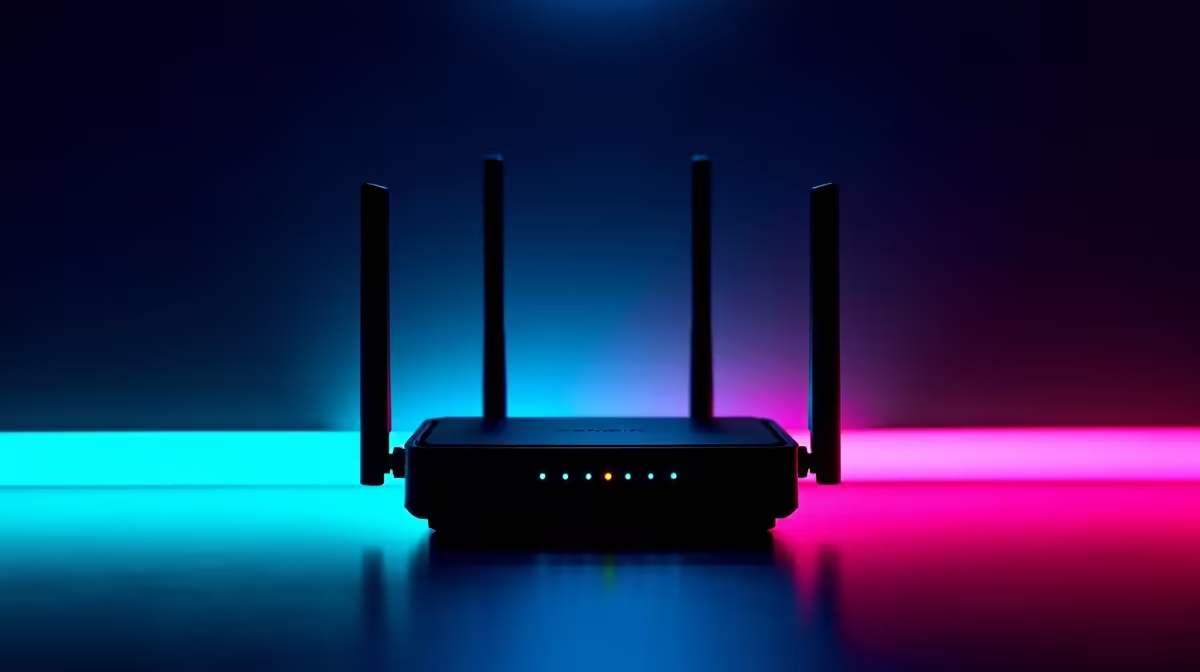
Is your Wi-Fi signal weaker than Eskom's promises? We've all been there. You’re trying to clutch a Warzone match, but lag spikes hit every time someone uses the microwave. Or maybe you just want to stream the rugby at the braai without the dreaded buffering wheel. The culprit is often Wi-Fi dead zones. But what if you could blanket your entire home in a stable connection? That's where the best plug-in extenders with 360° signal coverage come in.
Why 360° Signal Coverage is a Must-Have
When we talk about 360-degree coverage, we're not just talking about range. We're talking about eliminating those frustrating dead spots in every direction… up to the loft, down to the garage, and out onto the patio. Standard extenders can sometimes just push the signal in one direction, but a quality plug-in extender with omnidirectional antennas ensures a consistent, reliable connection sphere.
This is especially crucial in South African homes, where thick brick walls can kill a Wi-Fi signal fast. Even with one of the most powerful wireless routers at the heart of your network, you can still have zones where the signal just gives up. A well-placed extender solves this, acting as a relay to carry that strong signal further.
Choosing the Right Plug-In Extender for Your Space
Not all extenders are created equal. To get that seamless 360° signal coverage, you need to look for a few key features:
- Dual-Band Support: Look for extenders that operate on both 2.4GHz (for range) and 5GHz (for speed) bands. This helps reduce interference and gives your devices the best possible connection.
- Wi-Fi Standard: While Wi-Fi 5 (802.11ac) is still excellent, opting for a Wi-Fi 6 (802.11ax) model is a smart move for future-proofing your network, especially if you have many smart home devices.
- Passthrough Socket: Don't sacrifice a valuable plug point! Many modern extenders include a passthrough socket so you can still plug in your lamp or charge your phone.
- Ethernet Port: An Ethernet port is a massive bonus. It lets you connect a device like a gaming console or smart TV directly for an ultra-stable, wired-like connection. 🚀
Pro Tip: The Halfway Rule 💡
For optimal performance, don't place your extender in the dead zone itself. Instead, plug it in roughly halfway between your router and the area with poor signal. This allows it to pick up a strong signal from the router and then rebroadcast it effectively into the weak zone.
Building a Bulletproof Home Network
Sometimes, a single extender is just one piece of the puzzle. If your desktop PC is still struggling with a weak connection even with an extender nearby, the bottleneck might be its internal receiver. In these cases, upgrading your PC's wireless adapters can make a world of difference, allowing it to take full advantage of the improved signal.
For very large or multi-storey homes, you might consider a full mesh system. But for most, a powerful router paired with a strategic plug-in extender provides the perfect balance of performance and value. It's about creating a smarter network, not just a louder one. If you're looking to diagnose and upgrade your entire setup, you can explore our full range of wireless networking gear to find the perfect fit.
Ready to Banish Wi-Fi Dead Zones for Good?
Stop letting poor signal dictate where you can work or play. It’s time to get the powerful, reliable connection you deserve across your entire home. Shop our top-rated wireless range extenders now at Evetech for performance that leaves lag in the dust.