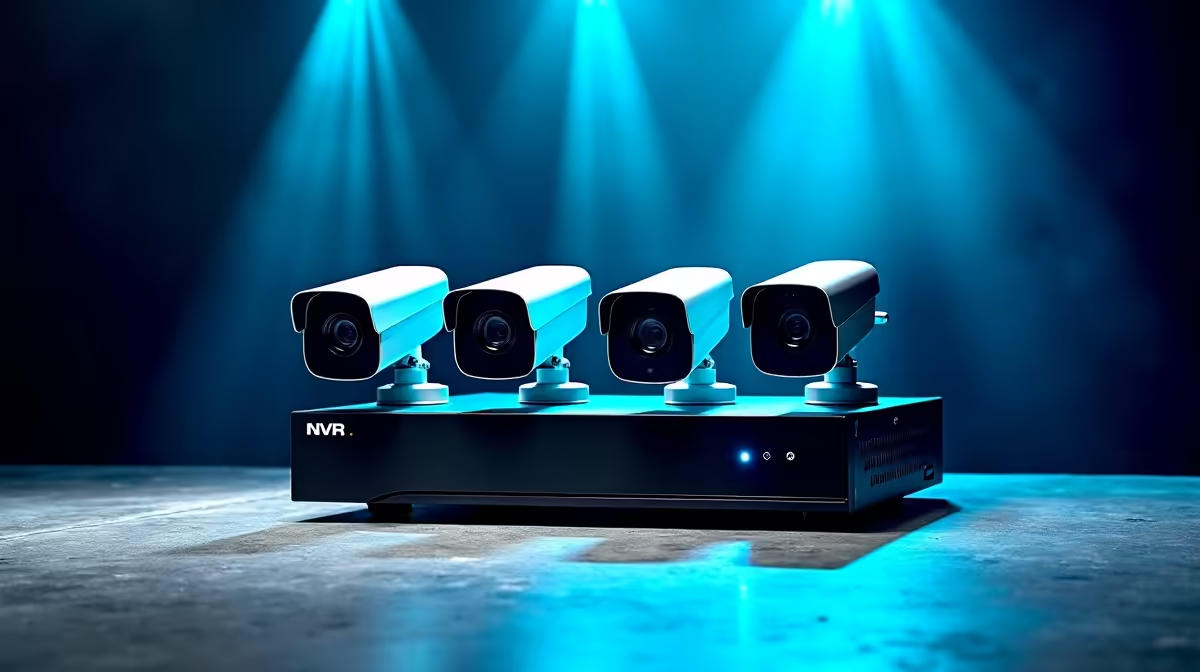
A PoE camera kit with an NVR is the cleanest way to wire a whole home for security, because each camera carries both power and video over a single Cat6 cable straight into the recorder. No separate power adapters at every camera, no monthly subscription, and footage stored locally on a drive you own. For a freestanding South African home with several entry points to cover, it is the most reliable approach you can buy.
Quick Answer
For a full home, an 8-channel 4K PoE NVR kit with four cameras and a pre-installed hard drive covers most freestanding houses, while a 16-channel kit suits larger properties or multi-building sites. Look for 4K or higher cameras, a built-in PoE switch in the recorder, and at least 2TB of storage included. Plan one Cat6 run per camera back to the NVR.
How a PoE NVR Kit Actually Works
The NVR (network video recorder) is the brain. In a PoE kit it includes a built-in switch with PoE ports, so each camera plugs straight in with one cable that delivers electricity and carries the video feed back. The recorder typically auto-detects each camera, assigns it an address, and starts recording with almost no configuration.
That single-cable design is the whole appeal. Cat6 carries both power and data reliably over roughly 100 metres, which comfortably covers the runs in a normal house, and there is no adapter to fail at the camera end. Footage records to a hard drive inside the NVR, so there is no cloud fee and no clip that disappears when a subscription lapses.
Choosing Channel Count
The channel count is the number of cameras the NVR supports, and it is the first decision because it sets your ceiling.
8-channel kits
An 8-channel recorder is the sweet spot for most South African homes. A typical kit bundles four cameras and a drive, and the four spare channels let you add cameras later as you find blind spots. Four cameras usually cover a front gate, a driveway, a back entrance, and one side approach.
16-channel kits
A 16-channel NVR suits a large property, a double stand, or a home with a separate cottage or workshop. These kits often ship with eight cameras and room to grow to sixteen, and the recorder commonly takes two drive bays so you can expand storage well beyond the starting capacity. Some 16-channel kits support cameras at resolutions above 4K and offer dual-drive bays for storage of 8TB or more, which is a realistic fit for large properties running 4K across every channel.
Resolution and Storage
Resolution decides how much usable detail you capture. 4K cameras are the sensible standard now: enough pixels to read a number plate or recognise a face at the edge of a yard, where older lower-resolution cameras only showed a blur. Some kits go higher still, which future-proofs coverage if you intend to keep the system for years.
Storage is set by the included drive, your resolution, and how long you want to keep footage. A single 4K camera recording continuously can consume over 60GB per day, so running four 4K cameras on a 2TB drive gives roughly seven to eight days of retention before overwriting. H.265 compression cuts that figure significantly. For longer retention of two to four weeks on a four-camera 4K system, aim for 4TB to 8TB of drive capacity. Browse complete options in the security range at Evetech to compare channel counts and bundled drives.
AI Detection: Separating Real Events from Noise
Modern 4K PoE kits increasingly include AI-based person and vehicle detection built into the NVR or the cameras. This matters enormously in practice: a system that alerts on every cat, shadow, or blowing branch gets silenced within days, rendering it useless. AI filtering cuts the noise down to genuine events, which means you actually pay attention when an alert arrives. Look for kits that describe AcuSense, WizMind, or equivalent on-device detection rather than relying on cloud AI.
Wiring a Freestanding SA Home
Plan the cable runs before you buy. Each camera needs a Cat6 line back to the NVR, ideally routed through the roof or along the eaves and down to each mounting point. Position the recorder centrally, near your router and a UPS-friendly power point, so the runs stay within the cable limit and the system survives a brief outage. Adding a small uninterruptible power supply keeps recording through short power dips, and the accessories best sellers cover the extra Cat6, mounts, and power protection a clean install needs.
Comparing PoE Kits Against Wi-Fi Systems
PoE kits require more installation effort than Wi-Fi cameras, but the trade-off is clear reliability. Wi-Fi cameras drop frames and fall offline when signal is weak, which is a real problem at the far corner of a property or near a concrete boundary wall. A PoE camera connected by Cat6 stays online and recording regardless of Wi-Fi congestion, interference, or signal attenuation. For a family home where the security system must be dependable rather than merely convenient, wired PoE is the better foundation.
Backup Power for the NVR
A brief grid outage should not blind your security system. Connecting the NVR and its PoE switch to a small UPS protects recording through short interruptions and keeps footage intact. Size the UPS for at least 30 to 60 minutes of runtime on the recorder and switch load, and connect it to the same circuit as the router so remote viewing stays available as well. This is a modest addition to a system that is already running Cat6 to every camera, and it meaningfully reduces the gaps in your recording history.
Frequently Asked Questions
How many cameras does a typical home need?
Most freestanding homes are well covered by four cameras: front gate, driveway, back entrance, and one side. An 8-channel NVR supports those four with room to expand, which is why it is the common starting point.
What does PoE actually give me?
Power over Ethernet sends electricity and video down one Cat6 cable per camera, so there is no separate power adapter at each camera. It simplifies wiring and removes a common point of failure on long outdoor runs.
How far can a PoE camera run from the NVR?
Cat6 reliably carries power and data over roughly 100 metres, which covers the runs in a normal house. For longer distances you would add a PoE extender or a separate switch.
Do I need a subscription?
No. A PoE NVR kit records to a hard drive inside the recorder, so footage is stored locally with no monthly cloud fee. You own the drive and the recordings.
How much storage should I get?
A 2TB drive is a reasonable start for lower resolutions, but running several 4K cameras continuously can consume over 60GB per day per camera. Choose a kit with 4TB to 8TB or a dual-bay recorder if you want several weeks of retention. H.265 compression helps stretch what you have.