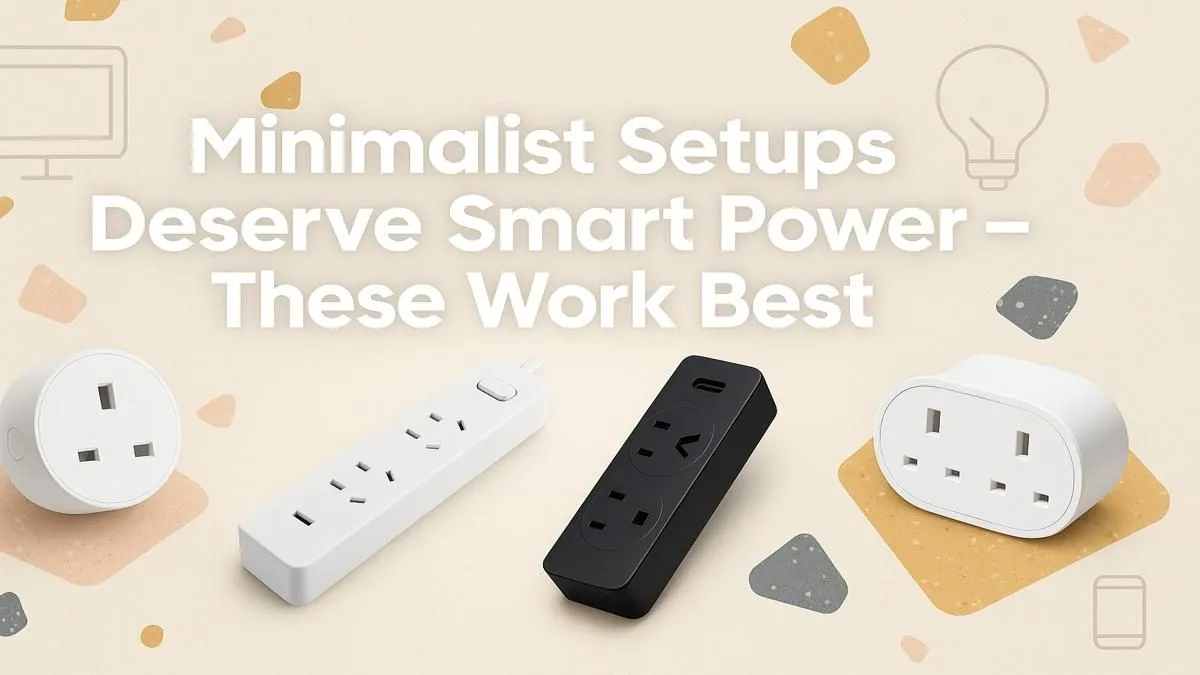
You’ve spent thousands on the perfect gaming rig. The RGB is synced, the monitor is ultrawide, and your desk is a masterpiece of clean lines... until you look down. That chaotic mess of cables, a true "rat's nest," is ruining the entire vibe. Let's be honest, it's a problem. But the solution is simpler and more affordable than you think. The right power strip is the unsung hero of any minimalist setup.
Why a Quality Power Strip is Essential for Your Minimalist Setup
Forget that old, beige extension cord from the back of the garage. A modern power strip is a core component of a clean and safe gaming station. The best power strips for minimalist setups aren't just about giving you more outlets; they're about organising power delivery. They help you route cables cleanly, reduce visual clutter, and most importantly, protect your expensive hardware from South Africa's unpredictable power grid. ⚡
A well-chosen strip can be mounted discreetly under your desk, consolidating all your power bricks into one central, manageable hub. This instantly elevates your setup's aesthetics from chaotic to curated.
What to Look for in the Best Minimalist Power Strips
Choosing the right power solution goes beyond the number of sockets. For a truly clean and functional desk, you need to consider the details.
Key Features Checklist:
- Slim Profile & Mountability: Look for a flat or thin design that can be easily attached to the underside of a desk with adhesive strips or screws. This is the number one trick for making cables disappear.
- Integrated USB Ports: Why use a bulky phone charger brick when your power strip can do the job? Built-in USB-A and USB-C ports are perfect for charging your headset, controller, or phone, saving a valuable plug socket. You can find some great options under R500 that include this feature.
- Surge Protection: This is non-negotiable. With load shedding and voltage fluctuations, surge protection is the cheap insurance that saves your PC, monitor, and consoles from catastrophic failure.
- Socket Spacing & Orientation: Some power bricks are massive! Look for strips with widely spaced or rotated sockets to ensure you can use every single one.
="Cable Management Pro Tip 🔧" ,
Once you have your new power strip, grab a pack of reusable velcro cable ties. Group cables running to the strip (e.g., monitor power, PC power) and wrap them together. This simple, R50 trick makes your setup look professionally managed and ten times cleaner.
Finding the Right Power Strip for Your Budget
You don't need to break the bank to achieve cable management nirvana. The goal is to find the sweet spot between features, safety, and price.
For most gaming rigs, a strip with 4 to 6 AC outlets and a couple of USB ports is more than enough. Prioritise a trusted name and certified surge protection over flashy gimmicks. Exploring versatile chargers and power strips will give you a good idea of the features available at different price points. Focus on build quality; you want a robust unit that will last. ✨
By investing in a decent power strip, you're not just buying sockets—you're buying peace of mind and a cleaner aesthetic. It's a small upgrade that makes a massive difference to your daily experience. You can find quality gear from brands like Promate, which are known for reliable and well-designed power solutions.
Ready to Tame the Cable Monster?
Stop letting messy cables undermine your perfect setup. A clean, organised, and protected rig is just one smart purchase away. Explore our full range of power solutions and give your desk the clean finish it deserves.