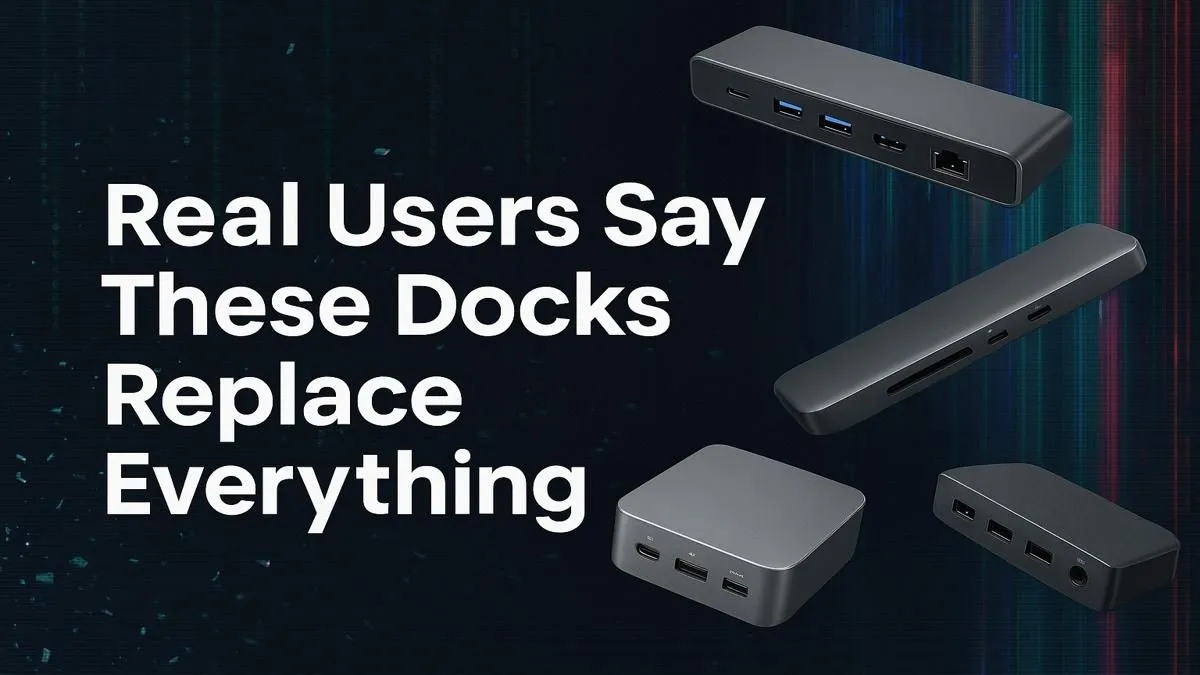
Juggling a nest of cables for your laptop is a uniquely South African struggle. One dongle for your monitor, another for your keyboard, and a separate charger… all while hoping load-shedding doesn’t scramble your setup. What if one sleek device could replace them all? The best universal laptop docks are designed to do just that, transforming your cluttered desk into a streamlined command centre with a single cable connection. It's time to simplify your tech life. ✨
Why a Universal Laptop Dock is Your Desk's New Best Friend
Let's be honest, the "portable" part of a laptop quickly disappears under a mountain of accessories. A docking station acts as a central hub, connecting all your peripherals—monitor, mouse, keyboard, external hard drive, and even your network cable—to your laptop through one powerful USB-C port.
The magic is in the simplicity. You plug everything into the dock once. Then, whenever you need to connect your laptop, it's just one cable. No more fumbling with five different plugs. This single-cable solution not only declutters your space but also protects your laptop's ports from wear and tear. Top brands like Promate offer robust docking stations packed with the right connections for any setup.
Choosing the Right Dock for Your Setup
Not all docks are created equal. Finding the right one depends entirely on your needs. Are you a competitive gamer needing a lag-free connection, or a professional who needs to drive two 4K displays?
Here's what to look for:
- Ports, Ports, Ports: Count your peripherals. You'll want enough USB-A ports for older gear, USB-C for modern devices, HDMI or DisplayPort for your monitors, and an SD card reader if you're a content creator.
- Power Delivery (PD): This is massive. A dock with PD can charge your laptop while it's connected, eliminating the need for your original laptop charger. Check the wattage (e.g., 65W, 100W) to ensure it's enough for your machine.
- Display Output: Check the dock's specs to see if it supports the resolution and refresh rate you need. For gamers, 1080p at 120Hz is great, while creators might need 4K at 60Hz.
Even on a tight budget, you can get a fantastic unit. There are many powerful laptop docks under R1000 that provide the essential ports for a clean and efficient workspace. 🔧
Check Your USB-C Port!
Not all USB-C ports are the same. For video output, your laptop's USB-C port must support 'DisplayPort Alternate Mode' or be a Thunderbolt 3 4 port. Check your laptop's specs before buying a dock to ensure compatibility!
Features That Make a Good Dock Great
Once you've covered the basics, a few key features can elevate a dock from good to indispensable. A dedicated Ethernet port is one of them. For online gaming or high-stakes video calls, Wi-Fi can be unreliable. An Ethernet port provides a stable, wired internet connection for zero lag and maximum speed. 🚀
Another consideration is data transfer speed. Look for docks with USB 3.1 Gen 2 or faster ports if you regularly move large files between your laptop and external drives. For those with demanding setups, stepping up your budget slightly can unlock more power and connectivity. Exploring options in the sub-R2000 price range often gets you more display outputs, faster charging, and a wider variety of ports.
Ultimately, the right dock is the one that seamlessly integrates into your workflow, removing friction and letting you focus on what matters… whether that's hitting your deadlines or hitting your headshots.
Ready to Unclutter Your Desk?
Stop wrestling with cables and discover the power of a single-connection setup. Explore our full range of docking stations and find the perfect hub for your laptop today.