



PCIe 5.0 vs PCIe 4.0 for Strategy and Sim Games in SA
PCIe 5.0 and PCIe 4.0 differ most in lane support, compatibility, and upgrade value for strategy and sim games. SA buyers should match the choice to their actual hardware and games.
Read moreDiscover the 🔥 best VR-ready Wi-Fi boosters that slash lag and boost speeds. Elevate your VR experience with these top picks!
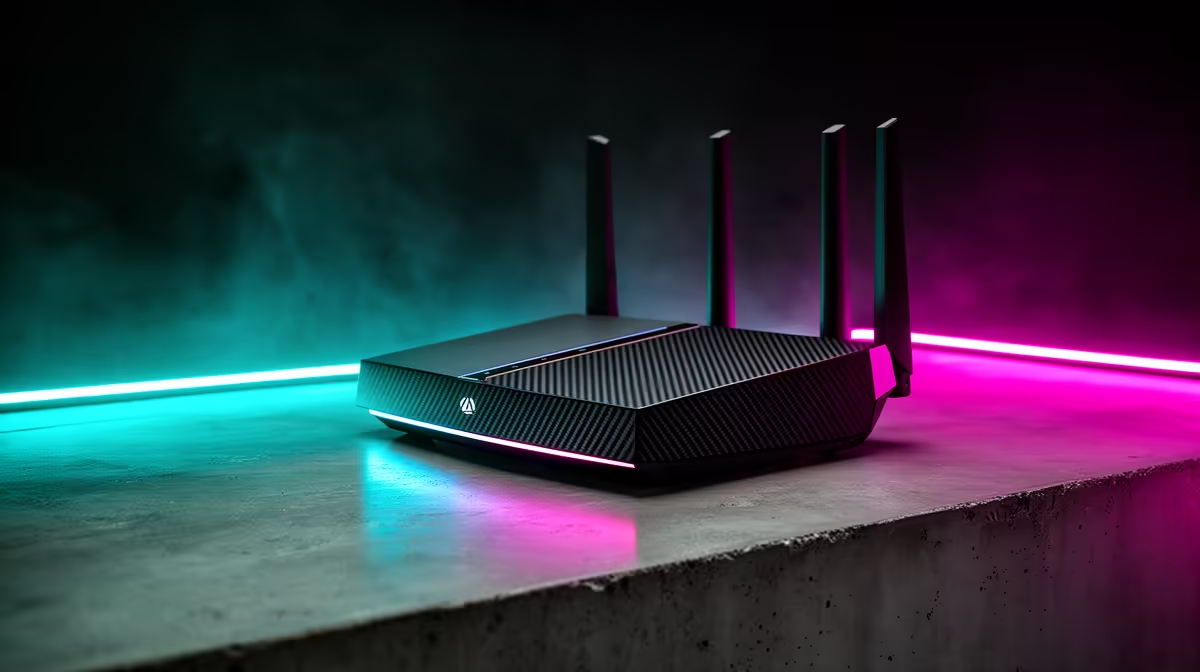
Staring at a loading screen while your mates are racking up kills? Ja, we've all been there. That glorious, untethered freedom of wireless VR is incredible... until your Wi-Fi signal drops mid-session. Suddenly, your immersive world becomes a stuttering, pixelated mess. But what if the fix wasn't a new R20,000 PC, but something far simpler? For South African gamers, finding the best VR-ready Wi-Fi booster for 2025 is the key to unlocking flawless, lag-free virtual reality.
Virtual reality isn't like streaming a 4K movie. It demands a constant, high-speed, and incredibly low-latency connection to your PC. Every single frame is streamed wirelessly, and any hiccup translates directly into motion sickness or a competitive disadvantage.
Your router might be a beast, but thick walls, multiple devices, and even your neighbour's network can create dead zones right where you play. This is where a dedicated Wi-Fi booster for VR comes in. It’s not just about signal strength; it’s about creating a stable, prioritised connection for your headset. While a powerful core network is essential, and you should always start with one of the best wireless routers you can afford, sometimes you just need that extra push to cover the last few metres.
When you're hunting for a wireless solution to perfect your VR experience, a few key specs matter more than anything else. Don't just grab the cheapest extender off the shelf; look for features that are specifically built for high-demand tasks like gaming.
For the best results, place your Wi-Fi booster roughly halfway between your router and your main VR playspace. Don't hide it in a corner or behind the TV cabinet—it needs clear air to breathe and broadcast a clean signal.
Getting the right hardware is only half the battle. Once you have your new VR Wi-Fi booster, a few tweaks can ensure you're getting every drop of performance from it. First, make sure your PC itself has a strong connection. If your motherboard doesn't have built-in Wi-Fi 6, a high-quality PCIe card or USB dongle can make a massive difference. Your network is only as strong as its weakest link, so upgrading your PC's connection with modern wireless adapters is a smart move.
Next, dive into your booster's settings. Look for a "gaming mode" or Quality of Service (QoS) feature. This allows you to prioritise traffic to your VR headset's MAC address, telling the booster to serve it first, before anyone else's YouTube stream or downloads. This simple change can be the difference between a smooth session and a frustrating one.
Ready to Banish VR Lag for Good? Stop letting a weak signal ruin your immersion. Explore Evetech’s full range of networking gear and build a rock-solid connection for 2025 and beyond. Shop our complete wireless networking solutions for performance that leaves lag in the dust.
VR-ready boosters offer low latency and high speeds to handle VR headsets' demands.
Not all. Choose systems with strong dual-band or tri-band support to reduce lag during gaming.
Mesh networks provide better coverage and smoother streaming for lag-free VR experiences.
Wi-Fi 6 reduces latency and boosts speeds, making it ideal for high-demand VR applications.
Investing in high-performance boosters ensures smoother gameplay and fewer connectivity drops.
Yes! Quality boosters stabilize connections, reducing lag during online VR matches.
Place boosters centrally, use wired backhaul if possible, and prioritize high-end models with lower latency features.
PCIe 5.0 and PCIe 4.0 differ most in lane support, compatibility, and upgrade value for strategy and sim games. SA buyers should match the choice to their actual hardware and games.
Read more
AM5 vs AM4 for video editing in 4K Difference explained is mostly about compatibility, budget, upgrade path, and setup fit. SA buyers should check device support and real needs before expecting a clear win from either option.
Read more
OLED vs QD-OLED for strategy and sim games buyers - what changes is mostly about compatibility, budget, upgrade path, and setup fit. SA buyers should check device support and real needs before expecting a clear win from either option.
Read more
DisplayPort 2.1 and 1.4 differences matter when SA PC builders match GPUs, monitors, and refresh targets. Use this difference between displayport 2 1 and displayport 1 4 explained pc builders guide to avoid mismatched parts.
Read more
Ray tracing vs Path tracing depends on Strategy and sim games needs, platform limits, and budget fit. Compare compatibility, latency, upgrade path, and real setup constraints before choosing for an SA build.
Read more
wireless mouse guide for Gqeberha gamers should be shortlisted around the job it must do. South African buyers should compare sensor, shape, weight, and wireless latency, warranty path, and upgrade room before treating any pick as best.
Read more
From 1 October 2026, WhatsApp Business Platform service replies in South Africa are expected to cost about $0.0076, or 12 cents, per delivered message.

DDR5-8000 RAM Kits pros and cons depend on the build, budget, and workload. Weigh gaming needs, platform fit, power, cooling, warranty support, and South African pricing context before shortlisting it.

Wi-Fi 6E vs Wi-Fi 6 depends on AAA single-player gaming needs, platform limits, and budget fit. Compare compatibility, latency, upgrade path, and real setup constraints before choosing for an SA build.

Ryzen 9 9950X3D dead pixel checks should isolate the panel first. Run colour fills, inspect the monitor menu, test another cable or input, and capture proof before linking it to the SA CPU upgrade.

YouTube will count public views from the first frame across video formats from 24 August, while earnings and eligibility remain tied to engaged viewing.

Canonical expects Ubuntu on WSL users to outnumber native Ubuntu desktop users before the end of 2026. The software is open source and runs inside supported Windows PCs.

Telkom's daily bundles pair WhatsApp access with 10 all-network voice minutes. The R15 option includes 300MB, while the R17 option uses a fair-use threshold.

A 10,000-hour test found similar image retention across older and newer OLED TVs, while newer panels were brighter and more efficient. Local OLED monitors started at R9,999.

650W for RTX 5090 needs a full-build check, not a simple yes. Review GPU guidance, CPU draw, transient load, connectors, PSU quality, and upgrade plans before deciding.
PCIe 5.0 and PCIe 4.0 differ most in lane support, compatibility, and upgrade value for strategy and sim games. SA buyers should match the choice to their actual hardware and games.

How to fix FPS drops Windows 11 RX 9070 XT starts with GPU drivers, overlays, power plans, and frame pacing checks. For SA gaming PCs, verify chipset updates, HAGS, refresh rate, thermals, and per-game graphics settings.
AM5 vs AM4 for video editing in 4K Difference explained is mostly about compatibility, budget, upgrade path, and setup fit. SA buyers should check device support and real needs before expecting a clear win from either option.