


RTX 4060 Ti Throttling Under Load: SA Temperature Guide
RTX 4060 Ti Throttling Under Load: Temperature. Everything you need to know with SA pricing, step-by-step instructions & expert recommendations.
Read moreChoosing the best webcam features for streaming is vital for professional content. From resolution to auto-exposure, we break down exactly what you need to upgrade your setup today. 🎥🚀
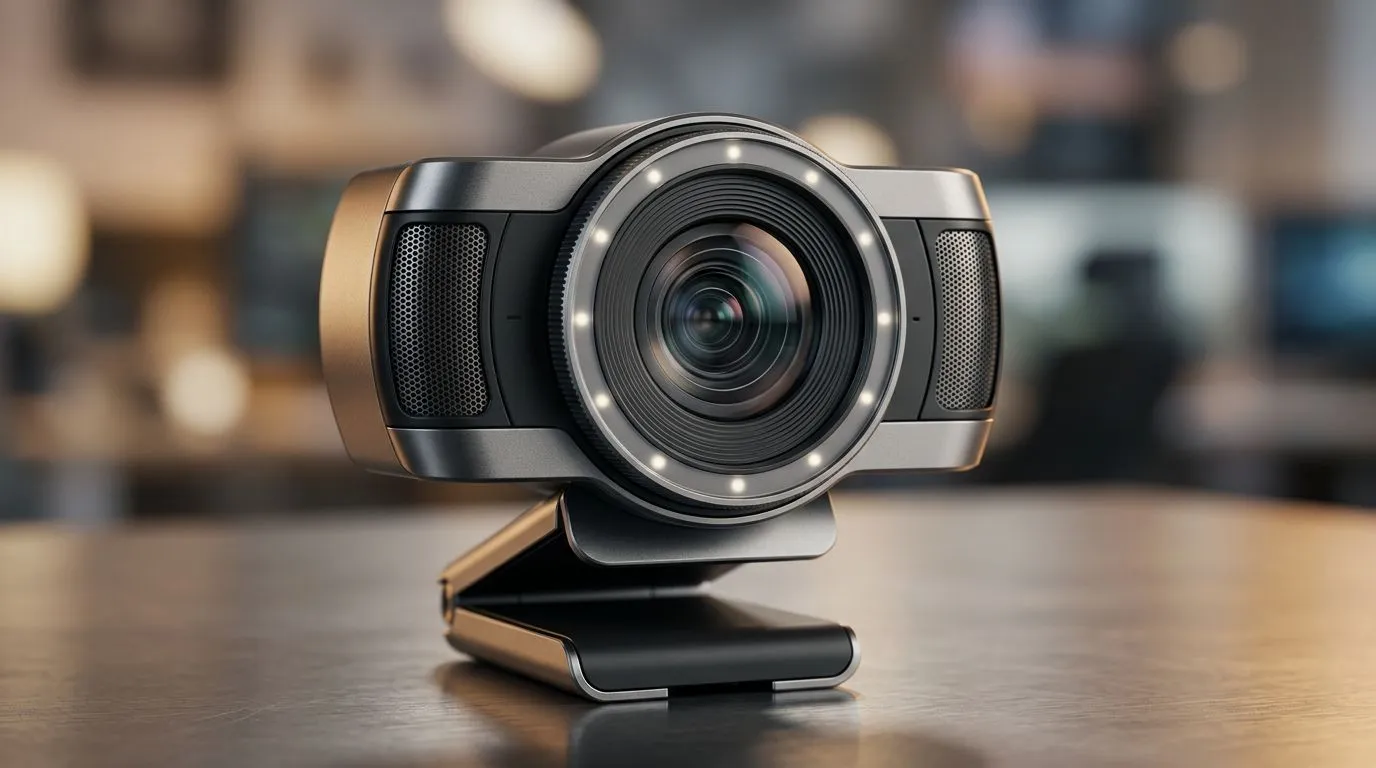
If you’ve ever tried to stream on a “good enough” webcam… and your viewers still kept saying “your face looks blurry”, you’re not alone. In South Africa, where loadshedding schedules and bandwidth dips can be real… camera clarity matters. The right webcam features can make your stream look cleaner, sound more professional, and feel more consistent. Ready to upgrade without wasting money? Let’s break down the best webcam features for streaming so you can buy with confidence.
Most streamers target 1080p for a crisp look without demanding insane upload bandwidth. Higher resolutions can help if you’re using good lighting, but the bigger win is stable focus and clean image processing.
A webcam that does 30fps at 1080p is a strong baseline for streaming. If you record action-heavy moments (sports, FPS, rhythm games), higher frame rates can look smoother. That said, your stream quality still depends on lighting and network stability.
SA homes aren’t always studio-lit. If your webcam struggles in dim light, you’ll get noise, colour shifts, and a washed-out image. Look for features like better sensors and noise reduction, then test it with your usual room setup.
Manual focus is fine… if you never move. But most gamers lean forward, stand up, or adjust their chair. Strong autofocus helps keep your face sharp, especially during long sessions.
Using a simple key light (even an inexpensive LED panel) placed slightly above eye level can dramatically improve low-light clarity. Then set your webcam’s exposure white balance to avoid constant shifting during gameplay. Your viewers will notice the difference immediately.
Built-in microphones are convenient, but streaming audio quality varies wildly by model and room noise. If you’re serious about consistent clarity (especially in noisy LAN-style environments), consider pairing your webcam with an external mic later.
Look for real-world noise reduction rather than vague marketing. If your webcam can reduce background hiss and keyboard clicking, you’ll sound more “present” and easier to understand.
Some webcams offer better gain control or monitoring to help you avoid clipping. Clipping is brutal on streams because it makes speech sound harsh, even when you’re not “yelling”.
Automatic white balance that constantly hunts can make your skin tone shift during matches. When possible, use webcams or software controls that let you lock settings.
Exposure issues show up as sudden brightness jumps during gameplay or menu screens. Stable exposure makes your stream look more “intentional”.
Some webcams advertise HDR-style processing. It can improve contrast, but it can also create an over-processed look if the processing is aggressive. If the option exists, test it on your own face, not just a marketing video.
Choose a webcam with a reliable USB connection. For most users, a standard USB webcam is straightforward, but always confirm compatibility with your streaming setup.
A camera that works without messy driver installs is a win. You want to spend time playing, not troubleshooting in the middle of a ranked grind.
Your webcam should integrate smoothly into your capture software. If it supports common tools (and doesn’t require constant tweaking), it’s easier to maintain consistent stream quality.
If you’re ready to upgrade now, it helps to shortlist by budget. Here are Evetech’s webcam options by price band, so you can compare features and decide fast:
When you’re choosing a webcam, don’t only chase specs. Use this fast checklist:
If you’re buying for streaming in SA conditions, also consider practical reality… Will it look good in your room lighting? Can you mount it securely on a monitor or tripod? Those details decide whether you stay happy after week one.
Ready to Find Your Perfect Match? The Mac vs Windows debate is complex, but for maximum power, choice, and value in South Africa, Windows is hard to beat. Explore our massive range of laptop specials and find the perfect machine to conquer your world.
For most streamers, 1080p at 60fps is the gold standard for high-quality, smooth video, though 4K is becoming popular for high-end content creators.
Yes, a higher frame rate like 60fps provides smoother motion, which is critical for fast-paced gaming streams compared to standard 30fps.
Auto exposure helps maintain consistent brightness, but manual control is often preferred by streamers to prevent flickering during dynamic lighting changes.
While built-in stereo microphones are convenient, professional streamers typically use a dedicated external microphone for superior audio fidelity.
A larger sensor allows more light into the camera, resulting in better low-light performance and less grainy, noise-heavy footage in dark rooms.
A wider field of view allows you to capture more of your background, which is helpful if you are showing off a complex gaming setup or multi-person streams.
RTX 4060 Ti Throttling Under Load: Temperature. Everything you need to know with SA pricing, step-by-step instructions & expert recommendations.
Read more
Apex Legends Max Settings on RTX 4080. Tested & verified settings for best FPS and visual quality on SA hardware budgets.
Read more
GPU Buying Guide. Everything you need to know with SA pricing, step-by-step instructions & expert recommendations.
Read more
GPU Terms Guide. Everything you need to know with SA pricing, step-by-step instructions & expert recommendations.
Read more
AMD Adrenalin Download & Setup Guide: GPU. Clear setup instructions with SA-specific considerations, troubleshooting tips & recommended components.
Read more
Back-to-School GPU Buying Guide. Everything you need to know with SA pricing, step-by-step instructions & expert recommendations.
Read more
Snapdragon X2 NPU Explained: How 80 TOPS Changes. Plain-English explanation of what it means, why it matters & how it affects your buying decisions in SA.

HBM? High Bandwidth Memory Used in GPUs and AI. Plain-English explanation of what it means, why it matters & how it affects your buying decisions in SA.

How much should you spend on sim racing accessories in South Africa for a realistic setup? We break down budgets by quality tiers, so you buy smart gear and avoid overspending 🎮💸

G-Sync and FreeSync? Variable Refresh Rate. Plain-English explanation of what it means, why it matters & how it affects your buying decisions in SA.

AMD Laptop: Value. SA-focused analysis with local pricing data, real-world insights & actionable buying advice.

How MacBook Neo Handles 30+ Chrome Tabs with Only. SA-focused analysis with local pricing data, real-world insights & actionable buying advice.

Why Apple Put 8GB RAM in MacBook Neo: The A18 Pro. SA-focused analysis with local pricing data, real-world insights & actionable buying advice.

Upgrade your work laptop with a New Motherboard. Step-by-step instructions with SA-specific tips, common pitfalls to avoid & expert recommendations.

Maintain wired headset — Checklist: • inspect cables • clean earpads • store properly 🔧🎧 Practical steps to preserve sound quality and avoid premature replacements.

Fix crackling headset fast: step-by-step checks for cables, connectors, drivers, and settings to remove static or distorted audio on wired headsets 🎧⚙️

Stereo vs mono headsets: learn which delivers clearer calls, better spatial music, or simpler mono voice performance — pick the right headset for meetings, music, or gaming 🎧💬

- Compare gaming headset vs studio headphones; - Assess comfort, mic and sound; - Recommend best daily picks. Gaming headset vs studio headphones: learn which suits work, music and casual gaming. 🎧⚖️