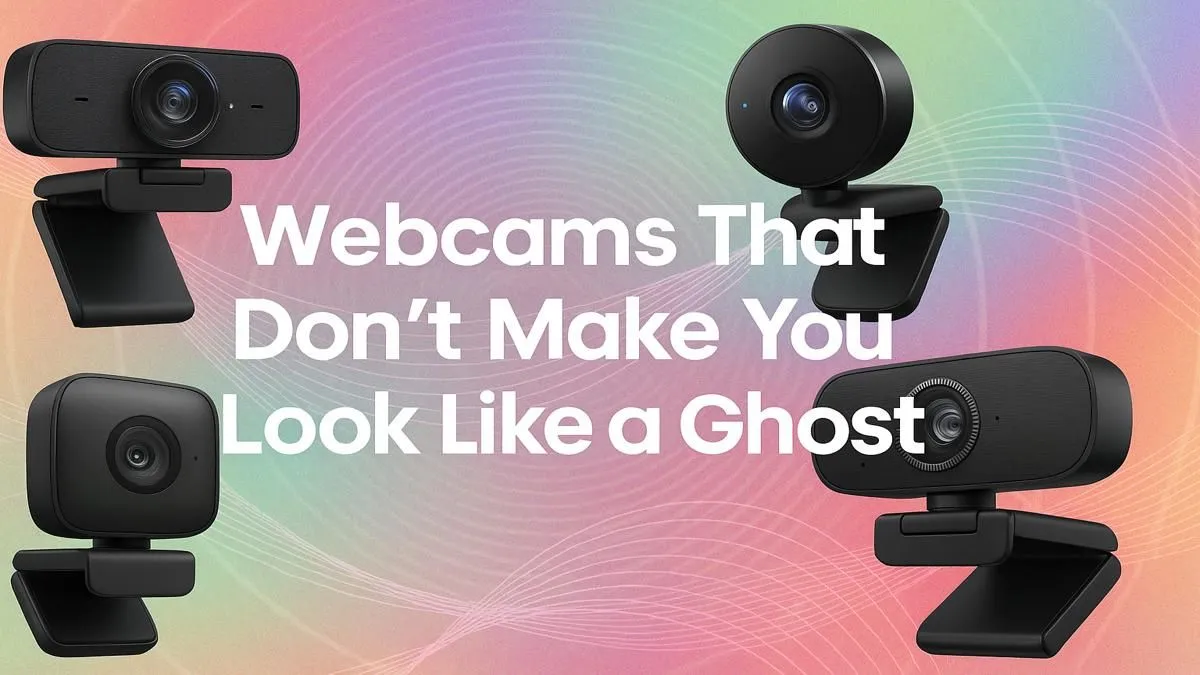
Ever jump off a stream or a work call, catch a glimpse of your video, and wonder why your webcam turned you into a washed-out ghost or a glowing orange Oompa Loompa? You’re not alone. Here in South Africa, with our beautiful diversity of skin tones, finding a webcam that delivers true-to-life colour can feel like a mission. The good news? Achieving flattering video quality isn't about magic; it's about the right tech. ✨
Why Most Webcams Struggle with Natural Skin Tones
The culprit is usually a combination of a tiny sensor and lazy automatic software. Your average built-in laptop camera or budget webcam tries to guess the "correct" white balance for the whole scene. If you have a colourful background or mixed lighting, it often gets confused, resulting in skin tones that are too cool (blue/grey) or too warm (yellow/orange).
A webcam's ability to capture natural skin tones depends heavily on its dynamic range—its power to see details in both the bright and dark parts of an image simultaneously. Without good dynamic range, highlights on your face can blow out, and shadows can look muddy, losing all the subtle variations that make you look... well, you.
Achieving Flattering Video Quality That Looks Like You
Getting that professional, true-to-life look is a two-part puzzle: the camera and the lighting. Let's break it down.
It's All About the Sensor and Software
Forget chasing the highest resolution. A great 1080p webcam with a high-quality sensor will always beat a cheap 4K camera with poor colour science. Premium webcams from brands like CORSAIR often pack advanced sensors and give you manual control over settings like exposure, white balance, and saturation. This control is your secret weapon for dialling in perfect, natural skin tones.
Master Your Lighting, Master Your Look 💡
Here’s a fact: a R1000 webcam with great lighting will look better than a R5000 webcam in a dark room. Lighting is that important. It fills in harsh shadows, provides a clean key light for the sensor to lock onto, and separates you from your background. You don't need a full Hollywood setup; even a single ring light or a key light panel makes a massive difference.
Modern smart lighting systems, like those from Cololight, allow you to control colour temperature and brightness, helping you match the light in your room for the most flattering results.
Pro Lighting Tip: The Three-Point Setup
For a truly professional look, place one main light (key light) at a 45-degree angle to your face. Add a second, dimmer light (fill light) on the other side to soften shadows. If you can, add a third light (backlight) behind you to create a slight glow that separates you from the background.
Finding the Right Gear Without Breaking the Bank
Upgrading your setup doesn’t have to cost a fortune. The goal is to find the sweet spot where performance meets price. By focusing on a quality 1080p webcam and a decent lighting source first, you can build a fantastic streaming or video conferencing rig. In fact, you can find a wide range of excellent streaming options under R6000 that will dramatically improve your on-screen presence. 🎥
Investing in a webcam that accurately captures natural skin tones is an investment in your personal brand, whether you're a streamer building a community or a professional making a first impression.
Ready to Look Your Best on Camera?
Stop letting bad tech misrepresent you. Explore our curated collection of webcams, lighting, and microphones designed for crystal-clear quality. Shop our full range of streaming essentials at Evetech and show up looking like the real you.