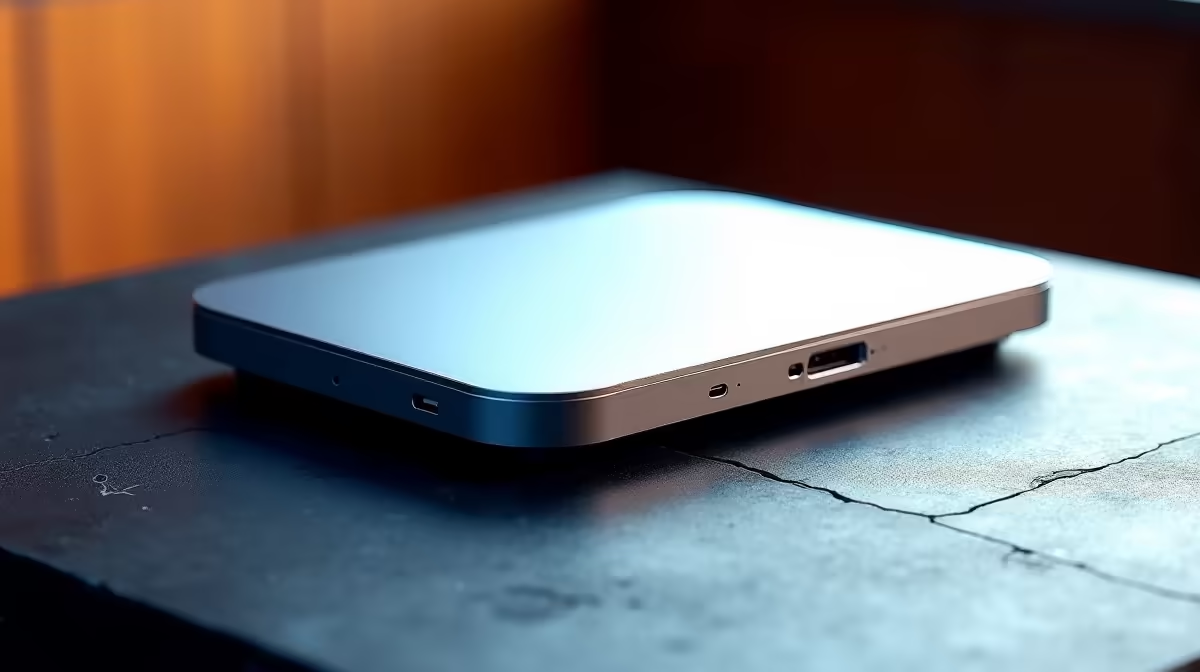
Tired of that tangled mess of cables cluttering your desk? Every time you want to work from the couch or head out, it's a frustrating ritual of unplugging your monitor, keyboard, and mouse. What if you could reclaim your space and connect everything instantly? The solution is simpler than you think: a single, powerful wireless workflow dock that brings seamless connectivity to your entire setup. Let's get your workspace sorted.
Why a Wireless Workflow Dock is Your Desk's Best Friend 🚀
Imagine this: you walk up to your desk, place your laptop down, and it instantly connects to your big-screen monitor, full-sized keyboard, mouse, and external hard drive... all without plugging in a single extra cable. That's the magic of a modern docking station. It's not just about tidiness; it's about efficiency.
By centralising your connections, a dock transforms your laptop into a full-fledged desktop powerhouse. You reduce wear and tear on your laptop's ports and eliminate the daily hassle of cable management. This is the key to achieving a truly seamless workflow, whether you're a gamer, a creative professional, or crushing it while working from home. Even on a tight budget, you can find excellent docking stations under R1000 that can dramatically improve your setup.
Choosing the Right Dock for Your Setup
Not all docks are created equal. Finding the best wireless workflow dock for you depends entirely on your needs. Before you add one to your cart, let's break down the most important factors to consider.
Essential Ports and Connections
First, take stock of your peripherals. How many monitors do you use? Do they connect via HDMI or DisplayPort? You'll need a dock that matches. Count your USB devices—keyboard, mouse, webcam, external drives—and ensure your chosen dock has enough ports. For blazing-fast internet, a dedicated Ethernet port is a must-have for stable downloads and lag-free gaming.
Check Your Laptop's Power! ⚡
Before you buy, confirm your laptop's USB-C port supports both DisplayPort Alternate Mode (for video) and Power Delivery (for charging). This info is usually in your laptop's manual or on the manufacturer's website. It's a crucial step for one-cable bliss!
Power Delivery and Brand Trust
One of the biggest perks of a good dock is Power Delivery (PD). This means the dock not only connects your gear but also charges your laptop through the same USB-C cable. No more fumbling for your original charger! Look for a wattage that matches or exceeds your laptop's power adapter.
When it comes to reliability, sticking with trusted brands pays off. Companies like Promate specialise in creating robust connectivity solutions that are built to last. For a solid mid-range option with plenty of features, exploring the variety of docks available for under R2000 is a great place to start your search.
Creating a Streamlined Workspace
Think about the flow of your day. A good docking station doesn't just connect things; it optimises your routine. The transition from mobile to desktop becomes instant. For a content creator in Cape Town, it means docking after a shoot and having immediate access to editing monitors and backup drives. For a gamer in Gauteng, it means a clean, focused battle station free from distracting cable spaghetti. This is the ultimate goal of seamless connectivity: less time setting up, more time doing what you love.