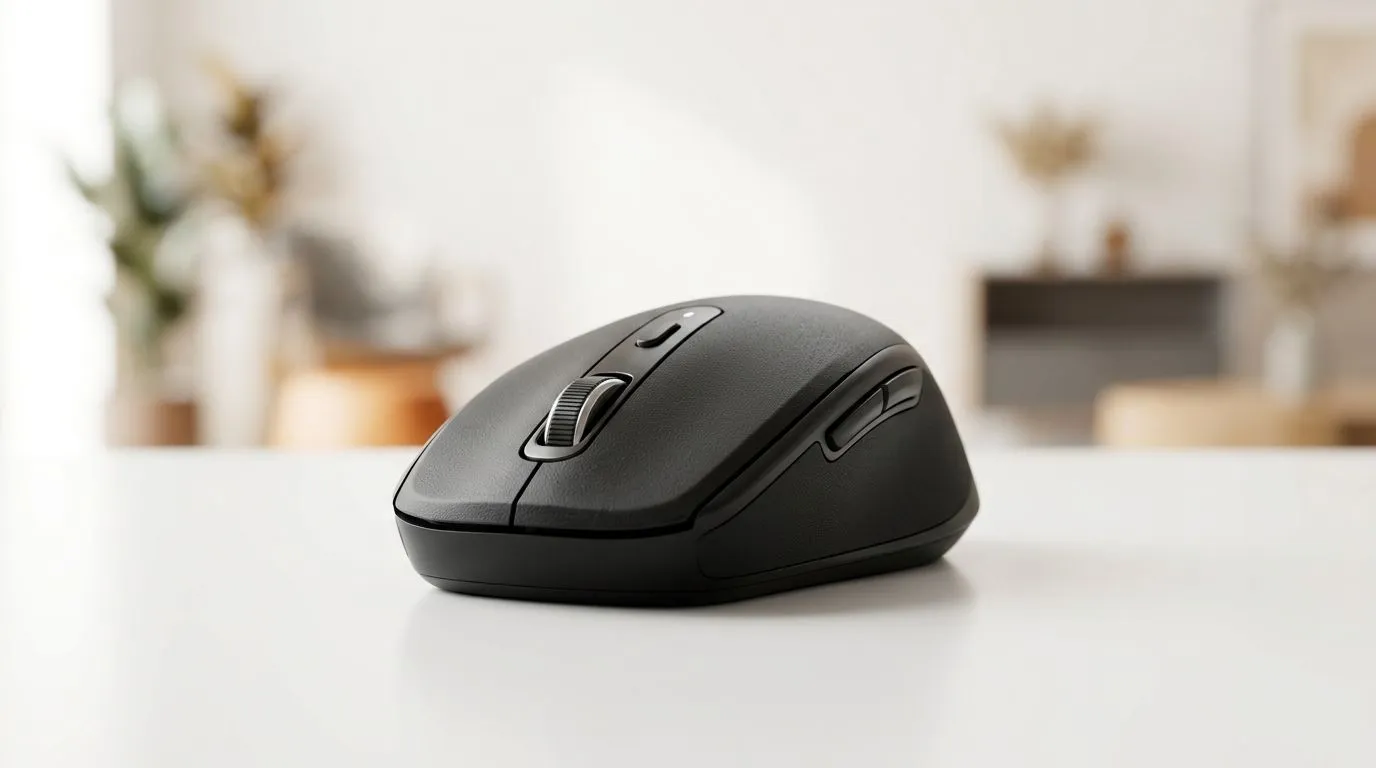
Bluetooth Low Energy Mouse Battery Life Up to 18 Months: Why SA Gamers Should Care
If your mouse battery dies mid-match, you feel it immediately. In South Africa, loadshedding schedules don’t care about your ranked game… and neither do weak batteries. The good news? Many Bluetooth Low Energy (BLE) mice advertise impressive runtimes, including Bluetooth Low Energy Mouse Battery Life Up to 18 Months. That’s not just a spec sheet brag. It can mean fewer battery changes, more consistent performance, and less hassle for PC gamers, students, and office warriors.
Bluetooth Low Energy Mouse Battery Life Up to 18 Months: The Tech Behind the “Long Life” Claim
BLE is designed to sip power. Instead of constantly “chattering” like older wireless protocols, BLE typically wakes up only when it needs to send data. That reduces average power draw, especially when your pointer is idle.
For many users, the battery story comes down to three practical factors:
- Polling behaviour: Even if a mouse “feels fast”, it may not constantly transmit at peak frequency.
- Sensor use: Higher DPI and active tracking increase work.
- Backlight and extras: RGB, screens, and extra buttons often shorten runtime.
Because specs vary by model, the most reliable approach is to check the exact product page when you buy.
What to Look For When Shopping for Long Battery Life 🔋
Before you commit, use this quick checklist:
- Look for BLE specifically (not just “wireless”).
- Check the battery rating you can live with: “up to” is real, but real-world use depends on settings.
- Consider your wake style: some mice go to deep sleep fast, others don’t.
- Plan for your use case: office work uses less power than constant high-motion gaming.
Productivity Pro Tip ⚡
On Windows, adjust your Bluetooth power settings so the adapter can enter low-power modes when idle. Also reduce mouse polling or disable extra software features (like onboard RGB syncing) if you are chasing maximum runtime.
BLE vs Wired vs Wireless 2.4G: Which One Fits Your Setup? 🎮
Here’s a simple way to decide:
- Bluetooth Low Energy: great for laptops, travel, and “set and forget” battery life.
- Wired: zero battery worries and consistent latency… but you get cable management.
- 2.4G wireless (dongle): often feels snappy for gaming, but runtimes depend on the model and usage.
If you want to compare, browse options here:
Real-World Expectations in South Africa (Loadshed + Lifestyle) ✨
In SA, “up to 18 months” usually means you keep the mouse mostly asleep and avoid heavy battery drain features. If you play long sessions with RGB on, you may see fewer months. Still, BLE generally shines when you value convenience and consistency.
A quick micro-test you can do after purchase:
- Use your mouse at your usual DPI for a week.
- Note how often it wakes.
- If you notice frequent disconnects or sluggish response, check Windows Bluetooth settings and consider a different profile.
And if you want something within budget, price and deal timing matter. Grab a shortlist from best gaming mouse deals, then confirm the battery spec on the exact product.
Match Your Mouse to Your Inputs (and Your Budget) 🚀
When choosing a mouse, think about your day:
- Laptop + work + casual gaming: BLE can be ideal.
- Desktop + competitive FPS: you may prefer low-latency wireless options.
- Mixed life: pick based on comfort, sensor quality, and battery expectations.
For a more guided browse by category, start with gaming mouse components and narrow down from there.
Ready to Find Your Perfect Match?
The Mac vs Windows debate is complex, but for maximum power, choice, and value in South Africa, Windows is hard to beat. Explore our massive range of laptop specials and find the perfect machine to conquer your world.