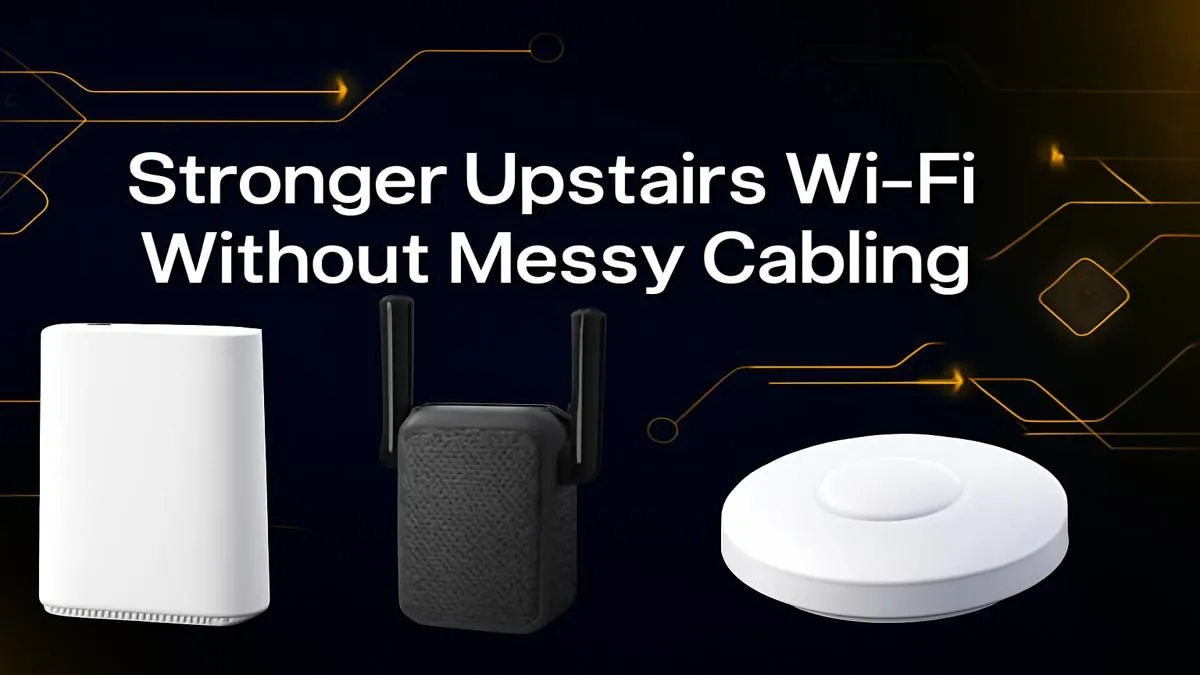
Is your upstairs office a digital dead zone? Trying to clutch a Warzone match only for lag to strike because your router is downstairs is a uniquely South African frustration. You don't need to drill holes or run ugly cables through your home to fix it. Here’s how you can easily boost your upstairs Wi-Fi signal without cables and get the stable, speedy connection you deserve. 🚀
Why Your Upstairs Wi-Fi is So Slow
Before we fix it, let's quickly understand the enemy. Your Wi-Fi signal is a radio wave, and like any wave, it gets weaker over distance. But the real culprits in a double-storey house are physical obstructions. That thick concrete slab between floors, brick walls, and even large furniture can absorb and reflect your signal, causing frustrating dead spots.
Improving your Wi-Fi signal upstairs is all about finding a smarter way to get that signal around these obstacles.
Cable-Free Ways to Boost Your Upstairs Wi-Fi Signal
Forget drilling and messy trunking. Here are the most effective, cable-free methods to get a strong connection on your second floor.
Start with Strategic Router Placement
Sometimes the simplest fix works. Is your router tucked away in a corner on the ground floor? Moving it to a more central location, as high up as possible and away from other electronics, can make a surprising difference. If your router is more than a few years old, it might be the bottleneck. Upgrading to a modern unit with better range and technology can often solve the problem entirely. Check out Evetech's range of powerful wireless routers to see what's possible.
Use a Wi-Fi Range Extender 📶
This is the classic solution to boost an upstairs Wi-Fi signal. A range extender, or repeater, is a small device you plug into a power socket halfway between your router and the dead zone. It captures your existing Wi-Fi signal and rebroadcasts it, extending its reach. It's a simple, affordable, and highly effective way to get better coverage upstairs. Finding the right spot is key… usually at the edge of your current Wi-Fi's good coverage area.
For a plug-and-play fix, explore our selection of wireless range extenders that can eliminate those weak signal areas for good.
Pro Tip: Consider a Mesh System
For larger homes or for those wanting the ultimate, seamless coverage, a Mesh Wi-Fi system is the top-tier solution. It uses multiple nodes that work together, blanketing your entire home in a single, powerful network. It's a premium way to ensure you can boost your Wi-Fi signal everywhere, not just upstairs.
Don't Forget Your PC's Own Adapter 🔧
Sometimes the problem isn't the signal's strength, but your computer's ability to receive it. The built-in Wi-Fi on a motherboard or an old USB dongle might be the weak link. Upgrading to a high-quality PCIe or USB wireless adapter with better antennas can dramatically improve connection stability and speed, even with a weaker signal.
A Clever Alternative: Powerline Adapters
Here's a brilliant method that truly gets you a stable connection without new cables. Powerline adapters come in pairs and use your home's existing electrical wiring to transmit the internet signal.
You plug one adapter into a socket near your router and connect it via a short Ethernet cable. Then, you plug the second adapter into any socket upstairs. Voilà! You now have a wired-speed access point right where you need it. It’s a fantastic way to improve the Wi-Fi signal in a double-storey house without any signal loss from walls. You can find these among our broader wireless networking solutions. ✨
Ready to Banish Buffering for Good?
Stop letting a weak signal dictate where you can work or play. Explore our full range of solutions to find the perfect gear for your home. Shop our complete wireless networking range at Evetech and enjoy a flawless connection from any room.