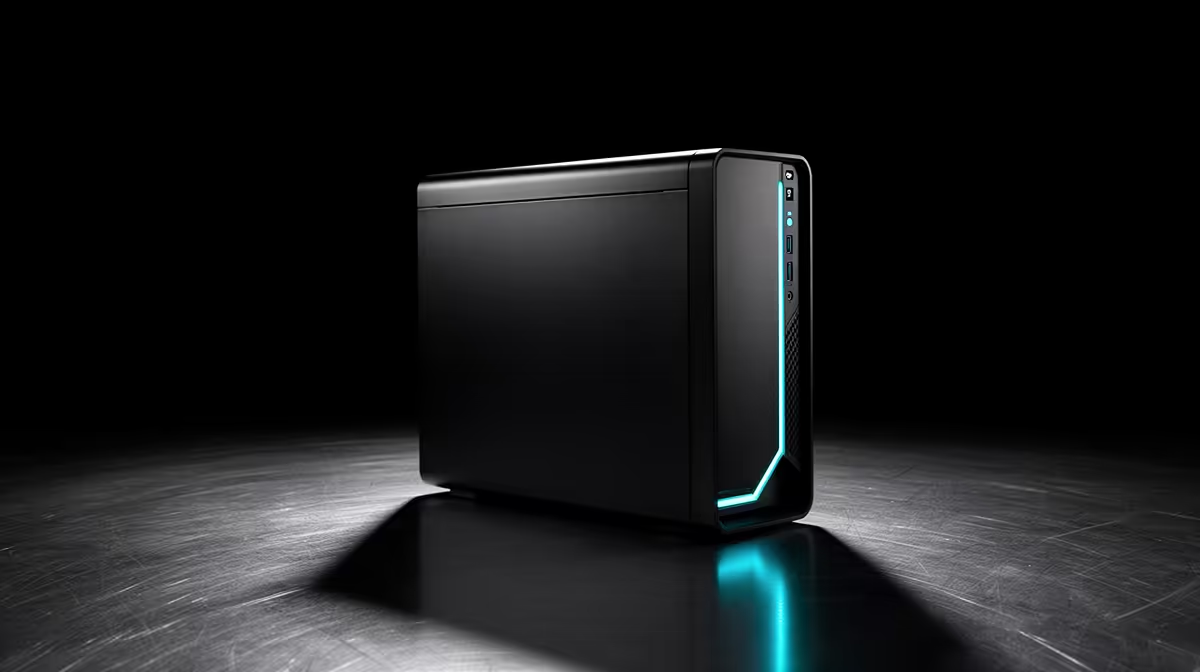
The UM750L 16GB/1TB at R4,600 is the best starting point for a small South African Docker setup because it gives you enough memory and storage for several light containers without paying workstation money. A mini pc makes sense when you want a low-footprint machine for services, testing, dashboards, or a small internal tool stack that can sit quietly near your router or desk.
Why a Mini PC Works for Docker
For a lean lab, the Minisforum NAB6 Lite i5 8GB/512GB at R4,150 is the entry choice. Its 8GB memory is better suited to a few containers, a small database, or a lightweight reverse proxy setup, while the 512GB storage gives breathing room for images, logs, and local project files.
The NINKEAR M7 16GB/512GB at R4,650 is a strong middle option when memory matters more than storage depth. Its 16GB memory gives Docker more room for parallel services, while the 512GB drive still suits a tidy business stack with documentation, admin tools, and development containers kept under control.
SA Small-Business Counter or Home Server Shelf
On a small-business counter, reception desk, or home server shelf, the UM750L 16GB/1TB at R4,600 is the cleaner pick because the 1TB storage reduces the need for external drives from day one. The NINKEAR M8 16GB/1TB at R8,350 also fits that role when you want the same 16GB memory and 1TB storage at a higher tier.
For heavier container testing, the GEEKOM A8 Max 32GB/1TB at R12,900 is the serious step up. Its 32GB memory gives more headroom for databases, queues, dashboards, and parallel test environments, while the 1TB storage keeps the machine useful beyond a basic lab.
Ready to choose the right mini pc?
Use Minisforum NAB6 Lite i5 8GB/512GB at R4,150 as the small-business counter benchmark, then check whether its listed spec matches the space, workload, and upgrade path.