Understanding the "Two-Device" Trap
You’ve just checked into a coastal hotel for a well-earned break, but there’s a catch. The "complimentary" WiFi only allows two devices... and you have a laptop, two phones, and a Nintendo Switch. It is a classic South African travel frustration. Fortunately, you can bypass device limits hotel WiFi setups impose without breaking any laws or terms of service. Here is how to stay connected safely. 🚀
Most hotels use a "Captive Portal" that recognises your device’s unique MAC address. Once you hit the limit, the system blocks any new hardware from connecting. While it feels like a digital dead end, there are several hardware-based solutions that allow you to share a single connection across all your gear while keeping your data encrypted and private.
Use a Travel Router to Create Your Own Hub
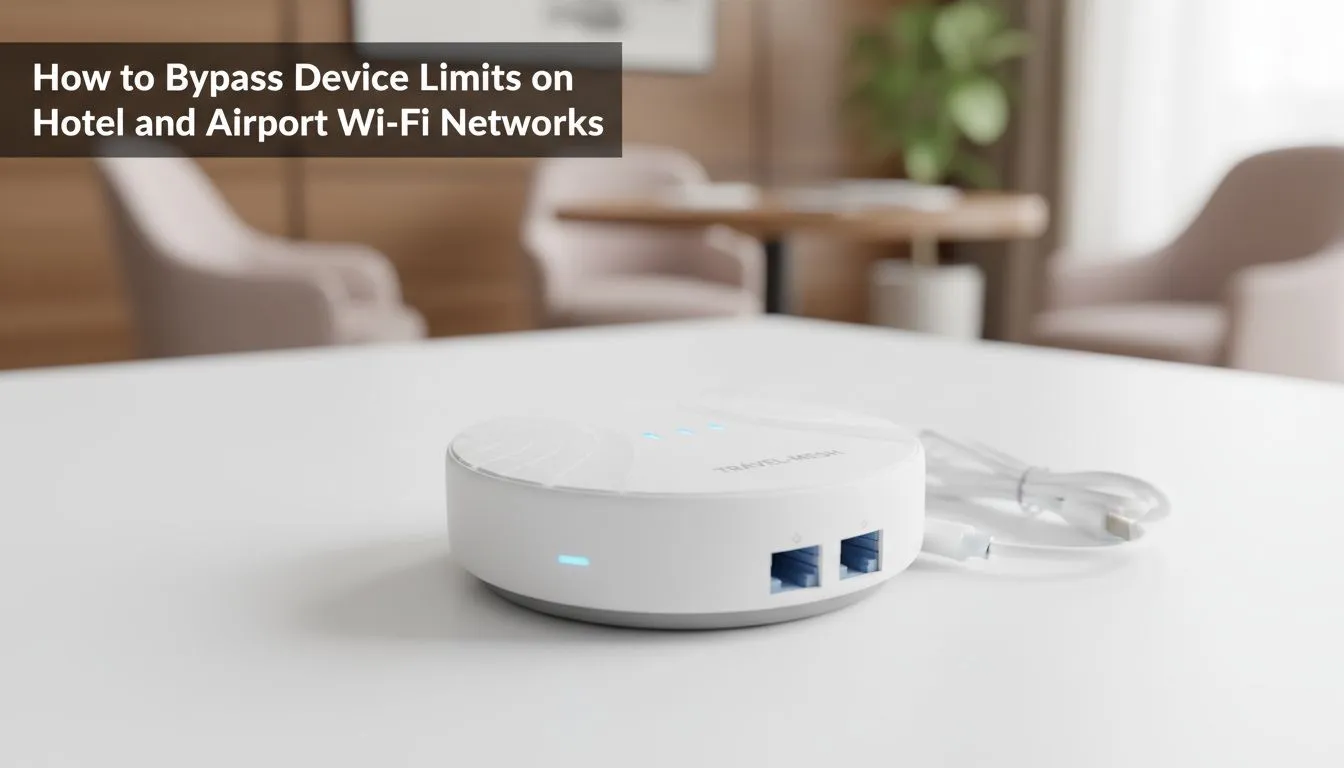
The most reliable way to bypass these restrictions is to use a travel router. These compact devices act as a bridge. You connect the router to the hotel WiFi, and then connect all your gadgets to the router. To the hotel’s system, it looks like only one device is active.
If you are looking for a reliable setup, the range of versatile TP-Link wireless routers offers excellent "WISP" (Wireless Internet Service Provider) modes. This feature allows the router to grab the hotel signal and rebroadcast it as your own private, secure network. It is a one-time setup that saves you from logging in on every single device. 🔧
The MAC Address Trick ⚡
If the hotel WiFi requires a login page that won't load on your gaming console, connect your laptop first. Once authenticated, use your router's 'MAC Clone' feature to copy your laptop's physical address. The hotel network will think your router is actually the laptop you just authorised, letting you bypass the login screen entirely.
Leveraging 4G LTE for Total Independence
Sometimes hotel WiFi is just too slow for gaming or streaming 4K content. In South Africa, where hotel infrastructure can be hit-or-miss... especially during load shedding... having your own back-up is essential. Instead of fighting for bandwidth on a congested guest network, many pro travellers opt for a dedicated mobile solution.
The Cudy LT700 AC1200 4G Cat6 router is a powerhouse for this exact scenario. By inserting a local SIM card, you bypass the hotel infrastructure entirely. This gives you a private, high-speed connection that isn't throttled by the guy in the next room downloading huge files. It is the safest legal option because you aren't even touching the shared public network.
Why a Dedicated Router is the Pro Choice
While you can use "Network Sharing" on a Windows laptop, it often drains your battery and limits your range. A dedicated hardware solution provides better security through built-in firewalls and VPN support. When looking at the broader Cudy South Africa range, you will find devices that support WireGuard or OpenVPN.
This is crucial for South Africans who want to access local streaming services or secure banking apps while using public infrastructure. By routing your traffic through a personal device, you ensure that your passwords and personal data remain invisible to other guests on the same floor. ✨
Ready to Upgrade Your Travel Tech?
Don't let restrictive hotel networks ruin your holiday or business trip. Whether you need a compact travel bridge or a high-speed 4G LTE solution, we have the hardware to keep you online. Explore our massive range of networking specials and take control of your connection today.