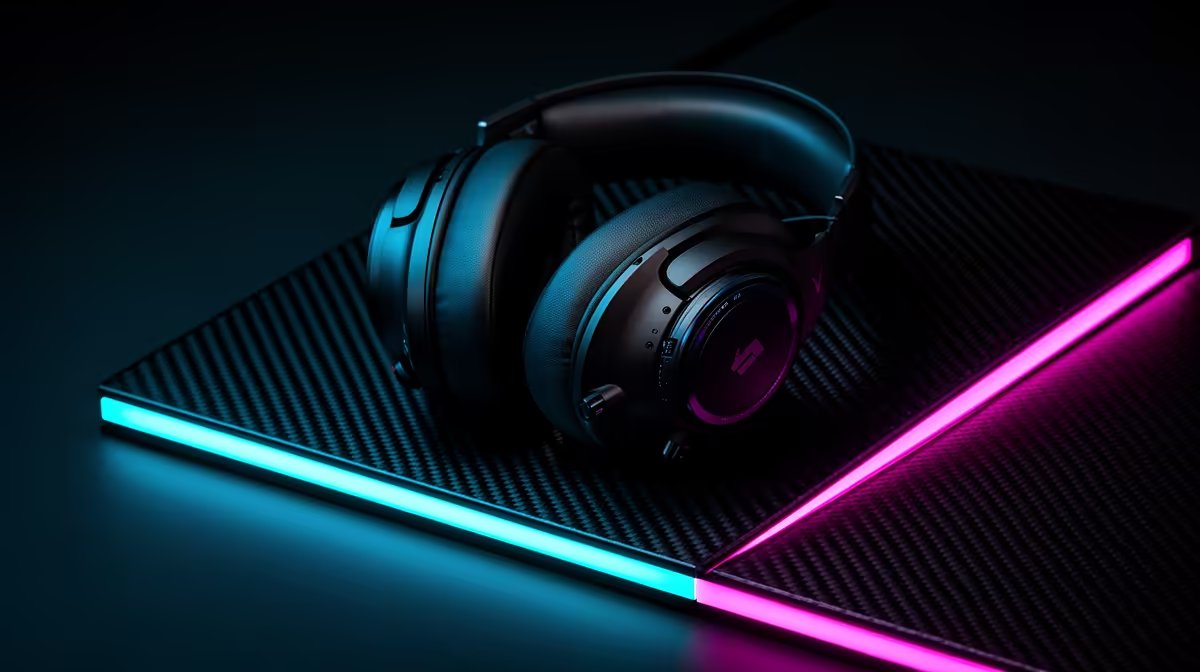
Call of Duty Loadout at R5K: Why Headset Comes First
Quick Answer
Put the headset first in a R5,000 Call of Duty loadout when your current audio hides direction, mixes voice chat into the fight, or becomes uncomfortable through a full session. Clear left-right placement and a stable fit can change decisions before a premium mouse or keyboard changes input.
If your current headset already passes those tests, keep it and spend on the measured mouse, pad or keyboard fault. The buying order starts with evidence.
Test the Audio You Own
Use a private match or repeatable game clip with footsteps, doors, reloads and vertical movement. Keep the Call of Duty audio mix and volume the same.
Write where each cue comes from before looking. Note front-back confusion, masked quiet sounds and moments where team chat buries the game.
Do not chase unsafe volume. Loudness can make every headset seem more detailed for a minute. Set a comfortable level and take breaks.
Direction Comes From the Whole Mix
A headset needs balanced drivers, a secure seal and consistent placement. The game engine, audio mix and map geometry also shape each cue.
Virtual surround is not an automatic upgrade. Some players locate sounds better in stereo; others prefer a supported spatial mode. Test one mode at a time with the same clip.
Avoid aggressive bass that covers midrange detail. Explosions should carry weight without swallowing steps and reloads.
Comfort Decides Long Sessions
Check clamp, pad heat, ear space and headband pressure after an hour. Glasses can break the seal or create a pressure point.
Weight alone does not predict comfort. Distribution and pad shape matter. A light headset can still press one spot.
Try the microphone boom and controls without lifting the cups. You should be able to mute or change volume without losing position in the match.
Keep Voice Chat Clean
Record the microphone with game audio playing at normal level. Listen for breath blasts, keyboard noise, clipping and sound leaking from the cups.
Move the mic to the corner of the mouth rather than straight in front. Set gain so a loud callout stays clean. Noise filtering can help, but heavy processing may cut the first syllable.
Use push-to-talk or a reliable mute when the room is noisy. Teammates need clear information more than broadcast tone.
Wired or Wireless at R5K
A wired headset avoids battery and receiver concerns. Check cable length, connection type and whether the PC or controller provides the intended microphone path.
Wireless can free movement and simplify a console seat. Confirm exact-platform support, receiver type, battery behaviour and use while charging.
Keep the receiver away from congested USB devices. Test a full match for dropouts and voice delay. A wireless label alone cannot prove low latency.
Split the R5K After Audio
Browse gaming headset deals and shortlist models by platform, fit, connection and microphone. Open the exact specification.
Use headset best sellers for another set. Popularity cannot predict your head shape, so keep fit and written return terms in the decision.
Reserve the rest for the next recorded fault. A mouse comes next when its shape causes control loss or its sensor skips. A pad comes next when the swipe hits an edge. A keyboard comes next when keys fail or the layout blocks mouse room.
Do not force the whole R5K out of the door. A headset and existing controls can be the better loadout when they pass.
Match the Connection to the Platform
USB, 3.5mm and wireless receivers can expose different features. A headset that works on PC may lose chat mixing, microphone support or controls on a console.
Check current platform documentation for the exact model. For a controller connection, confirm the controller jack and chat path.
On PC, select the correct game and chat devices in Windows and Call of Duty. Disable duplicate monitoring that creates an echo.
Build a Cue Notebook
Choose three maps and record common stair, doorway and floor cues. Use them to compare the old and new headset.
Keep game audio settings identical. Run at least three sessions before deciding, because a new tonal balance can need adjustment.
The new model earns its share when direction becomes more reliable, voice stays clear and comfort lasts. A richer explosion alone is entertainment, not proof of a competitive gain.
Protect Hearing
Use the lowest level that keeps cues clear. Long exposure to high sound can harm hearing, and game intensity can make volume creep up.
Take regular quiet breaks. If you notice ringing, pain or muffled hearing, stop and seek guidance from a qualified health professional.
Do not use equaliser boosts to turn a quiet cue into a dangerous peak. Better placement and a calmer mix are safer tools.
Compare Open and Closed Designs
Closed-back cups can reduce room noise and limit game sound leaking into the microphone. They may also feel warmer through a long session.
Open-back models can sound spacious and keep the ears cooler, but they leak sound and allow more room noise in. They suit a quiet private space better than a shared lounge.
Do not choose from the label alone. Pad seal, tuning and fit vary between models. Test the real room with the microphone active.
Save a Fallback Audio Profile
Record the chosen Call of Duty mix, master level, voice balance and spatial mode. Keep a second plain stereo profile.
After a game, driver or console update, replay the cue test. If direction becomes confusing, return to the plain profile before changing several controls.
Disable enhancements you do not use. Stacked spatial processing from Windows, headset software and the game can blur placement.
Maintain the Headset
Wipe pads and headband according to the maker's guidance and let them dry before storage. Replace worn pads with compatible parts because thickness and material can change sound and seal.
Keep cables free of chair wheels and sharp desk edges. Store a wireless receiver with the headset, not loose in a laptop bag.
Retest the microphone after pad replacement or a firmware change. A familiar headset can drift from its original setup without the player noticing.
FAQ
Why should the headset come first?
It should when current audio obscures direction, chat or comfort. Those faults affect information through every match.
Is wireless worth it within R5K?
It can be when platform support, latency, battery and connection remain sound and enough budget stays for any real input fault.
Should mouse or keyboard get the second share?
Choose the one with a measured problem. Mouse shape and pad space often affect aim before keyboard switch type.
Run one Call of Duty cue and microphone test on your current audio, then give the R5,000 first share to the headset only if it clears the recorded fault.