Quick Answer
Yes, a properly installed graphics card holder completely stops GPU sag. A correctly adjusted adjustable bracket or case-rail support eliminates the downward deflection of the card's far end, protecting the PCIe connector and the motherboard's PCIe slot from long-term stress.
Why GPU Sag Happens and Why It Matters 🔧
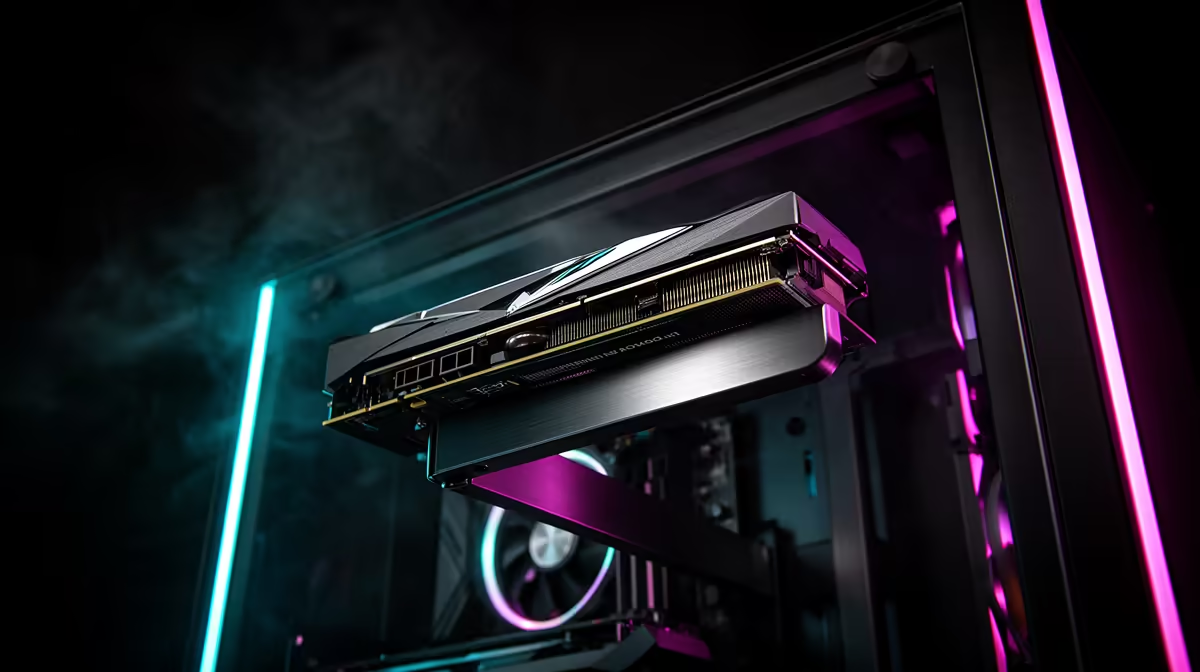
Gravity acts on the GPU continuously, and the PCIe x16 slot is the only fixed mounting point. The card is essentially a lever with the slot as the fulcrum: the more the card extends horizontally, the more bending moment is applied to the connector. A 336 mm RTX 5080 Founders Edition at 1.8 kg creates substantial torque at the PCIe slot over time. Measured sag on unsupported triple-fan cards in the 330 mm to 360 mm range typically reaches two to six millimetres at the far end after six to twelve months, which is visible through the case side panel. In addition to aesthetic impact, this mechanical stress fatigues the PCIe connector pins and can cause the card to rock slightly in the slot during transport, increasing the risk of intermittent seating issues.
How a Graphics Card Holder Stops Sag 🖥️
An adjustable holder places a support point directly under the GPU at its mid-point or toward its far end, converting the lever into a simply-supported beam. With two support points (the PCIe slot and the bracket), the card cannot deflect downward regardless of weight. The key is correct height adjustment: the bracket must contact the GPU underside at natural resting height without lifting the card, which would reverse the stress direction. A bracket set correctly adds zero upward load to the card and zero rearward load to the PCIe connector, it simply prevents gravity-induced movement. For SA gamers who transport rigs to LAN events, the bracket also prevents the card from shifting during vehicle transit over SA roads, where potholes and speed humps create vertical G-force on the unsupported GPU far end.
Choosing the Right Holder for Your Build 🎮
Three criteria matter: height range must cover your GPU's measured underside height (typically 80 mm to 115 mm in most mid-tower builds), base footprint must fit on the case floor without blocking cable routes or filters, and material should be aluminium or steel rather than all-plastic for cards above 1.5 kg. ARGB variants add under-card lighting that complements white or black theme builds and cost R250 to R450 locally at Evetech. Non-lit aluminium brackets run R100 to R200 and are functionally identical in stopping sag. Budget R100 to R250 for a basic holder for builds using an RTX 5070 Ti or below, and R200 to R450 for heavier flagship-tier cards.
Install the Bracket Before Cable Management ⚡
Fit the GPU holder before finalising your cable management. Once cables are routed and zip-tied, accessing the case floor to position the bracket base becomes difficult in compact cases. Installing it early lets you position the base freely, route cables around it, and achieve a clean result without disturbing finished cable runs.
FAQ
Does a GPU holder affect system performance or temperatures?
No, a correctly installed GPU holder has no effect on GPU performance or cooling. It contacts only the underside of the cooler shroud plastic, not any heatsink fins, fans, or PCB components.
Can a GPU holder fit in a compact mATX case?
Most adjustable holders have a base footprint of approximately 40 mm x 60 mm, which fits on the floor of most mATX cases. Confirm your case has flat floor space between the PSU shroud and the PCIe bracket area before ordering.
Will a graphics card holder scratch my GPU?
Quality brackets include a rubber or silicone tip on the contact point to prevent scratching. If your bracket has a bare metal tip, apply a small adhesive felt pad from any hardware store before use.
Stop GPU sag before it becomes a problem.
Evetech stocks adjustable and ARGB GPU support holders for builds of all sizes, with local delivery across South Africa.