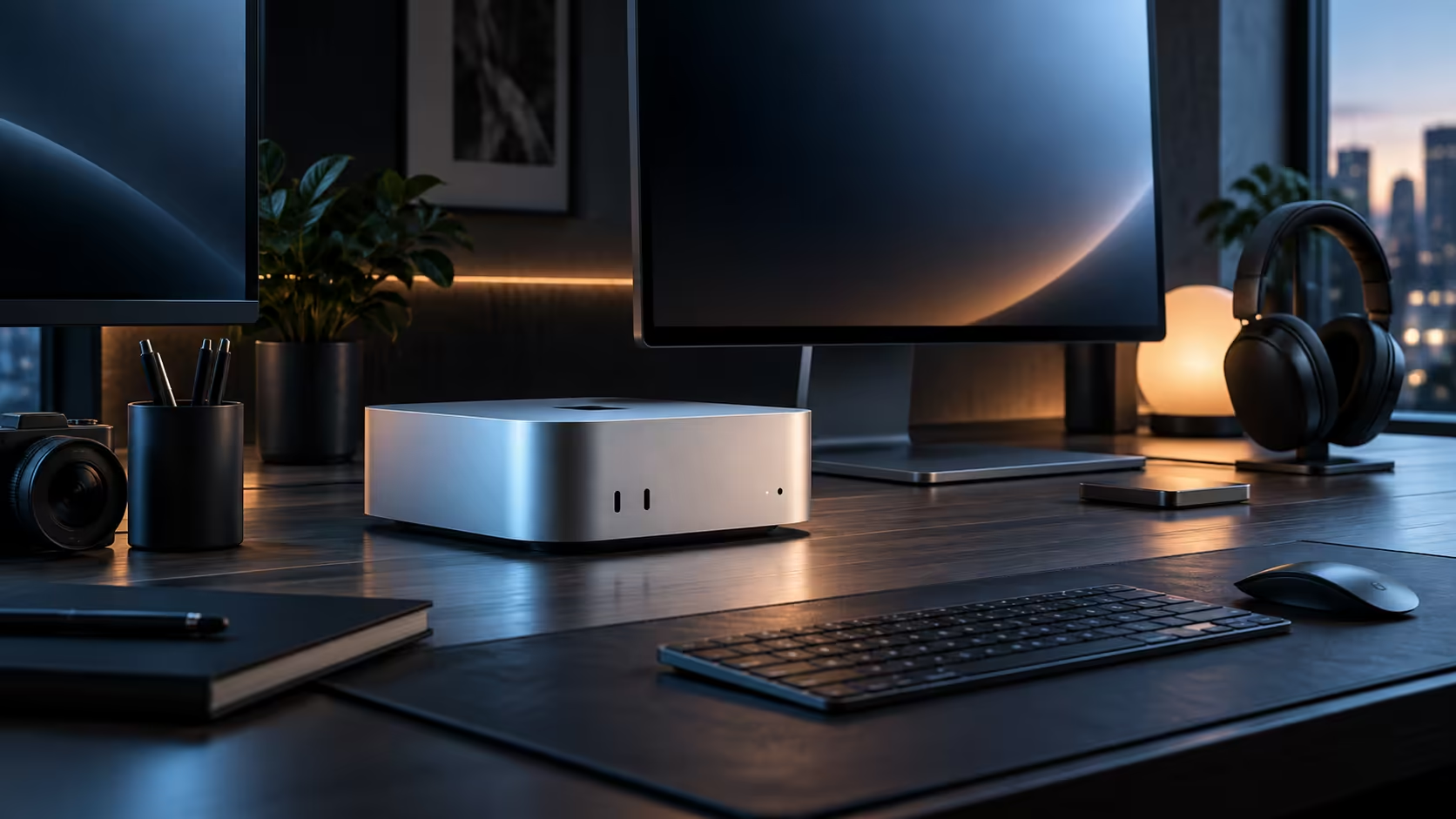
Small machines now carry dedicated AI silicon, so transcription, masking and upscaling all run locally without needing a full tower. Memory capacity, not the size of the case, is the real ceiling on what a compact desktop can actually handle.
Quick Answer
Yes, for quantised local models and everyday creative applications, provided the workload fits inside the machine's shared memory pool. A Mac Mini M6 at R21,699 pairs a dual 16-core Neural Engine with a 12-core ray-tracing GPU sharing 16GB, which comfortably covers on-device AI tasks and moderate creative work.
🧠 What dedicated AI silicon actually changes
A 16-core Neural Engine handles narrow, well-defined jobs, transcription, tagging faces, masking a subject out of a photo, entirely on the chip itself, so nothing has to travel anywhere for material that needs to stay put. That narrowness has a bonus: each of these tasks only ever nibbles at a small corner of the shared memory pool.
🎨 Where creative applications actually sit
Photo editing, 1920x1080 and moderate 3840x2160 video, and everyday multitasking all run comfortably on a small desktop's shared memory. It bends once a heavy creative timeline and a local AI model run together, since neither has a private reserve to fall back on inside the same pool.
📏 Memory, not size, is the ceiling
A compact case does not inherently limit capability; it limits how much cooling hardware fits inside and whether the configuration ships with 16GB or more. A small desktop with the right memory tier handles serious work; the same case with too little memory for your actual habit will feel cramped regardless of how fast the chip is on paper.
🧭 When a small desktop is genuinely the wrong choice
The honest point to stop pushing a compact case is when your memory or graphics needs genuinely outgrow anything it offers; that is when a full workstation earns its place instead. Short of that point, browse mini PC for other compact desktops built the same way, plus the broader listing before deciding either way.
🔍 A worked example: transcription plus a photo edit together
Picture running a local transcription model on a recorded interview while also touching up the photos taken during the same shoot. The Neural Engine handles the transcription almost entirely on its own, leaving the shared 16GB pool free for the photo editor to work comfortably, since neither task leans on the same block of the chip. Swap the photo edit for a 4K colour grade instead, and the picture changes: now the GPU and the transcription model are both drawing from the identical pool at the same time, which is exactly the kind of overlap that tests the ceiling rather than either task alone.
🧪 A simple test before committing to a configuration
Rather than guessing from a spec sheet, run your actual heaviest combination of tasks on any Mac already available to you, even an older one, and watch memory pressure in Activity Monitor while you work normally. A number measured from a real session beats any general claim about what "16GB" or "24GB" can supposedly handle, since two people both doing "photo editing" or "local AI work" can have very different real demands depending on file sizes and model choice.
🏗️ How this compares with building the same capability yourself
Assembling similar local AI capability on a traditional PC means pairing a capable CPU with a discrete GPU carrying 16GB or more of VRAM to run a model of a similar size, which is a meaningfully different budget shape than one machine with one shared memory figure. Neither approach is simply better in the abstract; the traditional route buys more raw headroom for a price, while the unified approach buys simplicity and, for many everyday and moderate creative workloads, comparable real-world results at a lower total cost.
🇿🇦 What this means for a South African buyer specifically
Buying either a R21,699 compact desktop or a traditional tower from a South African retailer keeps a warranty claim to a local courier pickup instead of an overseas shipping label, and that gap matters far more once the machine is earning daily than it ever does on the day it first arrives. Since AI and creative software both update frequently, a local supplier who can talk through a configuration before you order is worth more than a marginally lower price from an import that leaves you guessing about local support.
Frequently Asked Questions
Does a compact desktop's small size limit its actual AI capability?
Not inherently; capability comes from the memory and accelerator design, not the case size, though a smaller case does limit how much cooling hardware can fit inside.
Can a small desktop run more than one AI tool at a time?
A pair of small quantised models rarely causes trouble; stack two big ones together and they will fight over the same pool of shared memory instead.
Is local AI work always better than using a cloud service?
Not always; local work wins on privacy and needs no connection at all, but a cloud provider running vastly more hardware behind the scenes will still beat it once the model gets genuinely huge.
Does running local AI models shorten the lifespan of a compact desktop?
No, running models the machine is properly sized for causes no unusual wear; the memory ceiling described above governs whether a task runs smoothly, not whether it damages anything over time.
Is it worth buying extra memory now even if I do not need it yet?
Only if a specific, realistic near-term plan calls for it; buying headroom against a vague "just in case" future need often means overpaying for capacity a workload never actually reaches in practice.
Does a compact desktop's AI capability age well as new models get released?
Reasonably well for models sized to fit the shared memory pool; the actual limit is always the same, whether a new model fits inside the tier you already bought, rather than the machine itself becoming obsolete outright.
Does closing other apps free up meaningful room for a local AI model to run?
Yes, a browser with many tabs or a sync client both hold a surprising share of memory in reserve, and closing what is not actively needed gives a loaded model genuine breathing room to work with immediately and far more reliably from that point onward for the rest of the session.
Ready to see if a compact desktop actually handles your local AI and creative workload?
Match the memory tier to your heaviest weekly task before you decide.