Quick Answer
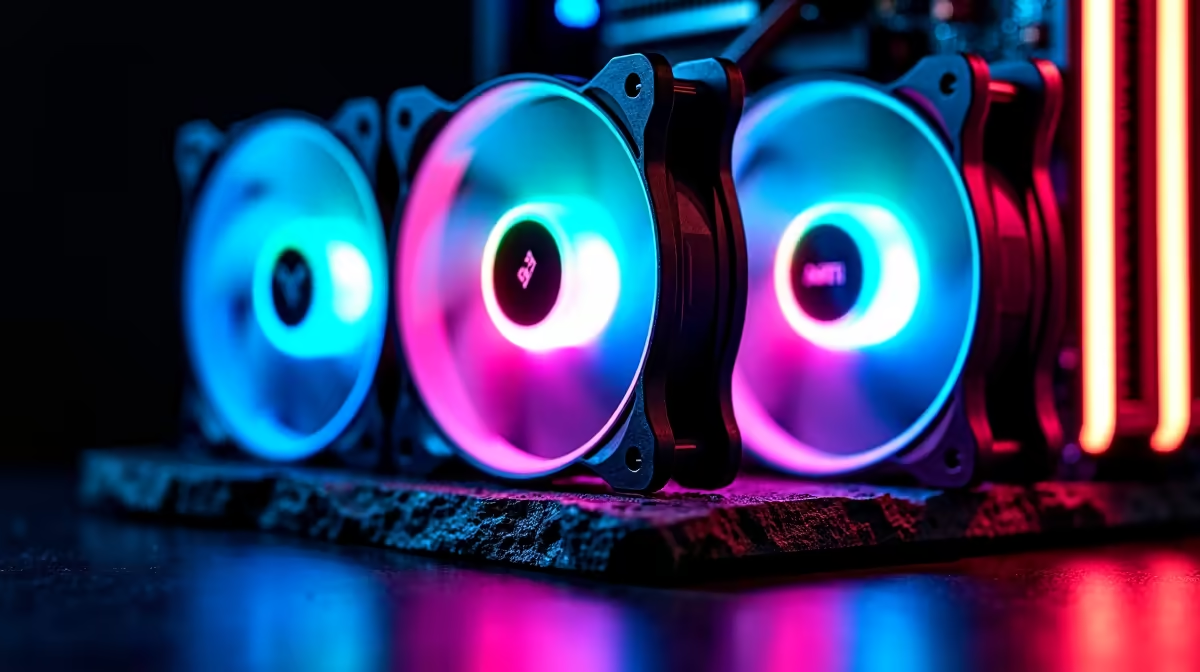
Yes, Aura Sync ARGB fans dramatically improve the visual impact of a custom gaming build by synchronising lighting across fans, motherboards, RAM, and coolers from a single ASUS software hub. For SA builders running Aura Sync-compatible boards, the result is a cohesive light show rather than mismatched flicker from three different brand apps.
What Aura Sync Actually Does for Your Build 🎨
Aura Sync is ASUS's proprietary RGB ecosystem that lets you control ARGB headers, onboard LEDs, and compatible peripherals from one interface. When you pair Aura Sync ARGB fans with a compatible ASUS ROG or TUF motherboard, every fan syncs its 16 or more addressable LEDs to the same animation, colour gradient, or beat-reactive effect. The fans connect to the motherboard's 3-pin 5V ARGB headers, and Armoury Crate software handles timing and colour mapping. Without a unified ecosystem like this, each component's lighting runs on its own cycle, producing a disjointed look even inside a full-glass case. With Aura Sync, breathing, rainbow wave, or static effects cascade uniformly across all attached fans. For SA builders who have spent R15,000 to R25,000 on a mid-to-high-end rig, making the aesthetics match the performance spec is a natural final step.
Compatibility and Header Requirements 🔌
Not every motherboard supports Aura Sync, so check before you buy. The ecosystem works with ASUS ROG, TUF Gaming, and Prime series boards that carry a 3-pin 5V ARGB header. Standard 4-pin 12V RGB headers are for older non-addressable strips and will not run Aura Sync fans correctly. Most current-gen ASUS boards based on AMD X870 or Intel Z890 chipsets include at least two ARGB headers, enough for a typical three-fan front intake and one rear exhaust setup. If you run more fans than available headers, an ARGB hub or splitter keeps all fans on the same data line. Third-party Aura Sync-compatible fans from brands stocked locally are designed to follow the same 3-pin 5V standard, so mixing fan brands within the Aura Sync ecosystem is possible as long as the connector matches.
Does Lighting Affect Airflow or Noise? 🌀
The LED array sits inside the fan frame and adds negligible mass, so Aura Sync ARGB fans perform airflow and noise identically to their non-RGB counterparts with the same blade geometry. A 120mm ARGB fan rated at 1,200 RPM and 28 dB(A) delivers those same numbers regardless of whether the LEDs are on or off. Where you do lose marginal efficiency is cable management: ARGB fans carry both a PWM speed cable and a 3-pin data cable, so the cable run is slightly bulkier. Plan cable routing behind the motherboard tray to avoid restricting the intake path. For a sealed-glass case like many popular mid-towers, keeping front fan cables tidy makes the difference between a clean aesthetic and a cable-obstructed light panel.
Daisy-Chain to Save Headers ⚡
If your ASUS board has only one ARGB header but you have three fans, use a 1-to-3 ARGB splitter cable. All three fans share the same data signal and stay perfectly in sync. Keep the total LED count under 60 LEDs per header to stay within the 3A current limit.
FAQ
Do I need an ASUS motherboard for Aura Sync fans to work?
Yes, full Aura Sync software control requires an ASUS motherboard. On a non-ASUS board the fans still light up but you lose app-based sync. Some fan brands offer their own controller box as an alternative.
Can I mix Aura Sync fans with a non-ASUS AIO cooler?
You can if the cooler supports 3-pin 5V ARGB headers and you connect the fans separately. However the cooler pump head may not sync unless it is also Aura Sync-certified.
How many ARGB fans can one header support?
ASUS rates their ARGB headers at 3A on 5V (15W). Most individual fans draw around 0.3A to 0.5A, so a single header can comfortably run five to six fans before you need a powered hub.
Ready to light up your build?
Evetech stocks a range of ARGB case fans compatible with Aura Sync and other RGB ecosystems. Browse the selection to find the right fit for your case and motherboard combo.