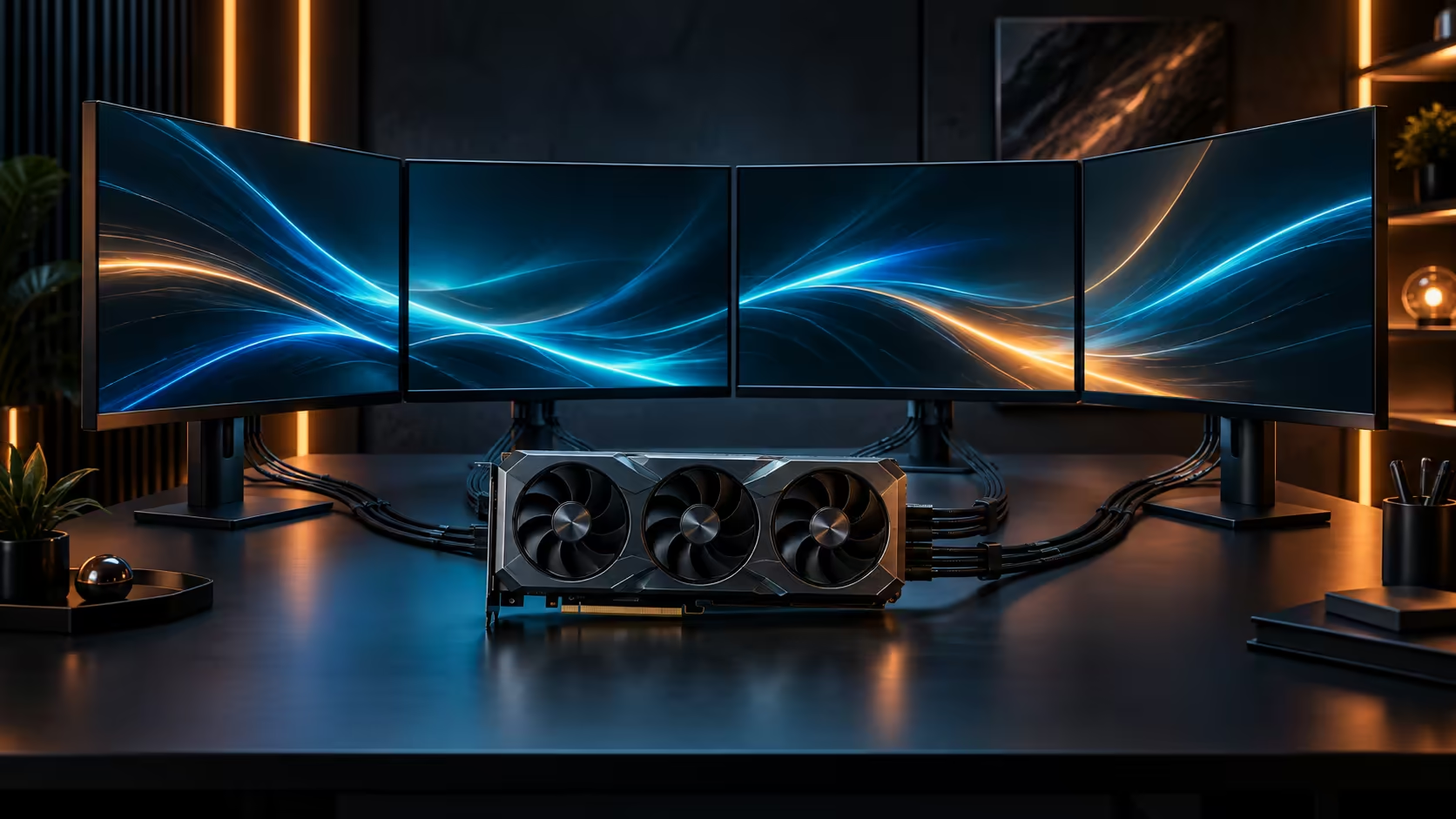
The bottleneck for a South African AI workflow is rarely the model itself, it is the upload speed carrying data to wherever the model actually runs. Whether 32GB of GPU memory genuinely helps a local creator comes down to how much of that round trip a card sitting on your own desk removes entirely.
Quick Answer
Yes, mostly because the work stays on your own machine rather than travelling over a fibre line to a remote service and back. With 32GB of GDDR7, a mid-sized model and its working data stay resident on the card, so iteration happens at desk speed rather than at upload speed, which is the real constraint most South African creators are working around whether they realise it or not. The card behind this figure, the ROG Astral Edition 20, sits at R119,999.
📡 Upload speed is the hidden ceiling on cloud AI work
South African fibre packages are typically sold on download speed, with upload sitting meaningfully lower on the same line, often 10 Mbps or less on packages advertising 100 Mbps or more down. Sending a dataset, a training checkpoint, or a batch of source images to a cloud service for processing moves data in the direction your connection is weakest, which is exactly the opposite of how download-focused marketing frames a fibre package.
A local card with enough memory to hold the working set removes that upload step from the loop entirely for anything that can run on the desk. The card still needs the data once, to load a dataset or a model checkpoint, but iteration after that point, testing a prompt, adjusting a parameter, reviewing an output, never has to leave the machine.
💻 What actually stays local with 32GB
A mid-sized model, its weights plus the working memory needed for a single inference or a modest fine-tuning run, fits comfortably within 32GB for most current open models used by individual creators and small studios. That headroom is what determines whether a workflow genuinely runs end to end on one machine, or whether parts of it still have to be offloaded to a remote service because the local card cannot hold the full working set.
Confirm your specific model's footprint under the numeric precision you actually plan to run before assuming it fits, since two versions of a similarly named model can differ substantially in what they actually require.
🕐 What this changes about the working day
A round trip to a cloud service adds latency measured in minutes once queueing and upload time are counted honestly, and that latency compounds across dozens of iterations in a working session. Local processing turns each of those round trips into something closer to seconds, which is the difference between testing an idea a handful of times before lunch and testing it dozens of times in the same window.
For a South African creator or small studio billing by the job rather than by the hour, that difference in iteration speed translates directly into more finished work per day rather than more time spent waiting. Pricing for this specific configuration is on the RTX 5090 listing, and the workstation PC range is worth reviewing if the rest of your platform also needs sizing around this kind of local-first workflow.
📶 What still has to travel, even with a capable local card
Local processing does not remove data movement from the workflow entirely, it changes what actually needs to cross the network and how often. Source material, whether photographs, video, or a training dataset, still has to reach the machine once, and finished output still has to reach a client or a platform at the end. What disappears is the repeated back-and-forth in between, the dozens of small round trips a cloud-based workflow would otherwise send over the same constrained upload path.
Plan the one-time transfers around off-peak hours where a household's fibre line is shared with other activity, since a large dataset upload competing with everyone else's evening streaming and video calls will move slower than the same transfer run overnight. A dataset running past 5GB is worth queuing for a quieter hour rather than the middle of a household's peak evening usage. This is a scheduling decision rather than a hardware one, but it compounds with the hardware benefit rather than replacing it.
🏢 Small studios sharing one card across a team
For a small South African studio rather than a single freelancer, one capable machine can often serve as a shared resource for lighter, quicker jobs even where the studio's primary work happens elsewhere, provided access is managed sensibly and heavier jobs needing more than 2 hours of dedicated time are scheduled rather than run simultaneously. This is a more cost-effective entry point for a small team than provisioning cloud compute for every member individually, particularly where the team's actual usage is intermittent rather than constant. Browse the gaming card range if a shared team machine at a lower tier than this flagship would suit lighter workloads just as well.
Frequently Asked Questions
Why does upload speed matter more than download speed for AI work?
Sending data to a cloud service, whether a dataset, a checkpoint, or source images, travels in the upload direction, which is typically the weaker half of a South African fibre package regardless of the advertised download speed.
Does every AI workload benefit from running locally?
The largest research-scale models still need multiple cards or dedicated infrastructure regardless of location. The benefit described here applies to mid-sized models an individual creator or small studio would realistically run.
How do I know if my model fits in 32GB?
Check its parameter count against the precision you plan to run it at, since that combination sets its actual memory footprint rather than a generic model name telling you enough on its own.
Does South Africa's mains supply affect a sustained local AI workflow?
The 230V grid runs stably today, so a long local training or rendering job is not something you need to plan around losing power partway through the way it once might have been.
Is this worth it for a hobbyist rather than a paid creator?
The convenience applies either way, since anyone iterating repeatedly on a model or a dataset benefits from removing the upload round trip, though the financial case is strongest for someone billing for the time saved.
Does local processing remove the need for internet entirely?
No. Data and model updates still need to move at some point, but the constant back-and-forth of iteration is what moves local, which is the part that actually costs time on a slower upload connection.
Ready to stop letting upload speed set the pace of your AI work?
Confirm your model's footprint, then weigh what running it locally would save you daily.