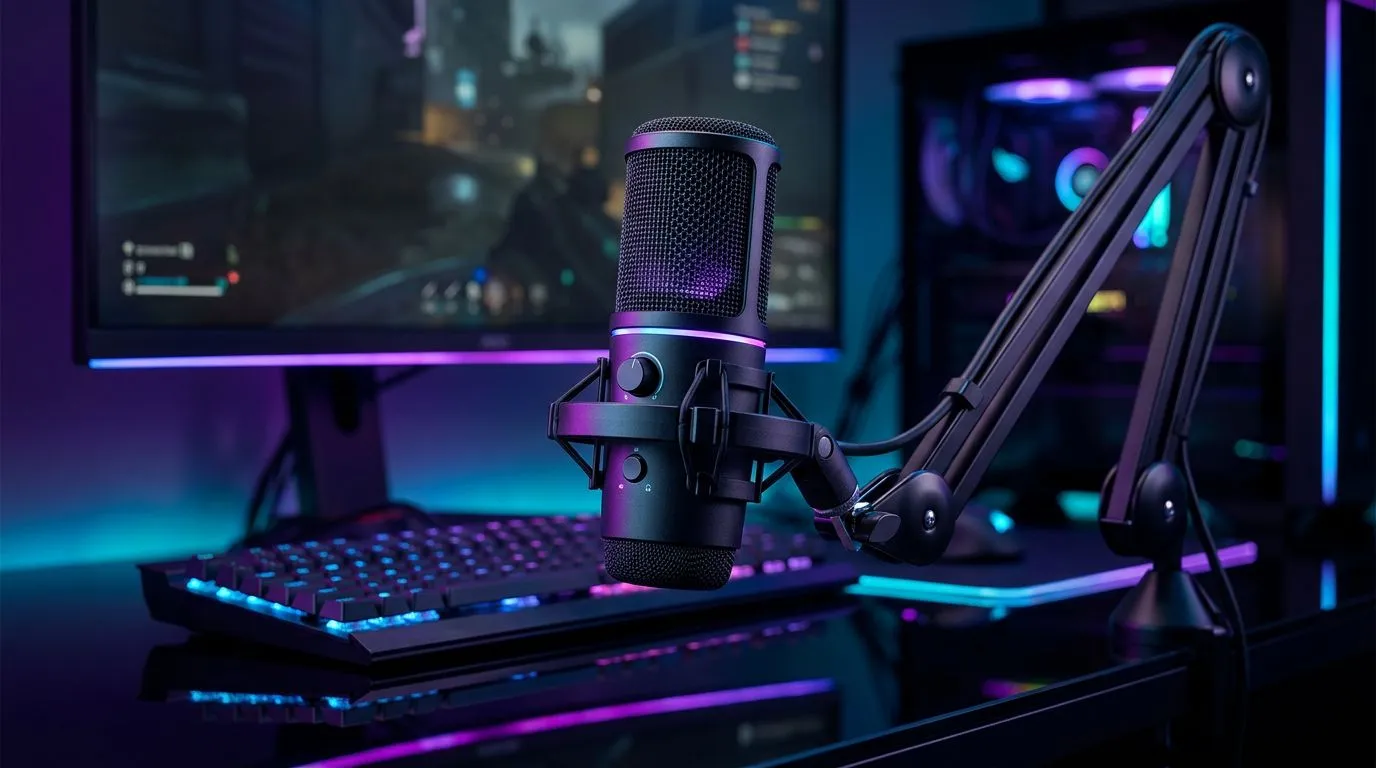
Cardioid polar pattern basics for gamers
Cardioid Polar Pattern: What Gamers Need to Know — want cleaner voice chat and fewer background noises on stream? In South African homes where a kettle, a neighbour's music, or a barking dog can hijack your mic, understanding how a cardioid polar pattern works will level up your audio without breaking the bank. Read on for practical tips, quick rules and equipment links to help you sound crisp live or on recordings. 🎧
How cardioid polar patterns work
A cardioid microphone mainly picks up sound from the front and rejects noise from the sides and rear. That directional rejection is why many streamers and podcasters prefer cardioid mics — they reduce room noise and focus on your voice (Shure explains polar patterns clearly: https://www.shure.com/en-US/performance-production/louder/understanding-microphone-polar-patterns). Positioning matters: aim the front of the mic at your mouth, not the keyboard.
Why gamers benefit
If you stream from a bedroom or shared flat, a cardioid pattern helps isolate spoken audio during intense sessions and commentaries. It’s also useful for Discord calls and recording voiceovers for YouTube. For quick gear shopping, Evetech’s streaming essentials collection bundles popular mics, arms and pop filters to get you live faster: browse streaming essentials. ⚡
Mic technique: proximity and gain
Get familiar with the proximity effect: moving very close to a cardioid mic boosts low frequencies, making your voice warmer — sometimes too boomy. RØDE’s guides on mic technique are helpful when dialling in distance and gain for clearer speech (see RØDE learn articles). Keep gain low enough to avoid clipping but high enough to keep background hiss quiet.
Stream-Ready Mic Tip ✨
If your voice sounds too bass-heavy, move 5–15 cm away and angle the mic slightly off-axis. That reduces plosive pops and tamps down the proximity effect while keeping clarity.
Accessories that matter
A mic is only half the setup. A shock mount and boom arm reduce mechanical noise; a pop filter helps with plosives. If you want a one-stop shopping view of compatible Corsair streaming kits and peripherals, check Evetech’s Corsair streaming page for matched combos: Corsair streaming kits. Many streamers pair cardioid mics with acoustic treatment like foam panels or soft furnishings to tame reflections.
Room lighting and webcams
Good audio pairs with good visuals. Soft, directional lighting reduces webcam gain and noise. Cololight accessories can lift your scene and add personality — see curated options here: Cololight choices. And if you’re upgrading cameras, Evetech has a range of webcams suitable for streaming and conferencing: shop webcams. 🚀
Quick checklist before you stream
- Mic angled towards your mouth, not the keyboard.
- Distance 5–15 cm to avoid bass boost.
- Low gain, test with friends on Discord.
- Use a shock mount or boom arm to cut mechanical noise.
- Add soft room treatments if reverb is a problem.
Final thoughts
Cardioid polar patterns give gamers focused, reliable vocal capture in less-than-perfect rooms. Learn the basics, pair the right accessories, and you’ll hear the difference on streams and recordings. If you want help choosing a mic that suits your room and budget, we’ve made it easier with curated bundles and accessories.
Ready to Find Your Perfect Match?
The Mac vs Windows debate is complex, but for maximum power, choice, and value in South Africa, Windows is hard to beat. Explore our massive range of laptop specials and find the perfect machine to conquer your world.