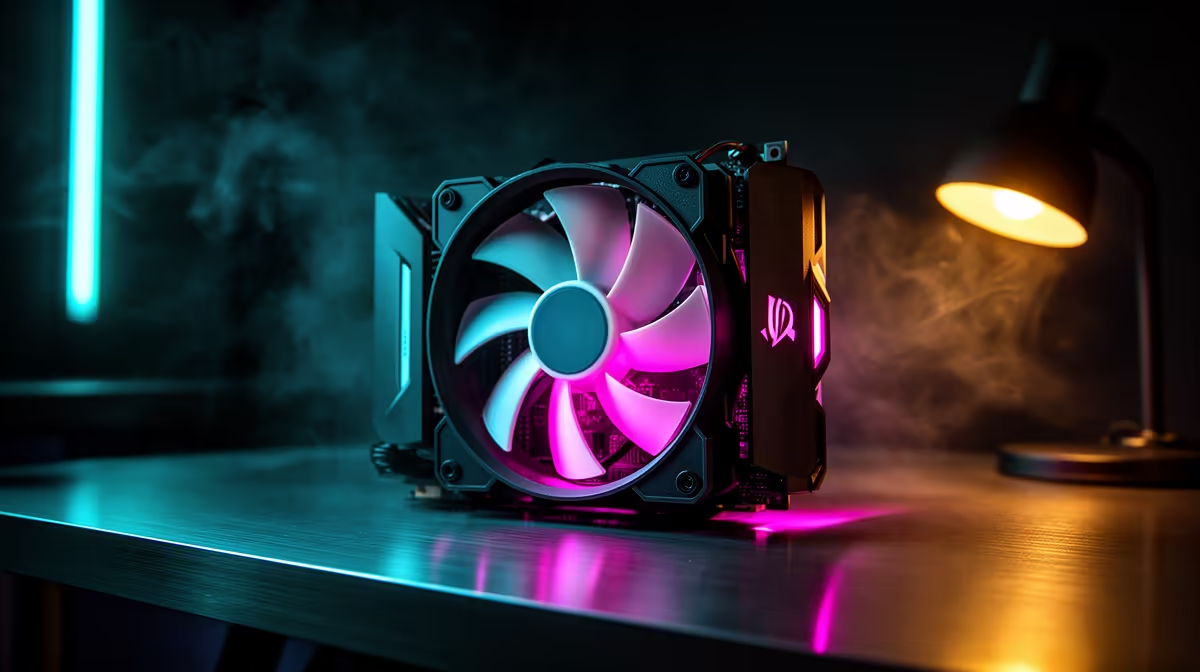
A campus residence room is small, often warm and shared with people who study and sleep nearby. That makes case fan choice a balance of cooling and quiet: your PC has to stay cool through a Highveld summer without humming loudly across a cramped koshuis room at midnight. This guide sets up airflow that works in res.
Quick Answer
For a campus residence room, run a balanced airflow setup with two 120mm intake fans and one 120mm exhaust, all PWM-controlled and tuned to stay under 30 dBA at idle. Quiet picks like the Arctic P12 PWM (around R200 each) or Noctua NF-P12 keep CPU temps near 65C under load while staying barely audible in a quiet room.
Set Up Balanced Airflow For A Small Room
In a tight res room, positive-to-neutral pressure keeps dust down and noise low. Two 120mm intakes at the front and one 120mm exhaust at the rear is the reliable baseline; add a top exhaust only if your room runs hot. Aim for slightly more intake than exhaust so dust enters through filters rather than every gap. This keeps a mid-tower cool without turning the fans into a wind tunnel.
Choose Quiet, PWM-Controlled Fans
Noise is the dealbreaker in shared housing. Pick PWM fans (4-pin) so the motherboard can ramp them down to 600 to 800 RPM when idle, sitting under 30 dBA. The Arctic P12 PWM at around R200 and the be quiet Pure Wings 2 are strong value; Noctua NF-P12 fans cost more but are near-silent. Avoid cheap 3-pin fans locked at full speed, which drone all night.
Tune The Fan Curve For Quiet Studying
Set a gentle fan curve in the BIOS or software: hold a low 600 RPM up to 50C, then ramp toward 1,200 RPM only past 70C. This keeps the room silent while you study and only spins up under gaming load. Clean the front dust filter every few weeks, since a clogged filter forces the fans louder. Good cable management also keeps airflow clear in a cramped case.
FAQ
How many case fans do I need in a res room PC?
Two 120mm intakes and one 120mm exhaust cover most mid-tower builds in a small room. That balanced setup keeps temperatures in check without adding the noise of extra fans.
How loud is too loud for a residence room?
Aim to stay under 30 dBA at idle so the PC blends into the background while roommates study or sleep. PWM fans tuned to a gentle curve make this easy to achieve.
Are PWM fans worth it over cheaper 3-pin fans?
Yes, PWM 4-pin fans let the motherboard slow them right down when idle, which is exactly what a quiet room needs. Cheap 3-pin fans often run at one loud speed and drone constantly.
quiet fan curve that holds 600 RPM up to 50C and only ramps past 70C. Clean the front dust filter every two to three weeks so your fans never have to spin louder to compensate.