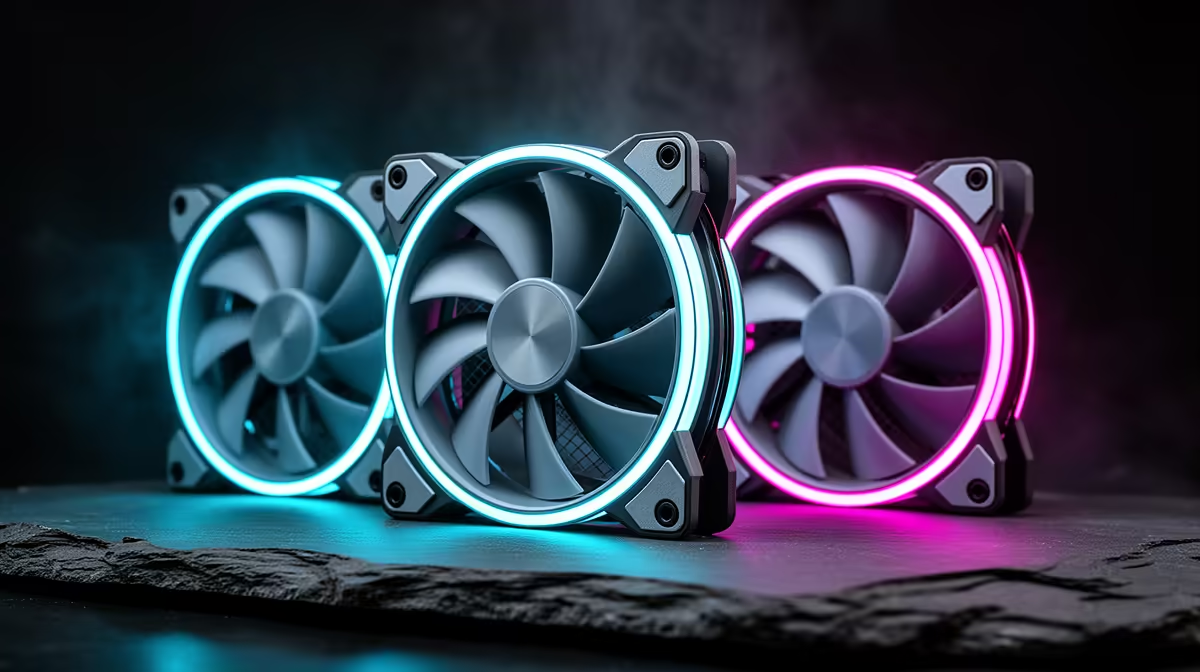
Case fans are an easy, affordable win for SA gaming builds, and buyers want straightforward answers on quantity, size and stock. The short answer: budget for three to five quality PWM fans from around R150 each at Evetech and arrange them as a clear airflow path.
Quick Answer
Case fans in SA cost roughly R150 to R400 each at Evetech, so a full kit of three to five sits around R1,000, with premium and RGB models higher. A gaming PC runs best with three to five fans: two front intakes, one rear exhaust and optional top exhausts. This setup can reduce GPU temperatures by 5 to 10C, helping a card like an RTX 4070 Super hold higher boost clocks, and each quality 140mm fan draws under 3W.
Sizing And Selecting Fans
Where the case permits, 140mm fans move more air at lower noise than 120mm units. Choose PWM models so the motherboard can vary speed with temperature, keeping the build quiet at idle. Static-pressure fans suit radiators and restrictive mesh fronts; airflow fans suit open intakes. A 1,500 to 2,000 RPM fan strikes a good cooling-versus-noise balance for hot GPUs and CPUs under gaming load.
SA Buying And Configuration Notes
Aim for positive pressure with filtered intakes to keep dust out, which matters in dusty SA conditions. Tidy cabling with a PWM hub or daisy-chained fans. Quality bearings cost a little more but run quieter and last longer. RGB lighting is cosmetic only; cooling comes from airflow and pressure. Evetech stocks 120mm and 140mm case fans across airflow, pressure and RGB ranges, so match the fan type to each mounting position.
FAQ
How much do good case fans cost in SA?
Quality case fans run roughly R150 to R400 each at Evetech, with premium PWM and RGB models priced higher. A full set of three to five fans is an inexpensive but effective cooling upgrade.
What size case fan should I buy?
Use 140mm fans where the case supports them for more airflow at lower noise, and 120mm fans for smaller mounts and most radiators. Match the size to the case's fan slots.
Do RGB fans cool better?
No. RGB is purely cosmetic. Cooling comes from airflow and static pressure, so choose fans on those specs first and treat lighting as an optional extra.
fans rather than fixed-speed ones; letting the motherboard control them by temperature keeps your build quiet during everyday use and ramps cooling only when a game loads the hardware.