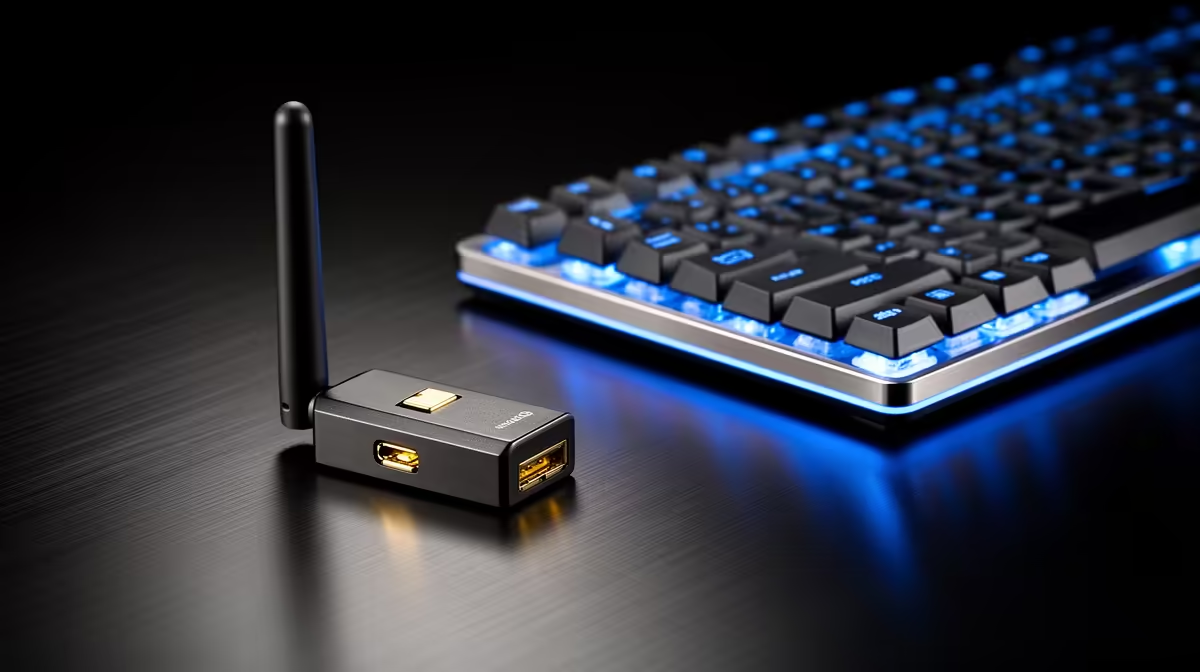
A casual gamer should choose a USB Wi-Fi adapter from router standard, signal conditions, operating-system support and antenna placement. The verified facts contain no USB model. The ASUS PCE-AX1800 at R147 is a confirmed internal PCIe Wi-Fi 6 adapter, so it suits a compatible desktop slot rather than a laptop USB port.
Diagnose the connection before choosing a form factor
The Cudy WR3600E at R766 provides verified Wi-Fi 6 routing for supported clients. The Cudy WR1300 at R327 supplies a confirmed lower-tier router option where its coverage fits the home.
The ASUS PCE-AX1800 offers the verified desktop PCIe route when internal installation is practical.
Compare Ethernet from the gaming desk
Run the same online game over a temporary cable and the current Wi-Fi connection, recording ping, packet loss and jitter. If wireless causes the difference, check whether the PC sits behind metal furniture or far from the router. Source a USB adapter with current drivers, an antenna position clear of the case and support for the required band. A small flush dongle may sacrifice reception for convenience. Use a short extension to move an adapter away from rear-port interference, and keep background downloads closed during the comparison.
Confirm whether a short USB extension preserves adapter performance before using it to move the antenna above a metal tower.
Improving casual gaming Wi-Fi? > Tell Evetech the computer, router, distance and test results.