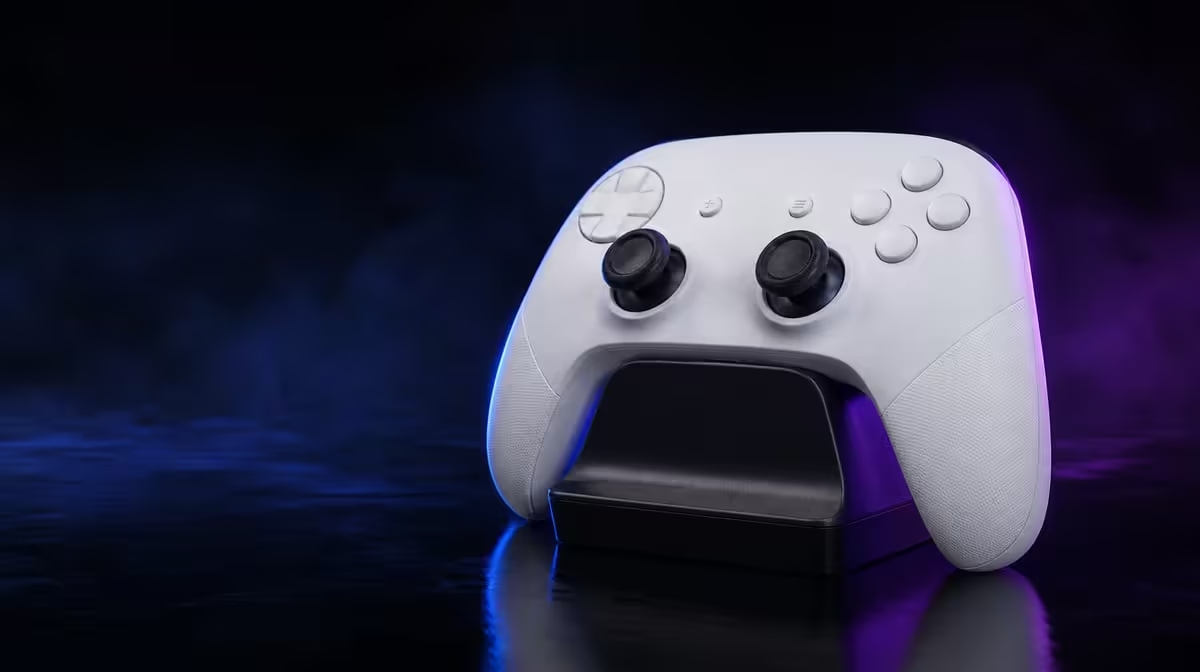
A charging dock is valuable when it changes what happens after every session. A controller charging dock is worth it when the player actually returns the pad, reduces forgotten charging and starts wireless play from a predictable place.
Quick Answer
The R1,499 GameSir G7 Pro includes a charging dock for its PC and Android wireless routine. The dock can improve storage and charging habits, but it does not lower latency, change stick sensing or add wireless Xbox compatibility.
🔋 Test the ownership habit
Choose a stable location near the PC or Android play area. The dock should be easy to reach without creating cable clutter.
Keep it away from a route where the controller can be knocked during normal desk use. A consistent home is valuable only when it is convenient and protected.
Place the removed faceplate or D-pad parts elsewhere so the charging area does not become a loose-parts tray.
Finish a session and return the controller immediately. Start the next wireless session from that position.
Include the end of play in the habit: close the game, leave the controller in a known platform state and dock it. This reduces uncertainty about both charge and mode.
At the next start, lift it, select the correct PC or Android connection and perform one standard input check.
Repeat for a week and count missed returns. The dock is worthwhile only when the habit survives ordinary use.
Record why a return was missed. Poor dock placement, another charging routine or simply wired-only use can explain whether the accessory fits the owner.
Ask another household user to follow the same routine. A shared controller needs a home everyone recognises.
Compare complete ownership routines through Evetech's gaming controller range.
📡 Keep charging separate from compatibility
Dedicated wireless serves the G7 Pro's PC routine, Bluetooth serves Android, and Xbox continues to require its cable.
Docking the controller does not create a new radio mode or enable cable-free Xbox.
Test reconnect after lifting the pad from the dock. A charged controller still needs the correct platform mode and profile.
Run the reconnect after sleep or restart, not only immediately after docking. The test should resemble the next real session.
Move once from Android Bluetooth to PC 2.4GHz. The dock is the physical midpoint, while mode selection remains the user's job.
🎮 Protect control quality from convenience claims
TMR sticks handle magnetic thumb sensing. Hall Effect triggers with stops change finger control. The dock changes neither.
Use a centre and trigger baseline before praising the complete package. Charging convenience should not hide a control problem.
Likewise, an accurate controller can still have a dock that the player never uses. Score hardware and habit independently.
1000Hz PC polling concerns report timing. A charging stand cannot improve that interval.
Confirm polling in the actual PC profile. Do not attribute a strong timing result to the dock simply because play began there.
The four macros may also restore with a game profile. Their availability is software and control setup, not a charging benefit.
Four macro buttons and swappable parts should be judged through their own game and handling tests.
Browse Evetech's gaming accessories category for other ownership items.
⚖️ Decide who gains from the dock
A regular wireless PC or Android player who forgets charging or misplaces the controller can gain clear value.
A shared-room owner can gain from the visible storage point even when charging was not a frequent problem.
A traveller who rarely plays near the dock may gain less and should judge whether the fixed location fits the routine.
A wired-only Xbox player may use the dock less, since the console routine is cable-based.
The dock still stores the controller, but it cannot turn the wired console link into wireless play. Give that owner only the value actually received.
At R1,499, the included dock strengthens a broader control package but should not outweigh compatibility or input quality.
Run a thirty-day forecast: wireless sessions, expected returns, saved searches and missed charges. Compare the forecast with one week of observed behaviour.
Finish with a simple verdict: useful because it creates a repeated home and ready start, or minor because the controller already follows another reliable routine.
Add a placement experiment. Try two sensible dock locations for several days and count returns. Convenience may depend more on where the stand sits than on the player's intention.
Check whether the controller can be lifted and replaced without moving other desk equipment. A dock that causes daily rearrangement is less likely to become habit.
Keep the platform card beside the chosen location. The physical home should also remind users whether the next session needs PC 2.4GHz, Android Bluetooth or the wired Xbox path.
Run a missed-charge recovery drill. Connect through the supported cable route where appropriate and continue without changing game mappings. The dock reduces the risk of missed charging but cannot make the possibility disappear.
For shared ownership, assign responsibility only if needed. A better design is a visible routine that every user can follow without relying on one person to remember charging.
Measure time saved honestly. Finding the controller immediately and beginning a ready wireless session are concrete gains; claiming improved aim or lower latency would not be.
Compare the included dock with the buyer's current habit. If the pad already returns to a reliable charging location, the improvement may be small. If it is frequently misplaced or empty, the value can be stronger.
At the end of the week, write the return rate and next-session success rate. Those two numbers describe ownership better than a general statement that all docks are essential.
Include the dock in the R1,499 score only after platform compatibility, control quality and physical comfort pass. Convenience strengthens a suitable controller; it should not rescue an unsuitable one.
Repeat the ownership test during a busy week rather than only during deliberate review. A useful dock remains the easiest place to leave the pad when attention is elsewhere.
Record whether Android and PC users return the controller in a state the next person understands. Mode clarity and charge readiness work together even though the dock changes only the physical routine.
If the controller stays wired on Xbox most of the time, judge storage separately from charging. The stand may still create a home, but its wireless-readiness benefit will be smaller.
End with one concrete outcome: fewer missed charges, less searching, easier shared storage or no meaningful change. That result explains whether the included dock earns part of R1,499.
Review Evetech's popular accessories after the one-week habit test.
Frequently Asked Questions
What is the main benefit of a controller dock?
It creates a consistent charging and storage point.
Is a charging dock included with the G7 Pro?
Yes. It is part of the R1,499 package.
Does docking the controller improve input latency?
No. It changes charging habits rather than report or game timing.
Who gains the most from a charging dock?
Regular wireless PC or Android users who return the controller after play.
Does the dock add wireless support to Xbox?
No. Xbox remains wired.
How does a dock support PC and Android use?
It gives those wireless routines a regular place to charge and store the pad.
When is a dock unlikely to add much value?
When the player rarely uses wireless modes or does not return the controller consistently.
Should the dock outweigh control quality?
No. Platform fit, sticks, triggers and input access remain more direct play considerations.
Ready to find out whether the controller comes home after play?
Compare Evetech's gaming controllers and test the G7 Pro dock through a full week of real PC or Android sessions.