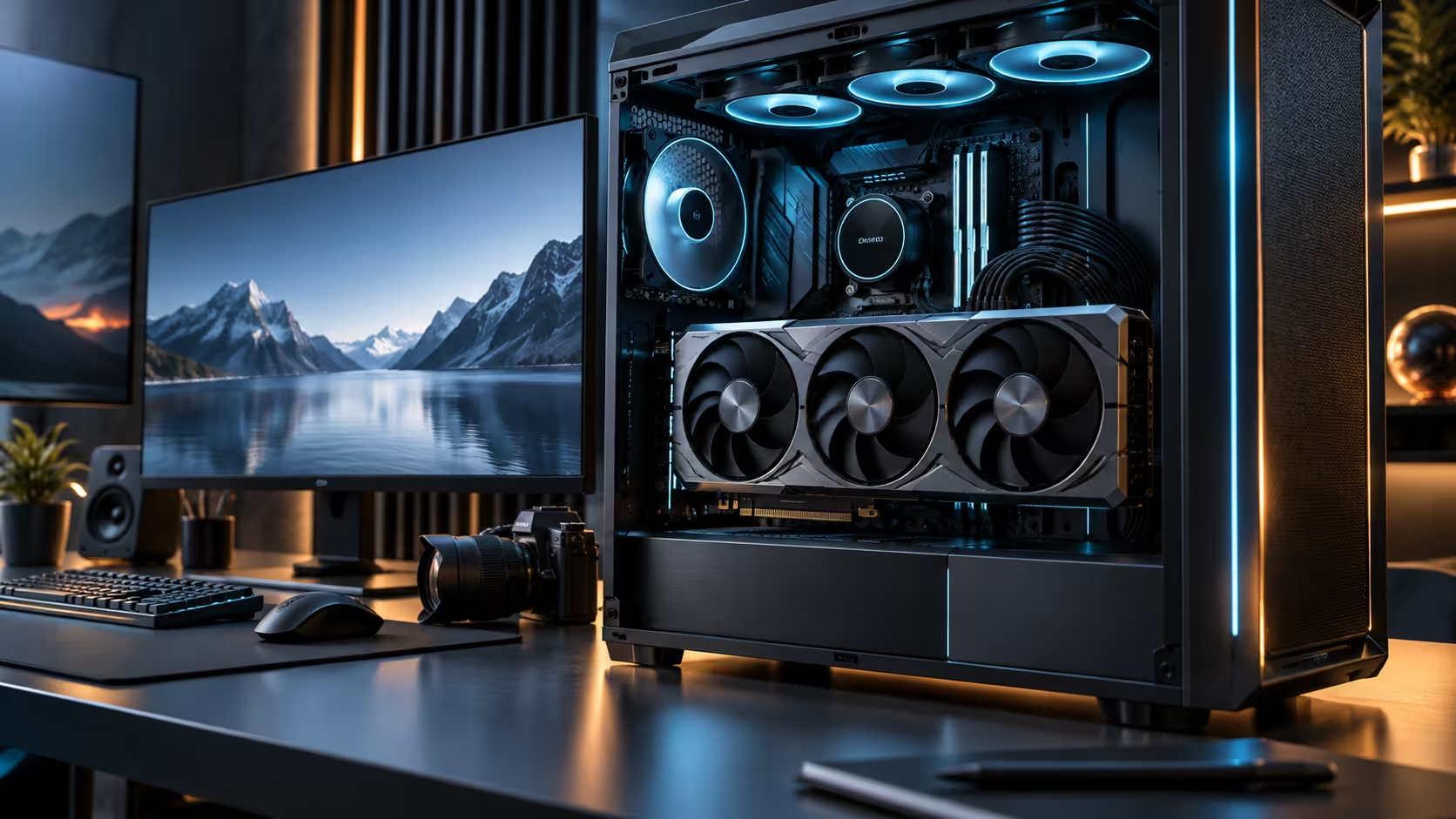
A card chosen for four monitors and a card chosen for one great monitor and a stable stream are not the same purchase, even if both end up being the same physical product. Choosing a multi-monitor graphics card for a South African gaming, editing and streaming setup starts with which of those three jobs actually pays the bills.
Quick Answer
Pick the card on its output count and memory first, then build the desk around the one panel you actually work on rather than treating every screen as equally important. A South African home office streaming or editing setup usually shares a single fibre line and one router with the rest of the household, so encoding a stream locally matters more day to day than adding a fourth monitor nobody is looking at during a session. The card behind this figure is R119,999.
🎮 Gaming: one great panel beats four average ones
For pure gaming, a single panel running at 240Hz connected directly to the card's best output almost always beats splitting attention and bandwidth across several screens running lower refresh rates. Secondary panels are useful for chat, a stream overlay, or reference material, but they should be treated as support screens running modest settings, not additional demanding displays competing for the same bandwidth as your primary panel.
Confirm your main panel runs at its full resolution and refresh rate before adding anything else, and add secondary screens at settings genuinely lower than your primary, since that keeps overall bandwidth demand well within what the card and its outputs comfortably sustain together.
🎬 Editing: memory and a second reference screen matter more than four
For editing work, the meaningful upgrade over a single-screen setup is a second panel dedicated to a program monitor or scopes, not a third or fourth general-purpose screen. Two well-chosen panels, timeline on the largest, reference on a colour-accurate second screen, cover most editing workflows better than four screens of mixed quality.
Card memory matters here more than output count, since large timelines and high-resolution source footage need to stay resident to avoid stutter when scrubbing, which is a separate question from how many physical displays are connected.
📡 Streaming on a South African fibre line
Streaming adds an upload requirement on top of everything the card and monitors are doing, and that upload shares the same fibre line as the rest of the household during a session. A stream encoded above 6 Mbps can already strain a line rated at 10 Mbps up once a video call or a background sync shares the same connection. Encoding the stream locally on the graphics card, rather than relying purely on CPU encoding, reduces strain on a machine already driving multiple monitors, but it does nothing to increase the upload bandwidth your line actually has available.
Test your line's real upload speed during peak household hours, evenings especially, before committing to a streaming bitrate, since the advertised package speed and the speed actually available while others in the house are also online can differ meaningfully from one another.
🖥️ Building the monitor layout around the real job
Once the primary use is clear, choose panels and their card connections in that priority order rather than treating four screens as an equal group. Even a modest 24-inch secondary screen dedicated to chat or reference material earns its place before a third or fourth general-purpose monitor does. Browse the monitor range for panels suited to whichever job is primary, and check the gaming monitor range specifically if gaming is the priority and the other screens are genuinely secondary.
🏠 Sharing one router and one household connection
A South African home rarely dedicates a whole fibre line to one person's setup, and a multi-monitor gaming, editing or streaming rig sits on the same router as everyone else's video calls, streaming services and browsing. Wired Ethernet to the machine driving all of this, rather than relying on Wi-Fi, removes one variable from a session where upload bandwidth for a stream or a large file transfer is already under pressure from shared household use.
This matters more for streaming and cloud-based collaborative editing than for local gaming, since a wired connection mainly protects the outbound and inbound data a session depends on, rather than anything the graphics card itself is doing. A basic 1Gbps Ethernet switch and a length of cable through to the router is a small cost against the frustration of a stream stuttering because someone else in the house started a video call at the wrong moment.
🖥️ Choosing the card itself before the monitor layout
The card driving this setup should be chosen with its output count and memory in mind before the exact monitor layout is finalised, since a card's full specification determines what layouts are even possible in the first place. Confirm the card's exact output mix against your planned panels before ordering any of the monitors themselves, since reversing that order is how a carefully chosen set of screens ends up needing an unplanned hub or adapter within 30 days of the desk otherwise being finished.
Frequently Asked Questions
Do I need four monitors for streaming?
No. A capable single or dual-monitor setup with local hardware encoding matters more for stream quality than the number of screens connected.
Does editing need more monitors than gaming?
It benefits more from a second reference screen specifically, rather than simply more screens overall. Card memory for handling large timelines matters as much as the monitor count.
Will my fibre line handle streaming and normal household use at once?
Test actual upload speed during peak household hours before assuming your advertised package speed is available in practice, since shared household usage reduces what is actually left for a stream.
Does a bigger card memory pool help streaming specifically?
Indirectly. Local hardware encoding for a stream draws on the card's processing resources rather than its memory capacity directly, so memory mainly matters here for whatever gaming or editing work is happening alongside the stream itself.
Is a wired connection worth the hassle for casual streaming?
For anything beyond occasional, low-stakes streaming, yes. The reliability gain during a session that matters, when a stream drops or stutters in front of an audience, tends to outweigh the modest inconvenience of running a cable to the router, especially in a household where other devices compete for the same Wi-Fi channel.
Does the order I plug in monitors matter?
Not electrically, but connecting your primary panel first and confirming it runs at full settings before adding secondary screens makes it far easier to spot which addition, if any, causes a problem with the rest of the setup.
Should secondary monitors run the same settings as my primary screen?
No. Running secondary screens at lower resolution or refresh rate than your primary keeps total bandwidth demand well within comfortable limits for the card and its outputs.
Ready to build a monitor setup around your actual workflow, not just the port count?
Identify your primary job first, then choose panels and settings around that priority.