



PCIe 5.0 vs PCIe 4.0 for Strategy and Sim Games in SA
PCIe 5.0 and PCIe 4.0 differ most in lane support, compatibility, and upgrade value for strategy and sim games. SA buyers should match the choice to their actual hardware and games.
Read morePlain answer on argb pc accessories for south african gaming setups: what it is, why it matters and the spec numbers SA gamers care about when buying through Evetech. ZAR price bands, SA Evetech stock notes and the gotchas specific to argb pc accessories for south afri.
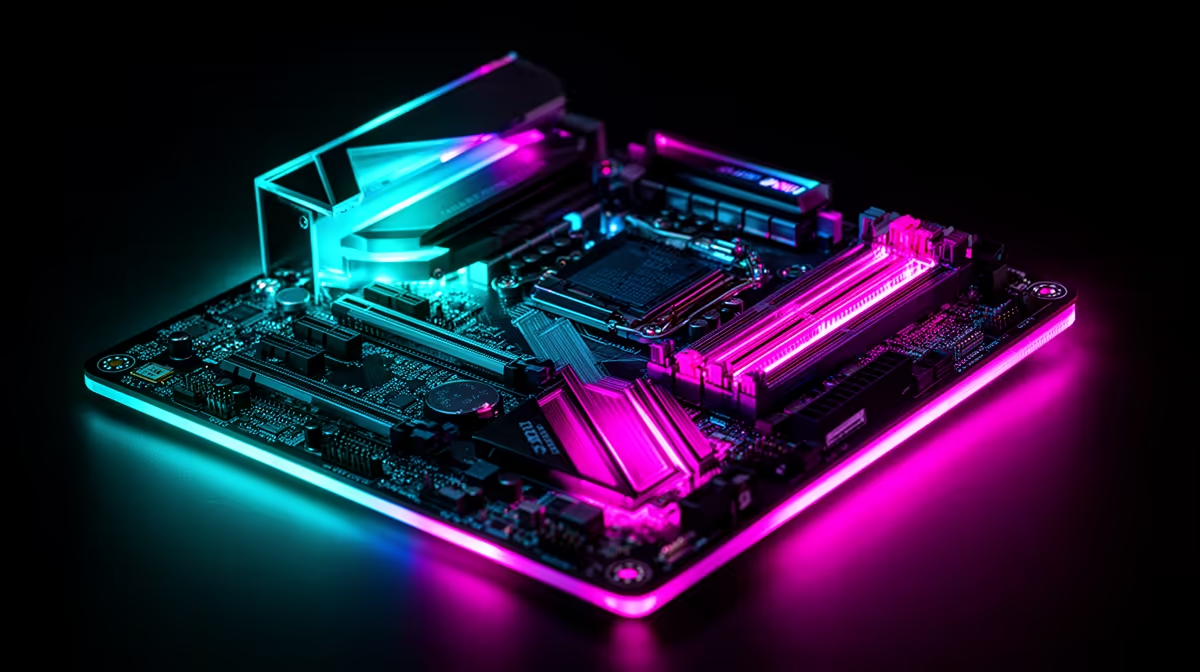
For a South African gaming setup, prioritise ARGB accessories that use a standard 3-pin ARGB (5V) header and are compatible with your motherboard's lighting ecosystem. Avoid proprietary connectors from smaller brands that lock you into a single controller. Budget R600 to R2,500 for a full ARGB accessory suite depending on how many components you are lighting.
ARGB stands for Addressable RGB, where each LED on a strip or fan can be controlled individually to produce patterns and colour transitions. The standard connector is a 3-pin 5V header, used by ASUS Aura Sync, Gigabyte RGB Fusion, MSI Mystic Light, and ASRock Polychrome. Most ARGB fans, GPU holders, RAM diffusers, and case lighting strips use this connector, making them interchangeable across motherboard brands. The older 4-pin 12V RGB connector (non-addressable) is still found on some accessories and cannot be mixed with 3-pin ARGB without a controller. Before purchasing any ARGB component for your setup, check your motherboard's available headers and confirm which standard it uses. Most current-generation boards (using AMD Ryzen 7000/9000 series or Intel Core Ultra platforms) have both types, but older B450/B550 boards may have only one ARGB header.
For a full ARGB treatment of a mid-range SA gaming rig, a practical shopping list looks like this: three to four ARGB case fans (R150 to R350 each), an ARGB GPU support bracket (R300 to R500), an ARGB fan hub if your motherboard has only one header (R150 to R300), and an ARGB case lighting strip for the front panel (R100 to R200). Total for a complete setup: R1,000 to R2,500 depending on brand and quantity. This is a meaningful add-on to a build in the R15,000 to R25,000 range, but it is a one-time cost that remains installed across multiple GPU and CPU upgrades since fans, brackets, and strips are reusable.
Sync performance varies by motherboard software. ASUS Aura Sync on Z890 and X870 boards provides the most responsive per-LED control. Gigabyte RGB Fusion is functional but occasionally conflicts with non-Gigabyte components. MSI Mystic Light works well within the MSI ecosystem. For non-ASUS motherboards, a standalone ARGB controller at R200 to R400 lets you manage all lighting independently of motherboard software.
Most motherboards provide only one or two ARGB headers, which limits how many components you can directly connect. An ARGB fan hub splits one header into six to eight outputs, allowing full ARGB control over fans, brackets, and strips from a single header. Factor the hub cost (R150 to R300) into your initial accessory order rather than discovering the header limit mid-build.
Yes, for visible components. ARGB allows individual LED control, which produces effects (colour waves, reactive lighting, music sync) that standard RGB cannot match. For hidden components like rear cable management clips, standard RGB is fine and costs less.
ARGB lighting is controlled by the motherboard header and lighting software, not the GPU. You do not need a dedicated graphics card for ARGB accessories to function. However, lighting software like Aura Sync installs alongside GPU drivers, so you typically set it up after installing all components.
ARGB LEDs consume very little power, typically 1 W to 3 W per component. A full ARGB setup draws under 20 W total, negligible against a gaming PC's 300 W to 600 W under load.
Ready to light up your SA gaming setup with ARGB accessories? Evetech stocks ARGB fans, GPU holders, and case lighting accessories. Browse the gaming accessories section to build your lighting setup from locally stocked components.
PCIe 5.0 and PCIe 4.0 differ most in lane support, compatibility, and upgrade value for strategy and sim games. SA buyers should match the choice to their actual hardware and games.
Read more
AM5 vs AM4 for video editing in 4K Difference explained is mostly about compatibility, budget, upgrade path, and setup fit. SA buyers should check device support and real needs before expecting a clear win from either option.
Read more
OLED vs QD-OLED for strategy and sim games buyers - what changes is mostly about compatibility, budget, upgrade path, and setup fit. SA buyers should check device support and real needs before expecting a clear win from either option.
Read more
DisplayPort 2.1 and 1.4 differences matter when SA PC builders match GPUs, monitors, and refresh targets. Use this difference between displayport 2 1 and displayport 1 4 explained pc builders guide to avoid mismatched parts.
Read more
Ray tracing vs Path tracing depends on Strategy and sim games needs, platform limits, and budget fit. Compare compatibility, latency, upgrade path, and real setup constraints before choosing for an SA build.
Read more
wireless mouse guide for Gqeberha gamers should be shortlisted around the job it must do. South African buyers should compare sensor, shape, weight, and wireless latency, warranty path, and upgrade room before treating any pick as best.
Read more
From 1 October 2026, WhatsApp Business Platform service replies in South Africa are expected to cost about $0.0076, or 12 cents, per delivered message.

DDR5-8000 RAM Kits pros and cons depend on the build, budget, and workload. Weigh gaming needs, platform fit, power, cooling, warranty support, and South African pricing context before shortlisting it.

Wi-Fi 6E vs Wi-Fi 6 depends on AAA single-player gaming needs, platform limits, and budget fit. Compare compatibility, latency, upgrade path, and real setup constraints before choosing for an SA build.

Ryzen 9 9950X3D dead pixel checks should isolate the panel first. Run colour fills, inspect the monitor menu, test another cable or input, and capture proof before linking it to the SA CPU upgrade.

YouTube will count public views from the first frame across video formats from 24 August, while earnings and eligibility remain tied to engaged viewing.

Canonical expects Ubuntu on WSL users to outnumber native Ubuntu desktop users before the end of 2026. The software is open source and runs inside supported Windows PCs.

Telkom's daily bundles pair WhatsApp access with 10 all-network voice minutes. The R15 option includes 300MB, while the R17 option uses a fair-use threshold.

A 10,000-hour test found similar image retention across older and newer OLED TVs, while newer panels were brighter and more efficient. Local OLED monitors started at R9,999.

650W for RTX 5090 needs a full-build check, not a simple yes. Review GPU guidance, CPU draw, transient load, connectors, PSU quality, and upgrade plans before deciding.
PCIe 5.0 and PCIe 4.0 differ most in lane support, compatibility, and upgrade value for strategy and sim games. SA buyers should match the choice to their actual hardware and games.

How to fix FPS drops Windows 11 RX 9070 XT starts with GPU drivers, overlays, power plans, and frame pacing checks. For SA gaming PCs, verify chipset updates, HAGS, refresh rate, thermals, and per-game graphics settings.
AM5 vs AM4 for video editing in 4K Difference explained is mostly about compatibility, budget, upgrade path, and setup fit. SA buyers should check device support and real needs before expecting a clear win from either option.