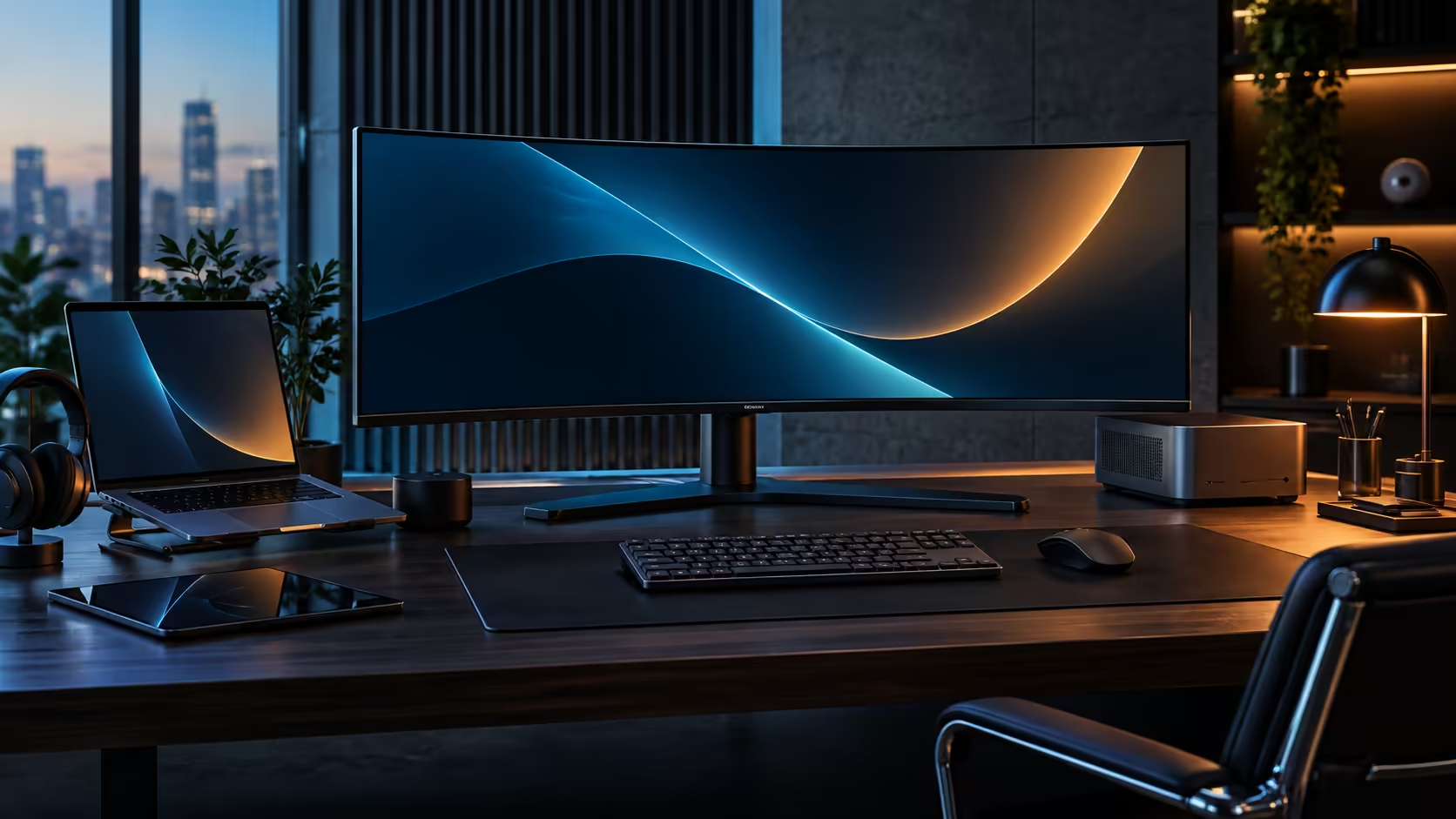
The question of one wide screen against two standard ones rarely has a universally right answer, because it depends on a habit rather than a spec: do you regularly turn a window sideways, or push an app into a corner and forget about it? A 21:9 curved monitor and a pair of standard office screens genuinely serve those two habits very differently indeed.
Quick Answer
Pick the 21:9 panel when your work is wide documents, spreadsheets and side-by-side windows that benefit from one continuous surface. Pick two standard screens when you regularly rotate one to portrait, or want a monitor pushed into a corner at an angle. At R7,999 the single-panel CU34E4CW also throws in USB-C docking, a built-in camera and a wired network socket, none of which a plain second screen would give you.
📄 Where the single wide panel genuinely wins
The advantage of one continuous 21:9 surface over two screens is specific, and it shows up most in a handful of common tasks.
A wide spreadsheet with dozens of columns, a video or audio timeline, or two documents you are actively comparing side by side all benefit from having no bezel breaking the view. On two separate monitors, that same content either gets awkwardly split across the gap between screens or forces you to keep one document maximised and alt-tab to the other, losing the side-by-side view entirely. The CU34E4CW's 3440 horizontal pixels give you roughly the width of two 1720-pixel windows sitting edge to edge with nothing between them.
Editing a contract against a redlined draft, or comparing two versions of a spreadsheet line by line, are exactly the kinds of tasks where a bezel sitting directly between the two documents becomes a genuine annoyance rather than a minor cosmetic detail, since your eye has to physically jump the gap every time it moves from one side to the other.
Cable count favours the single panel too: one video connection, one power lead, and on the CU34E4CW one USB-C cable if the source is a laptop, against two of each for a genuine dual-monitor setup.
🔄 Where two standard screens still make more sense
The 21:9 shape is not universally better, and pretending otherwise ignores real workflows.
Rotating a 24-inch monitor into portrait orientation is only possible on a screen designed to be turned, which a curved ultrawide is not. If your work involves long-form reading, reviewing a full page of a document at once, or coding with a long vertical file, a portrait-oriented second screen does that job better than any curved panel lying flat. Two independent screens can also be angled separately toward two different seating positions, which matters if a desk is occasionally shared or if you glance at a second screen from an angle rather than head-on.
A developer reading long stack traces or a designer reviewing a full printed page layout are both concrete examples of work that genuinely wants height over width, and no amount of horizontal pixels on a curved ultrawide substitutes for a screen turned on its side specifically for that purpose.
Running two completely unrelated full-screen applications, such as a video call taking the whole of one screen while you work uninterrupted on the other, is also a genuinely different experience from splitting one wide panel into sections, since the video call window has its own dedicated space rather than sharing pixels with your primary task.
🧮 Pricing the two routes fairly
As with any monitor comparison, the honest number depends on what you are comparing against, not just the sticker price of each screen.
Two decent 24-inch office monitors can be bought for roughly R6,000 to R8,000 combined, putting that route in a similar price range to the single CU34E4CW on panel cost alone. Where the single-panel route pulls ahead is when you add up what two standard monitors do not include: neither has a KVM, an RJ45 socket, or 90W USB-C charging built in, so matching those features on a two-monitor desk means adding a separate dock and possibly a KVM switch, which pushes the two-screen total well past the single panel's R7,999.
Two separate stands and their combined desk footprint add a further, less obvious cost to the two-monitor route, since replicating the CU34E4CW's single central base with two independent stands generally needs noticeably more desk width than most people budget for when only pricing the screens themselves.
If your own habits genuinely need portrait rotation or separate angled screens, that extra cost is absolutely worth paying. If they do not, it is simply money spent recreating features the single panel already has built in.
Weigh the office monitor range against the curved monitor range and the broader monitor selection before settling on whichever shape actually fits your working habits.
Frequently Asked Questions
Is a curved 21:9 monitor better than two standard screens for coding?
It depends on the code. Wide layouts with multiple panes open side by side suit the 21:9 shape well, while long vertical files are easier to read on a screen rotated to portrait, which a curved panel cannot do.
Can I rotate a curved ultrawide into portrait mode?
No, not at all. A curved panel's shape only ever works correctly in its intended horizontal orientation, regardless of what a mounting arm might otherwise allow.
Which setup costs less overall?
It genuinely depends what is included in each. Two bare monitors without docking can be similar in price to the panel alone, but matching the KVM, network socket and charging built into a single docking ultrawide usually raises the two-monitor total well above it.
Does a curved screen work well for video calls alongside other work?
Reasonably well, since a call window can sit comfortably in one third of the panel while other work continues in the remaining space, though it still shares screen real estate rather than owning a fully separate display of its own.
Which option suits a shared desk better?
Two independent screens, generally, since each can be angled toward a genuinely different seating position. A single curved panel is designed specifically to be viewed centred from one seated position only.
Ready to match your screen shape to how you actually work?
Think about how often you rotate a window to portrait before choosing between one wide panel and two standard ones.