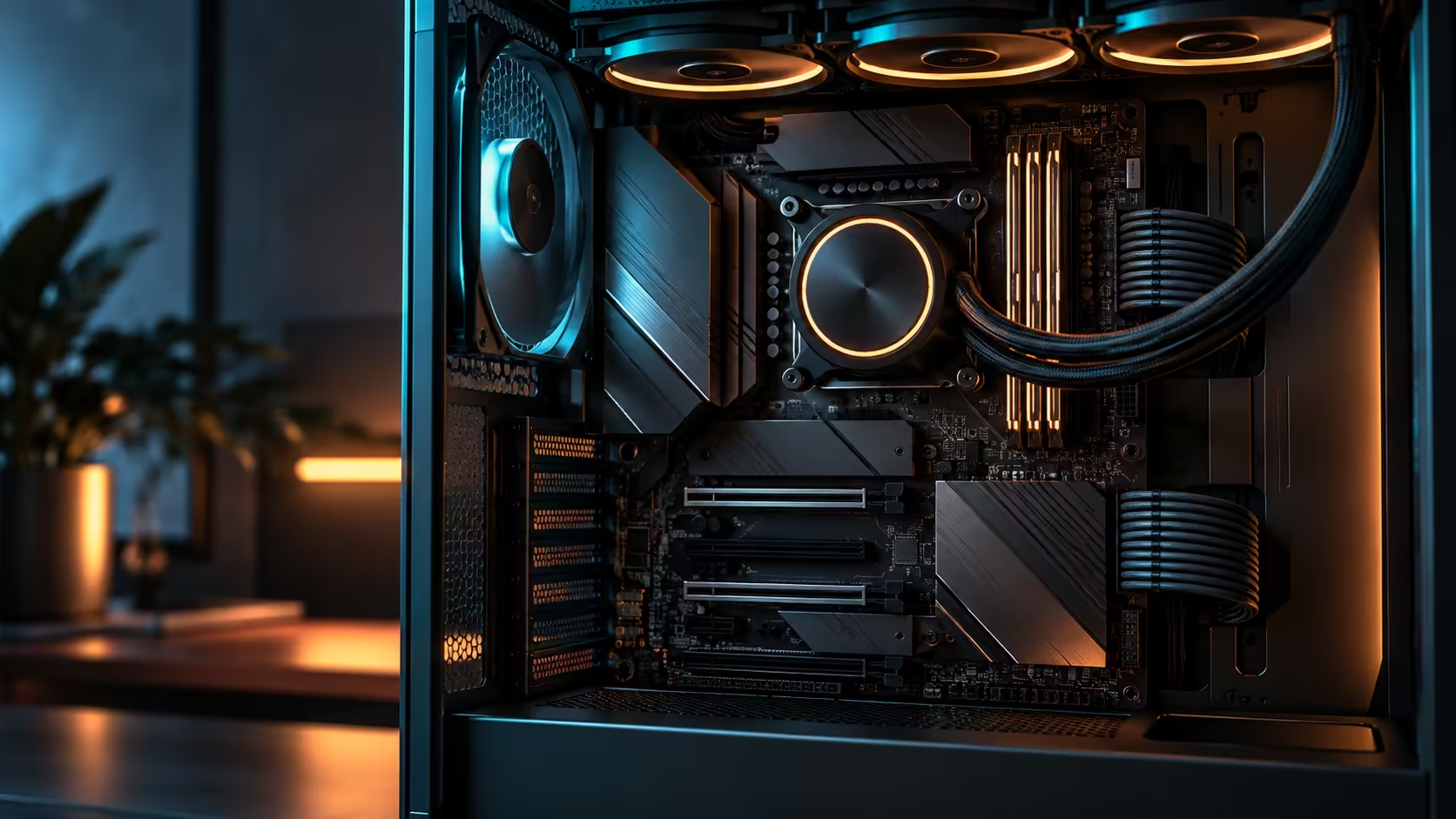
Nine drive bays sounds like a workstation feature until you learn how the count actually gets there, and understanding the mechanism changes how you plan around it. Five and nine M.2 slots describe two different things on the same board: what is physically wired in from the factory, and what an add-in card can add on top of that once you fit it. Getting the split right decides whether a gaming rig, an editing bench or a local AI storage box actually needs the higher number.
Quick Answer
Five M.2 sockets are wired directly into the ROG Crosshair X870E Edition 20 at R54,999, and the total reaches nine once you fit the bundled expansion cards into one of the two PCIe 5.0 x16 slots. For gaming, five onboard sockets are already generous. For editing and local AI model storage, where drive count matters more than any single drive's peak speed, the add-in route is how this board goes further than most.
🎮 Why five is already enough for gaming
A typical gaming build uses at most 2-3 drives: the operating system, a large game library, and occasionally a separate drive for recording or capture footage. 5 onboard M.2 sockets cover that with room to spare, and none of them cost you a lane shared with the graphics card, since the onboard sockets wire directly to the CPU or chipset.
Reaching for the ninth slot for a gaming-only build is usually solving a problem that does not exist yet. The honest advice for most gaming setups, on this board or any other in the AMD motherboard range, is to fill two or three of the five onboard sockets and leave the rest for later rather than planning around the higher number from day one.
🎬 Where editing workloads actually use the extra slots
A video editor working with multiple camera sources, proxy files and a render cache genuinely benefits from more independent drives than a gaming rig ever will. Separating raw footage, active project files, cache and export destinations across distinct drives avoids one drive becoming the bottleneck for every stage of the pipeline at once, and that is where climbing toward the higher slot count starts to pay for itself.
The trade-off is the lane sharing that comes with the add-in card route. Adding drives through a card fitted into a PCIe 5.0 x16 slot pulls bandwidth from that slot's pool, so an editing rig weighing this decision needs to check whether its graphics card actually needs the second x16 slot's full bandwidth or is better served giving it to storage instead.
A realistic multi-camera edit suite might assign one drive to 4K raw footage from camera A, a second to camera B, a third as the active project and cache drive, and a fourth as a render output target, leaving the fifth onboard socket free for the operating system. That is already five roles filled without touching an add-in card, and it only pushes toward six or seven once a project genuinely runs multiple concurrent camera sources at once.
🤖 Local AI model storage is a genuinely new use case for this many slots
Running large language models locally means keeping multiple model checkpoints, each potentially tens of gigabytes, ready to load quickly rather than downloading them repeatedly. That is a workload almost nobody was planning motherboards around a few years ago, and it is one of the clearer real-world cases for wanting more than five drives on a single desktop board.
A handful of mid-sized model checkpoints, each running from a few gigabytes to well over a hundred depending on parameter count and quantisation, adds up quickly when several versions of the same model are kept side by side for comparison. Storing three or four such checkpoints alongside training data and cached activations is a realistic way a home AI workstation fills five onboard sockets faster than a gaming build ever would, and it is exactly the scenario where the extra four slots on the add-in cards stop being theoretical.
For this use case, the add-in card route via the Gen 5 NVMe range makes sense specifically because model loading is dominated by sequential read speed, which the fastest available drives handle well even while sharing a card's lane pool, unlike latency-sensitive random access work that suffers more from shared bandwidth.
🧾 What the add-in cards actually look like in practice
The expansion cards bundled with this board are physically small PCIe add-in boards, each carrying its own M.2 sockets and typically its own small heatsink to manage the extra heat concentrated in that smaller footprint. Installing one is a straightforward slot-and-screw job, similar to fitting a low-profile graphics card, and it does not require any driver beyond what the board's own chipset drivers already provide.
Airflow around the card matters more than around an onboard socket, since several drives are now packed closely together on one small board rather than spread across the wider motherboard surface. A case with decent airflow across the expansion slots avoids the card itself becoming a thermal bottleneck for every drive mounted on it.
🧮 A simple way to decide which count you actually need
Count your realistic concurrent drive roles, not your aspirational ones: boot, active work, cache, library, archive, backup. If that list comes to five or fewer, the onboard sockets on this board answer it completely with no lane trade-off. If it genuinely runs past five, the add-in cards are there, and the full NVMe range gives you the options to fill them without forcing every drive to the same generation or price point.
Frequently Asked Questions
Is there a performance penalty for using the expansion-card slots over the built-in ones?
Yes, potentially. Drives added through the cards split one PCIe slot's bandwidth between them, so a fully loaded card gives each drive less headroom than a socket wired straight into the board.
Is nine drives overkill for a gaming PC?
For almost every gaming build, yes. Two or three of the five onboard sockets cover a typical gaming setup completely.
When does the higher slot count genuinely help?
Multi-source video editing pipelines and local AI model storage are the two clearest cases, where more independent drives reduce one drive becoming a bottleneck for everything else.
Does using the expansion cards affect the graphics card slot?
It can, since the cards draw their lanes from a PCIe 5.0 x16 slot that may otherwise run the graphics card at full bandwidth.
How do I decide how many M.2 slots I actually need?
List your realistic concurrent drive roles: boot, project, cache, library, archive. Five or fewer needs only the onboard sockets; more than that is where the add-in route earns its place.
Ready to plan your storage around what you actually do, not the biggest number on the box?
Count your real drive roles first, then decide whether the onboard five are enough or the add-in route is worth the lane trade-off.