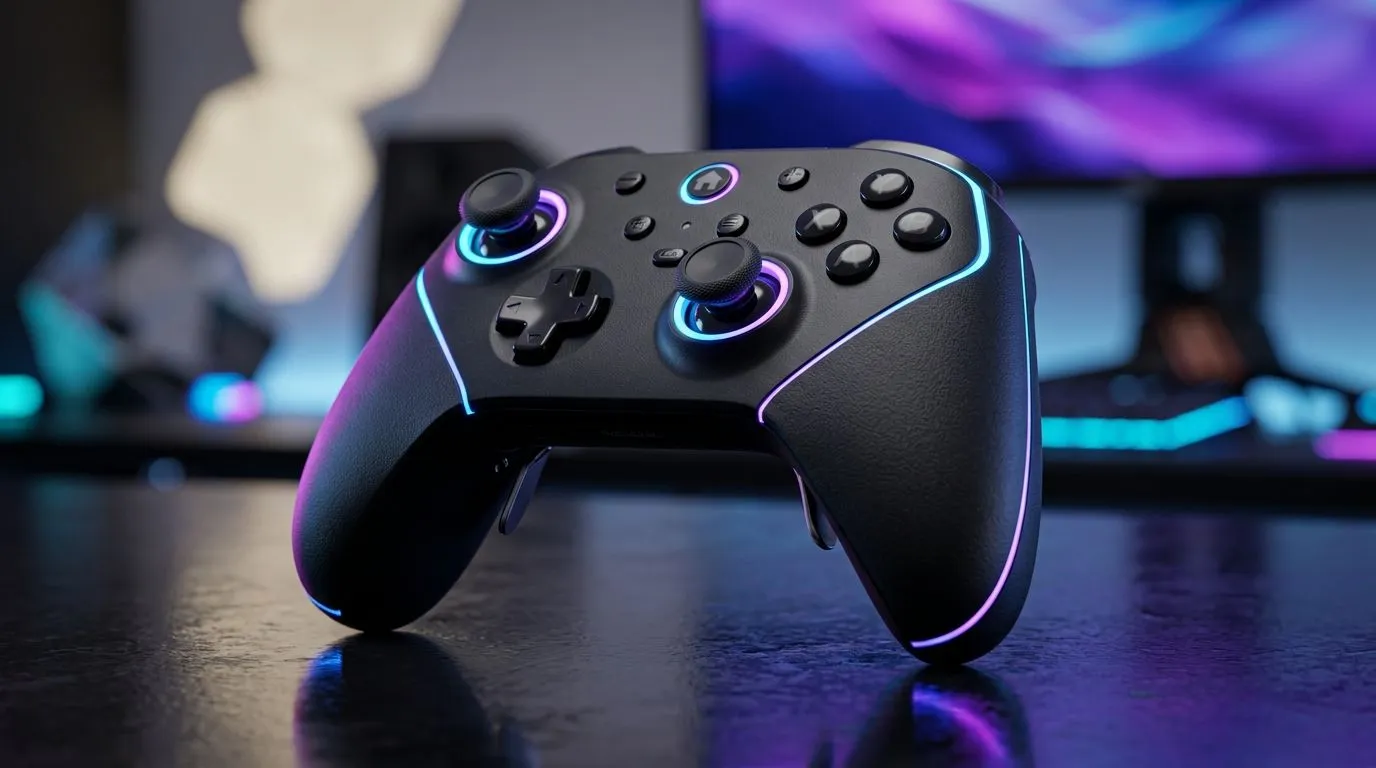
Compact Gaming Controller Settings for Competitive PC Play: Start With Your Thumb-Friendly Layout 🎮
If you’re serious about ranked, your controller setup shouldn’t feel “okay”… it should feel inevitable. In South Africa, where match days can swing from smooth to laggy in seconds, the last thing you need is inconsistent inputs. The good news? With the right tweaks, a compact controller can feel tighter, faster, and more predictable on PC. Let’s dial in settings that help you hit those clean aim corrections and repeat them match after match.
Compact Gaming Controller Settings for Competitive PC Play: Sensitivity, Dead Zones, and Response 🎯
Competitive play on PC lives or dies on consistency. Start with three layers: dead zones, sensitivity, and response curves.
Dead zones: remove drift, keep micro-aim
Analog drift is usually worse on “compact” sticks, because tiny movement means more noticeable error. Set:
- Left stick dead zone just high enough to remove drift
- Right stick dead zone slightly higher if you notice aim crawl
Then test in-game at rest for 30 seconds. If your crosshair creeps, raise dead zone in small steps.
Sensitivity: lower isn’t always better
A common mistake is going too low and compensating with arm movement. For competitive aim, aim should come from controlled stick motion, not frantic corrections.
- Try a slightly higher sensitivity than your comfort level
- Then reduce acceleration or keep it off if the game offers it
Response curve: go for linear or near-linear
If your controller software or game has response curve options, choose the most consistent curve available (often linear). Curves that “speed up” later can feel reactive… and inconsistent.
Productivity Pro Tip ⚡
On Windows, use the built-in controller calibration (Settings → Bluetooth & devices → Devices → your controller → More devices and printer settings) to confirm your sticks center properly. This quick check helps you avoid chasing drift with sensitivity tweaks later.
Compact Gaming Controller Settings for Competitive PC Play: Bindings That Save You Mid-Fight 🔧
Bindings are where compact controllers shine. You don’t want to stretch your thumb across four functions under pressure.
Prioritise your combat essentials
A solid baseline:
- Aim / ADS on a consistent thumb position
- Jump / Crouch on buttons you can hit without re-gripping
- Reload / Interact separated from your aim control
If your controller supports profiles, create two:
- Combat profile (minimal clutter)
- Utility profile (heals, inventory, map)
Don’t fight the ergonomics
Compact controllers can be great… but only if you accept their range. If a button requires a “reach” motion, remap it. That extra fraction of time adds up over a full match.
Want a tournament-focused starting point? Check out the Razer Wolverine V3 Tournament Edition for a controller built for quick, reliable inputs: see the best deal on the Razer Wolverine V3 Tournament Edition 8K at Evetech.
Compact Gaming Controller Settings for Competitive PC Play: Practical Testing on Real Matches 🚀
Once you’ve set dead zones and response, test like a competitor:
- Spend 10 minutes in aim training or practice lobbies.
- Run a short session with one weapon type.
- Re-check dead zone after warm-up. Hands sweat, sticks change slightly.
Then, validate in a live match scenario:
- Play 1-2 rounds where you rely heavily on right-stick corrections.
- If you overshoot often, reduce right-stick sensitivity a touch.
- If you feel late to targets, adjust response curve before sensitivity.
For more controller options across brands and budgets in South Africa, browse: buy gaming controllers at Evetech and, if you’re specifically leaning Razer, go direct here: Razer gaming controllers at Evetech.
Compact Gaming Controller Settings for Competitive PC Play: Your Setup Checklist (Do This Before You Queue) ✨
Before you hit “Ranked”:
- Dead zones set (no drift)
- Sensitivity tuned with controlled corrections
- Response curve consistent (prefer linear/near-linear)
- Combat bindings comfortable, no thumb stretch
- Two profiles ready (combat and utility)
If you do this every time you swap controllers or after updates, your aim stops “mystery changing” mid-session.
Ready to Find Your Perfect Match?
The Mac vs Windows debate is complex, but for maximum power, choice, and value in South Africa, Windows is hard to beat. Explore our massive range of laptop specials and find the perfect machine to conquer your world.