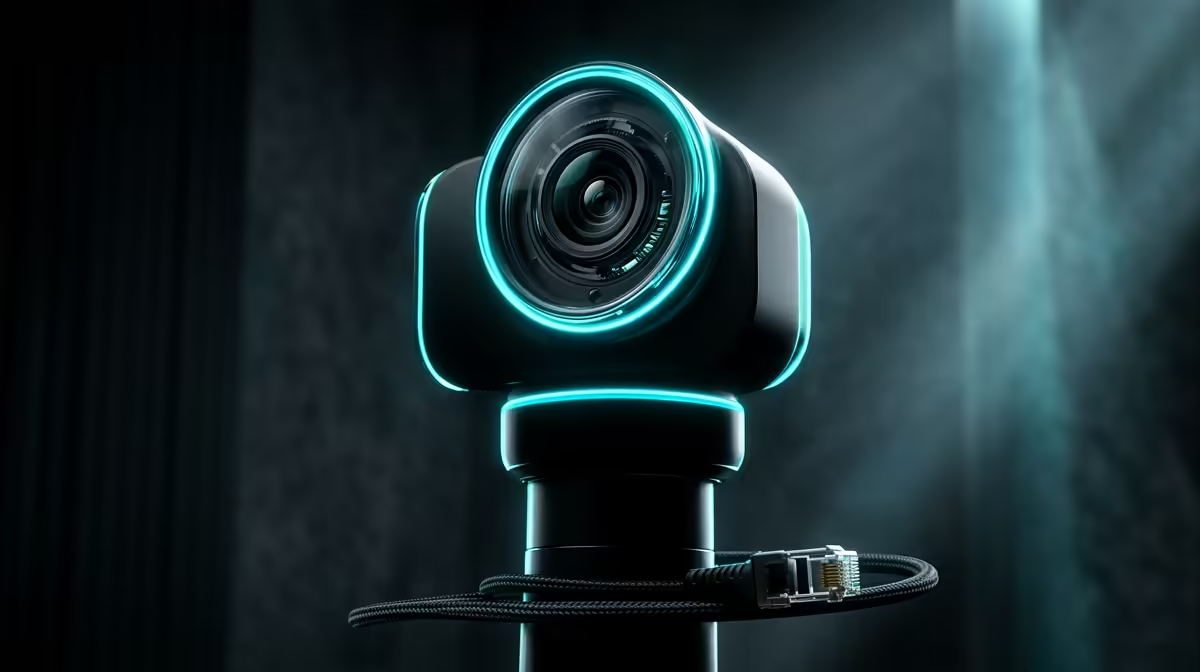
A competitive gamer should choose a wireless security camera for a clear home-monitoring need, not for game performance. Camera traffic, alerts and account security must be managed so they do not disrupt matches or expose private room activity through an unnecessary cloud service.
Define the viewing area and network impact
Choose the entrance or room that genuinely needs monitoring, then test field of view, night lighting and notification frequency. Check whether local storage is available and how much upload the camera uses. Place smart devices on an isolated network when supported, while keeping the gaming computer on a stable wired path where practical.
The TP-Link Tapo C212 indoor Wi-Fi camera at R451 is a verified product reference. Its listing does not establish outdoor suitability, coverage, privacy configuration or gaming-network performance. The Cudy WR6500H router at R1,394 is a separate verified network reference. Confirm current resolution, storage, app support, encryption, update policy, operating environment and warranty.
Use a unique password, stronger sign-in protection where available and minimum shared access. Aim cameras away from private or neighbouring spaces and define a retention period. During competition, suppress nonurgent alerts without disabling essential security coverage.
Buy only when the monitoring purpose and privacy plan are clear. Network separation and sensible alert settings can protect both the home and a latency-sensitive gaming session.
Adding home monitoring? > Compare Evetech indoor cameras and routers after planning network isolation.