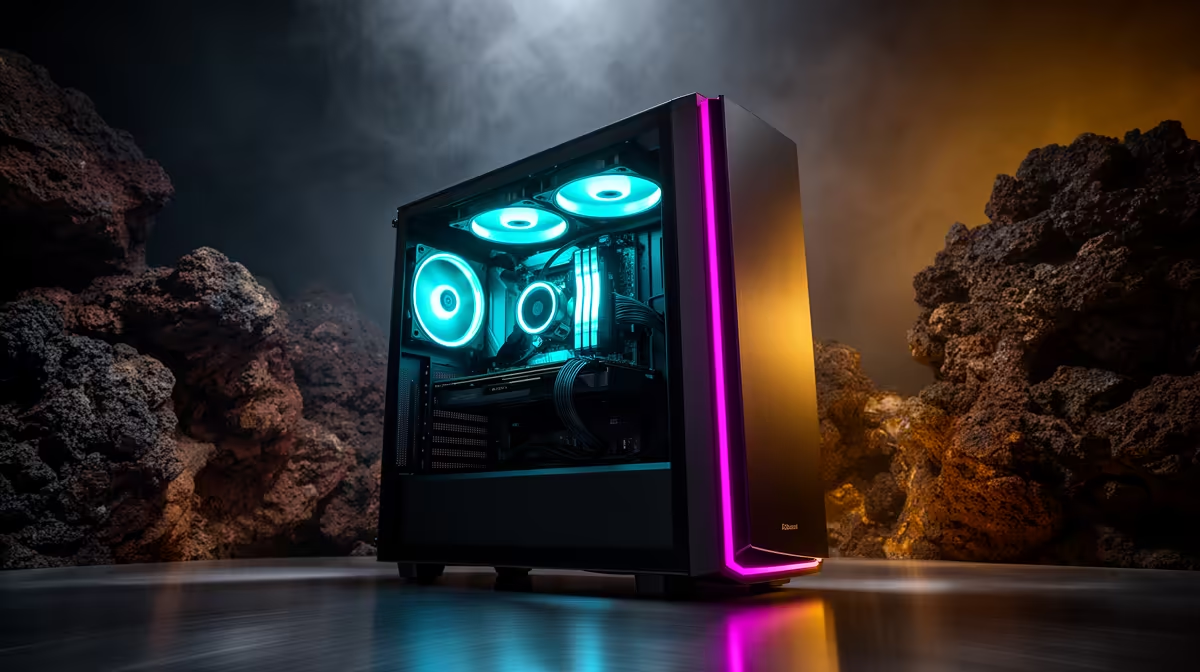
A content-creation PC can run AutoCAD 2D drafting, but a creator-class graphics card may go unused. Two-dimensional plans value responsive processor performance, enough memory, reliable storage and a clear display. Choose stronger creator hardware only when rendering, video or 3D work shares the system.
Test a representative drawing
Open the largest normal DWG, switch layouts, edit blocks and publish the required PDF set. Watch processor use, memory pressure and file-access delay. Include reference files and plotting tools in the test. A smooth empty drawing does not prove that a real project will behave the same way.
Compare balanced computers
The GEEKOM A8 Max is verified at R12,900 with Ryzen 9 8945HS, 32GB memory and 1TB storage as a compact high-performance option. Confirm AutoCAD support, display outputs and expansion limits. The ASUS P5405 at R12,700 offers Core Ultra 5 226V, 16GB memory and 512GB storage in a portable laptop format.
Use a display that keeps line work and text readable at the intended scale. Connect the mouse, number pad or external monitor before the return period ends. Keep templates, plot styles and external references in a versioned backup, then restore one complete project.
Buy the content-creation PC when video, 3D rendering or photo work uses its additional capability each week. For 2D drafting alone, choose the quieter, serviceable system that passes the drawing test.
Choosing a drafting computer? > Ask Evetech to match processor, memory, display and portability to a real DWG.