A content-creation PC is worth buying for OBS when the channel also edits video, creates graphics or handles complex multicamera scenes. OBS alone can run on modest hardware. The games, capture resolution, encoder choice, cameras and post-production workload determine whether creator-class parts earn their cost.
Benchmark the complete production day
Run a private broadcast using the normal game or application, camera, alerts and audio. Record frame times, encoder load, graphics memory, processor use, system memory, temperatures and dropped frames. Then edit the local capture and time the normal export. This separates live and post-production bottlenecks.
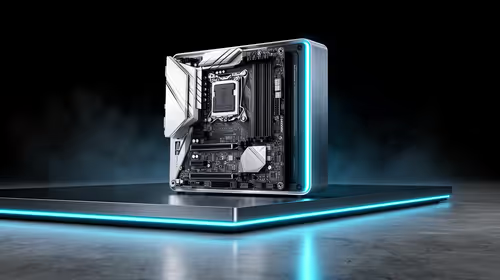
The factpacks verify the Ryzen 5 9600X processor at R3,500, TEAMGROUP VULCAN 32GB DDR5-6000 memory at R1,460 and the Palit RTX 5060 8GB graphics card at R4,800. These components are reference points, not a complete compatible build. Confirm motherboard, cooler, PSU, case, storage, firmware and software support together.
Use wired Ethernet for important streams, keep scene collections backed up and save a local test capture. Start with reliable audio and a simple scene before adding effects. If the existing computer encodes cleanly and edits within acceptable time, upgrade only the measured constraint rather than replacing the whole platform. Repeat both workload tests after every major graphics driver, plug-in or OBS update encountered.
Building for OBS and post-production? > Compare verified Evetech components around both measured creator workloads.