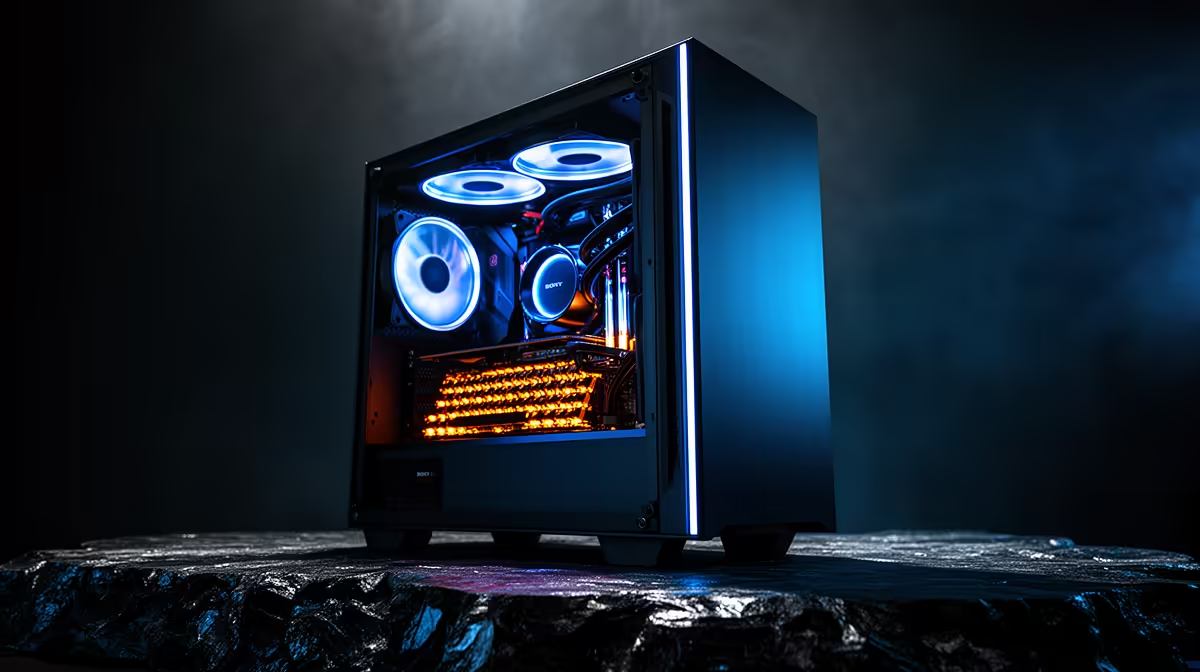
A content-creation PC can suit a competitive gamer who also edits videos or streams, but creator branding does not guarantee low-latency game performance. The processor, graphics card, memory, display and cooling must support the chosen title and frame-rate target.
Rank gaming and creator demands
List the competitive games, resolution, monitor refresh and desired minimum frame rate. Then add the editing codecs, timeline complexity or broadcast tools used each week. Benchmark a busy match and a real creator project so neither workload is sized from marketing labels.
The Palit RTX 5070 Infinity 3 12GB graphics card is listed at R9,000. Confirm case clearance, power connectors, supply capacity, driver support, display outputs and warranty. A strong GPU cannot overcome an unsuitable processor, unstable network or monitor configured at the wrong refresh rate.
Keep game captures and active project media on organised storage with enough free space. Back up original clips and editing projects independently. During a match, close background renders, synchronisation jobs and launcher downloads. After graphics-driver changes, retest both the game and a known edit before accepting the update.
Choose one dual-purpose PC when both roles are frequent and measured. If competition is the clear priority, spend first on stable frame delivery, a suitable display and dependable inputs, then add creator capacity where it helps.
Combining esports and content work? > Compare Evetech graphics cards by memory, power needs and compatibility.