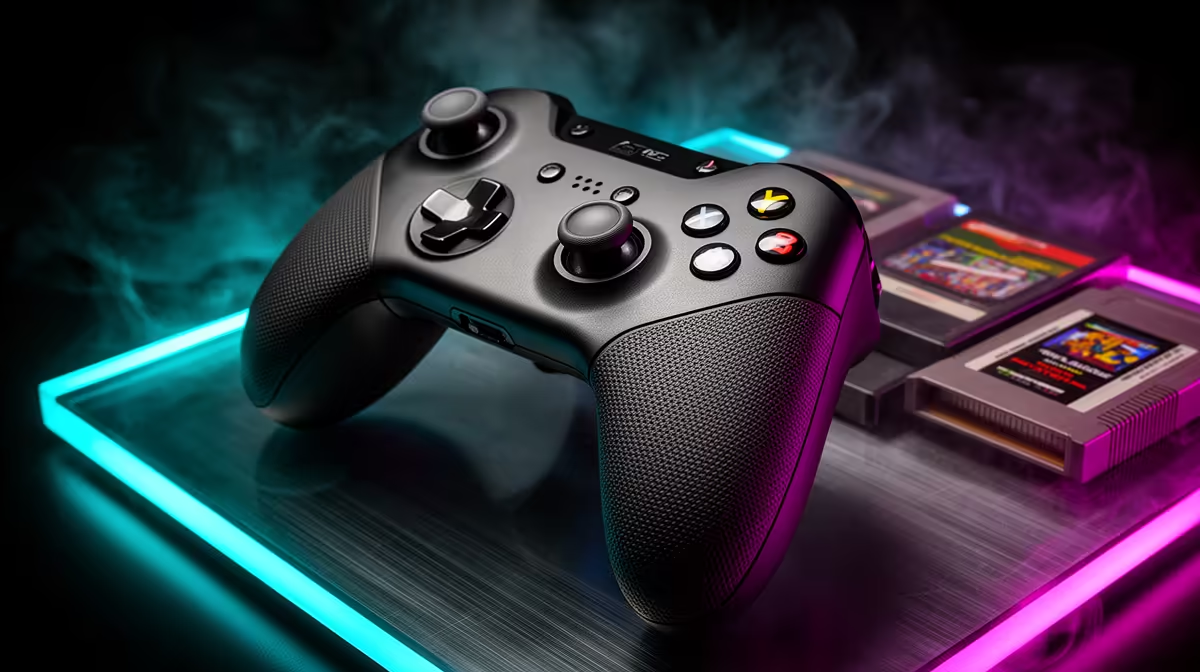
A controller for PC emulation is worth buying when it matches the layouts of legally accessed older games and improves comfort over keyboard input. It does not fix poor emulator configuration, incompatible game files or a weak computer. Native support and low input delay matter more than decorative authenticity.
Match layouts to the legal game library
List the systems and games the user has the right to access, then check emulator and Windows controller support. Note required buttons, analogue sticks, triggers, directional-pad quality and local multiplayer count. Decide whether wired simplicity or wireless seating freedom matters.
No currently priced PC controller appears in the supplied factpacks. Compare live models by layout, grip, directional pad, stick and trigger feel, connection method, battery arrangement, software, Windows support, warranty and local service. Confirm whether receivers, cables or charging equipment are included.
Use only game files and firmware the player is legally entitled to use. Test a repeatable timing-heavy section for input delay, missed commands and comfort, then preserve a simple profile. Keep keyboard access for emulator menus and unsupported titles.
Buy when the controlled test improves named games and the layout suits several systems. Choose a basic wired model where reliability is the priority, and avoid premium features that the emulator or game cannot use.
Building a retro PC setup? > Browse Evetech controllers and verify emulator plus Windows support.