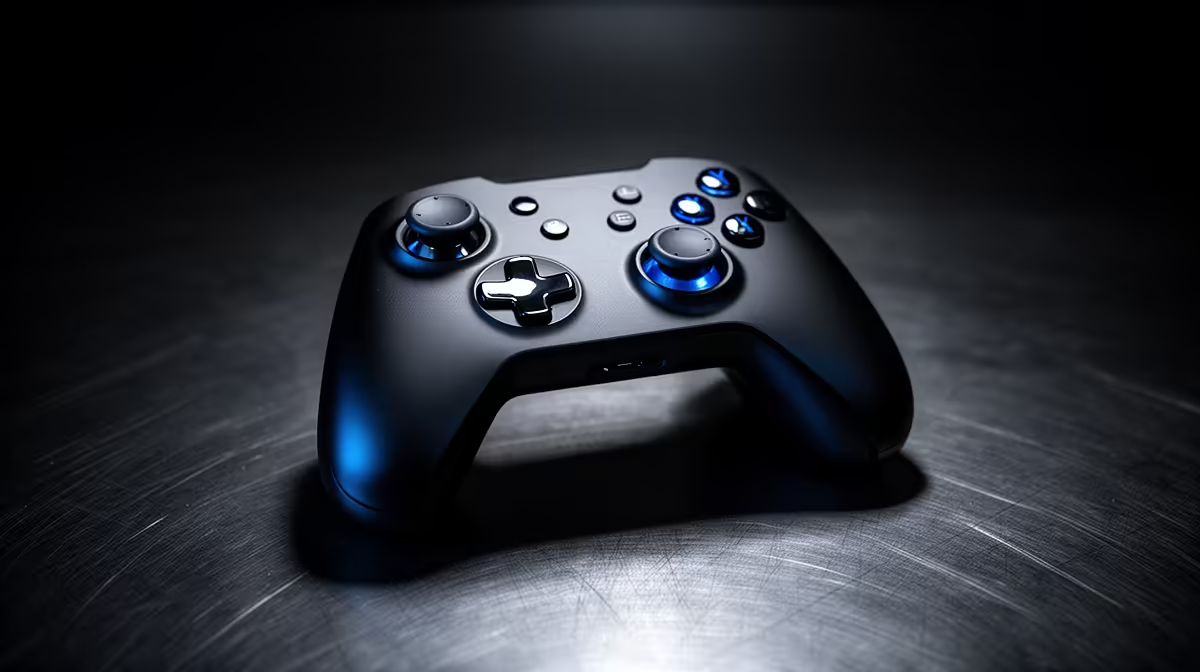
A controller for PC is worthwhile for casual racing simulation when analogue steering and triggers are more comfortable than a keyboard. It will not reproduce the precision, force feedback or pedal control of a racing wheel. The right choice depends on how seriously the driver wants to practise.
Test the game and driving style
Check whether each simulation supports the proposed controller layout and vibration features. Try a borrowed or existing pad for several sessions. Note steering precision, throttle control, hand comfort and whether lap consistency improves. Competitive wheel-based communities may use settings that feel very different on a pad.
A verified PC controller model and price are not present in the current factpacks. Review Evetech’s live range for wired or wireless connection, Windows support, stick layout, trigger travel, battery method, included receiver and warranty. Confirm support in the exact racing title rather than relying on general PC compatibility.
Set a modest dead zone and sensitivity from the game menu, then change one option at a time. Secure charging cables away from chair wheels and keep a wired fallback for organised events. If the goal later shifts to detailed car control, compare wheel mounting space and pedal placement before upgrading.
Buy a controller for accessible, compact racing. Choose a wheel only when repeated play and available desk space justify the specialised hardware.
Starting PC racing? > Check Evetech controllers for verified game and Windows support.