Quick Answer
For 4K video editing the CPU cooler buying order is: a strong cooler that holds all-core boost is must-have, low noise is nice-to-have, and exotic custom loops are a skip. Editing pegs all cores during exports, so a Ryzen 9 or Core i7/i9 needs a good 240mm to 360mm AIO or a high-end air cooler (R1,200 to R3,000) to avoid thermal throttling and keep render times short.
Must-have: cooling that sustains all-core load
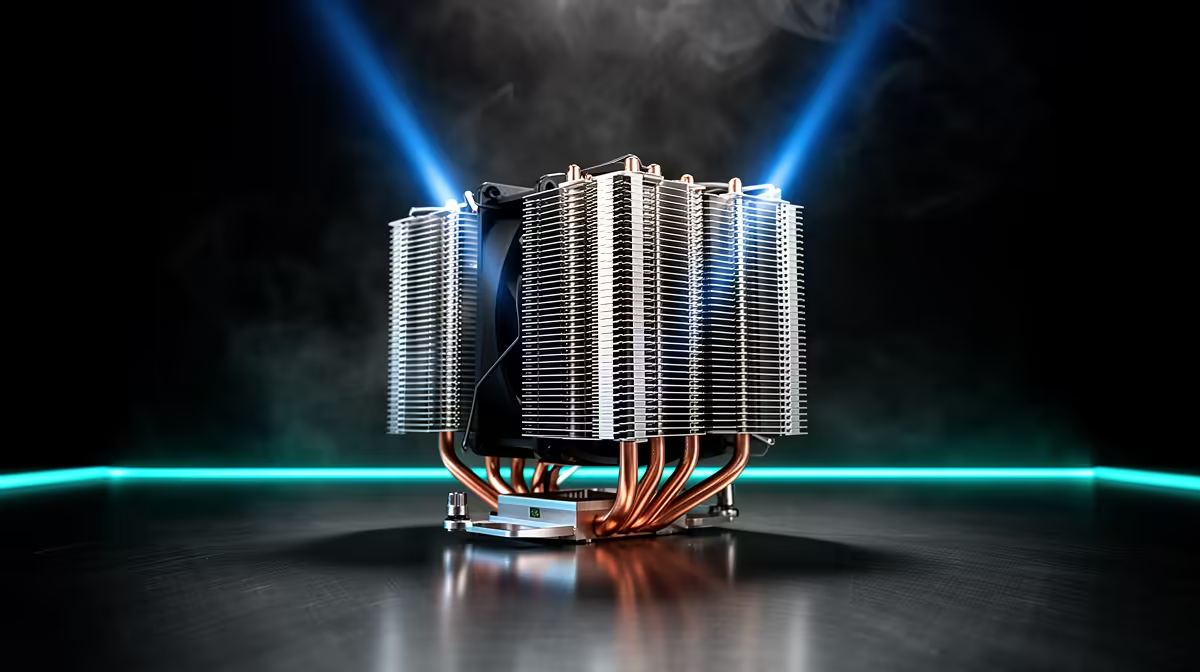
4K editing and exporting load every CPU core for minutes at a time, generating far more heat than gaming. A cooler that lets the CPU hold its all-core boost is the must-have, because thermal throttling directly lengthens your render times. For a Ryzen 9 7900/7950X or Core i7/i9, a 240mm to 360mm AIO or a top air cooler like a Noctua NH-D15 or Arctic Liquid Freezer keeps temperatures in check. Expect R1,200 to R3,000 for the cooler at this tier.
Render-time impact is real
On a hot, throttling CPU a 4K timeline export can run noticeably slower than on a well-cooled one, because the chip drops clocks to protect itself. Keeping the CPU under its thermal limit with a capable cooler preserves the multi-core performance you paid for. The faster cooler effectively pays for itself in time saved across many exports, especially if editing is your work. This is where cooling spend is genuinely justified, unlike in light gaming.
Nice-to-have noise, skip the custom loop
Quiet operation is a pleasant nice-to-have for long editing sessions; a larger radiator or heatsink runs the same heat more quietly. But a custom open-loop liquid system (R5,000-plus) is a skip for editing; a good AIO or air cooler delivers nearly the same temperatures for a fraction of the cost and hassle. Put any saved budget into more RAM (32GB-plus) or a faster NVMe scratch disk, which speed up editing further.
FAQ
What CPU cooler do I need for 4K video editing?
A strong cooler that sustains all-core boost: a 240mm to 360mm AIO or a high-end air cooler like a Noctua NH-D15 (R1,200 to R3,000). 4K exports peg every core, so good cooling prevents throttling and keeps render times short on a Ryzen 9 or Core i7/i9.
Does cooling affect video render times?
Yes. A throttling CPU drops its clocks under sustained load, lengthening 4K exports. A capable cooler keeps the chip at full all-core boost, preserving the multi-core speed you paid for, so the cooler effectively pays for itself in time saved.
Is a custom liquid loop worth it for editing?
No. A quality 240mm to 360mm AIO or top air cooler delivers nearly the same temperatures as a custom loop for far less cost and complexity. Put the saved budget into more RAM or a fast NVMe scratch disk, which speed up editing more.
For 4K editing, watch CPU temperatures during a long export; if the chip exceeds 90C and clocks drop, a 240mm-plus AIO or a Noctua NH-D15 will recover the render speed throttling is costing you.