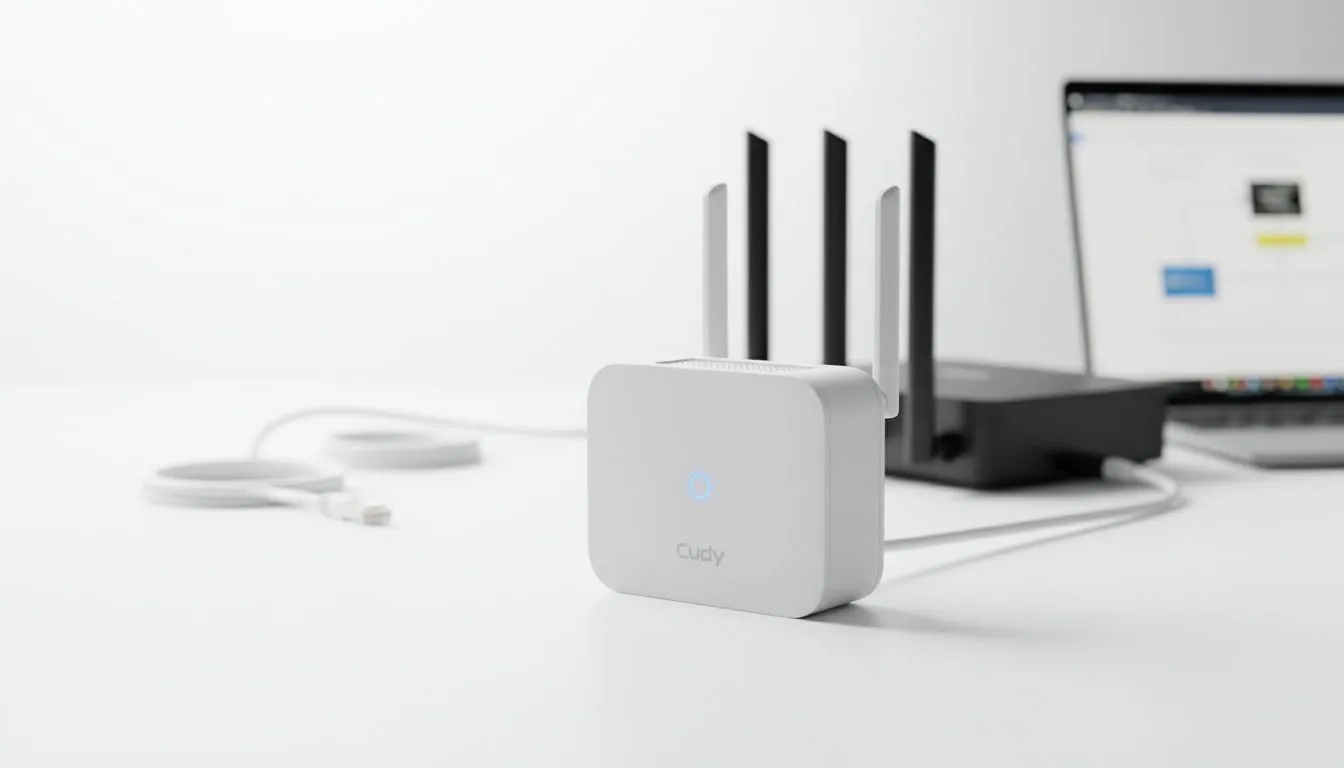
Understanding Cudy extender compatibility with ISP gear
Tired of dead zones in your braai area? Many South Africans struggle with the basic routers supplied by local ISPs. If you are eyeing a Cudy device, you are likely wondering about Cudy extender compatibility with your current setup. The short answer is yes. It works with almost any router on the market today. Let's dive into how you can boost your signal without the headache. 🚀
Most ISP routers are basic. They do the job... but they often fail to reach every room in a brick-and-mortar South African home. When looking at wireless range extenders, compatibility is usually the primary concern for buyers. Cudy devices use universal networking standards like 802.11ac or the newer Wi-Fi 6 (802.11ax). This means they can communicate with your router regardless of the brand. Whether you have a Huawei, Nokia, or TP-Link unit from your fibre provider, it should pair without any drama.
How to optimise Cudy extender compatibility in your home
Setting up your connection does not require a degree in IT. Most Cudy models feature a physical WPS button. You simply press the button on your ISP router... then press the one on the extender... and they sync automatically. If your ISP hub is an older model, you might find that your hardware struggles to keep up. In some cases, you may need to buy wireless adapters for your desktop PC to ensure you actually benefit from the extended range and higher speeds. 🔧
Signal Strength Tip ⚡
Place your Cudy extender halfway between your router and the dead zone. If you put it right in the dead zone, it won't have a strong signal to repeat. Use the LED indicators on the Cudy device to find the "sweet spot" where the light stays solid blue or green.
The beauty of Cudy extender compatibility lies in its flexibility. These devices function as "Universal Repeaters". This means they don't care who made your main router. They simply grab the existing signal and throw it further. It is a fantastic way to save a few Rands while getting stable internet in your bedroom or home office.
When to upgrade your wireless networking hardware
Sometimes, the router provided by your ISP is simply too weak to handle a large family. If you find that an extender isn't solving your lag issues, you might want to buy wireless routers that offer better native range and processing power. A dedicated router can often handle more devices simultaneously than a standard ISP unit.
Before you make a final decision, consider your entire home layout. High-quality wireless networking gear ensures that your gaming sessions and Netflix marathons stay buffer-free. Cudy provides a cost-effective entry point into high-performance home Wi-Fi... making it a popular choice for local tech enthusiasts. ✨
Ready to Kill the Dead Zones?
Don't let a weak ISP router ruin your gaming or streaming experience. Cudy offers incredible performance and easy setup for any South African home. Browse our latest networking deals and get the signal strength you deserve today.