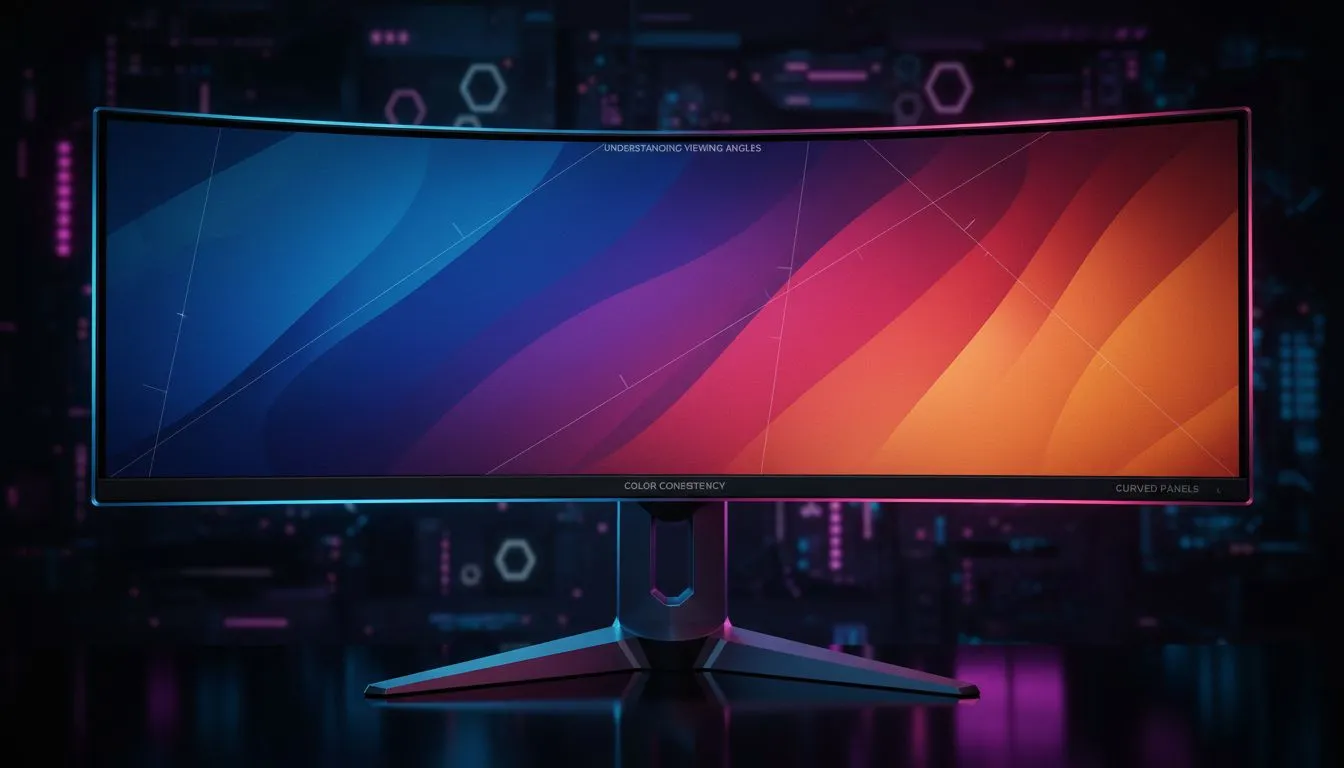
So, you’ve finally unboxed that glorious curved monitor. The immersion is next-level, wrapping you in the world of Helldivers 2 or the streets of Night City. But then your mate, watching from the couch, chimes in: "Ja, but the colours look a bit weird from here." Is he right? Do you have to sacrifice quality for that amazing wraparound feel? Let's dive deep into the truth about curved monitor viewing angles and color consistency.
Understanding Viewing Angles and Colour Shift
Before we tackle the curve, let's get the basics straight. A monitor's "viewing angle" is how far you can move to the side, top, or bottom before the picture starts to look... well, dodgy. You might see colours wash out, blacks turn grey, or the image dim significantly. This phenomenon is called colour or contrast shift.
Different screen technologies (or panels) handle this differently.
- IPS (In-Plane Switching): The king of colour accuracy and wide viewing angles. Often preferred by graphic designers.
- TN (Twisted Nematic): Super-fast response times, but traditionally the weakest on viewing angles and colour.
- VA (Vertical Alignment): The champion of contrast, offering deep, inky blacks. Most curved monitors use VA panels, which historically had narrower viewing angles than IPS, sparking this very debate.
Thankfully, technology doesn't stand still, and the performance of various PC monitors has improved drastically over the years.
The Impact of Curvature on Viewing Angles and Colour
Here's the clever part about the curve. It's designed to match the natural curvature of your eye. By wrapping the screen around you, it aims to keep every part of the display at a more consistent distance from your vision. In theory, this should reduce distortion and improve the perceived curved monitor viewing angles and color consistency for the person sitting directly in the sweet spot. ✨
The catch? The experience is optimised for one person. While you're perfectly positioned, someone watching from an extreme off-angle might notice some shifts. However, the reputation for poor viewing angles on a curved monitor is largely based on older models. The VA panels used in today's curved monitors are far more advanced, minimising these issues for casual observers. For the primary user, the immersion is usually well worth it.
Calibration is Key 🔧
Your monitor's out-of-the-box settings are rarely perfect. Use Windows' built-in "Calibrate display color" tool (just search for it in the Start Menu) for a basic tune-up. It walks you through adjusting gamma, brightness, contrast, and colour balance to get a much more accurate picture. It's a simple step that makes a huge difference.
Optimising Your Setup for the Best Experience
Worried about getting the best possible picture? A few simple tweaks to your setup can ensure you're getting the premium experience you paid for. The goal is to maximise the benefits of the curve while maintaining excellent colour consistency.
Find Your Sweet Spot
This one is simple: sit front and centre. A curved monitor is a personal viewing experience. By positioning yourself in the middle, you ensure the entire screen is at an optimal angle to your eyes, just as the engineers intended. Using an adjustable chair and one of our monitor arms and other accessories can make finding that perfect ergonomic position a breeze.
Consider the Curve Radius
Not all curves are created equal. You'll see ratings like 1800R or 1000R. The smaller the number, the more aggressive the curve. A 1000R monitor is designed to match the 1-meter radius of human vision, offering maximum immersion. A gentler 1800R curve is less pronounced but can be more comfortable for productivity tasks. When looking at all gaming monitors, think about your primary use case—intense gaming or a mix of work and play?
Flat vs. Curved: Making the Right Choice
So, what's the final verdict on the colour accuracy on curved displays? It depends entirely on your needs.
- For the Solo Gamer or Professional: If you're the main person using the screen for immersive gaming or focused work, a curved monitor is fantastic. The benefits of reduced eye strain and epic immersion far outweigh any minor off-axis colour shift. The problem of curved monitor viewing angles and color consistency is practically a non-issue from the main seat.
- For Collaboration and Couch Co-op: If you frequently have people looking over your shoulder to review design work, or you host regular FIFA nights with mates on the couch, a high-quality flat-screen IPS might be a better bet. The ultra-wide viewing angles of an IPS panel ensure everyone gets the same vibrant, consistent picture. Many of our high-resolution 4K and 5K monitors use IPS technology for this very reason.
And let's not forget other setups! For those who need a second screen on the move, portable monitors offer incredible flexibility without compromising on quality. 🚀
Ultimately, the debate is less about which is "better" and more about which is better for you. Modern curved screens offer a stunning visual experience with colour performance that is more than enough for almost every gamer out there.
Ready to Find Your Perfect View?
Whether you crave total immersion or pixel-perfect accuracy, the perfect screen is waiting for you. The concerns about curved monitor viewing angles are a thing of the past for the main user. Explore our best PC monitor deals in South Africa and find the perfect display to level up your setup.