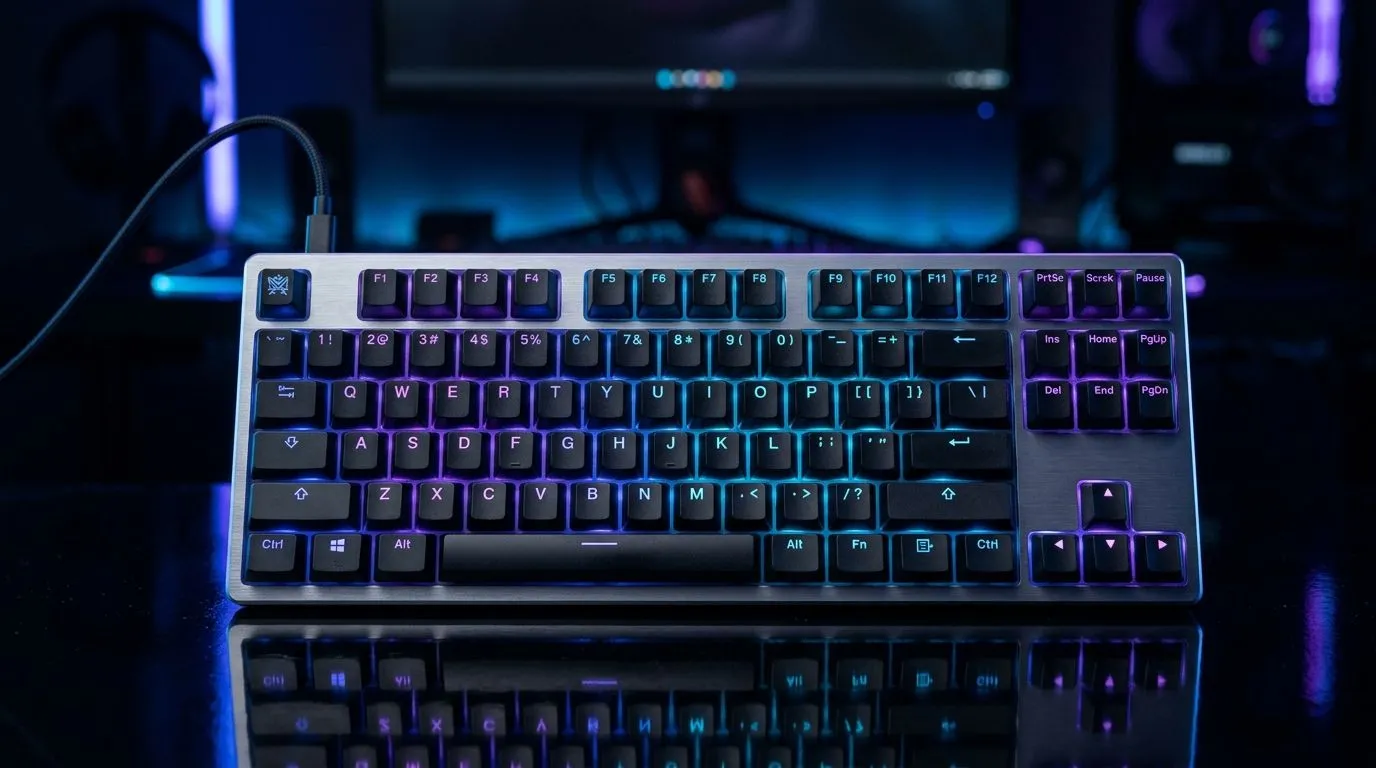
Customise RGB Backlight Modes on a Mechanical Gaming Keyboard
A good mechanical keyboard already feels different under your fingers... but the RGB can change the whole vibe. Whether you are grinding ranked after load shedding or building a cleaner desk setup, learning to customise RGB backlight modes on a mechanical gaming keyboard helps you turn plain hardware into something personal, practical, and easier to use in low light. It is not just about flashy colours. It is about control 🔧
Customise RGB backlight modes on a mechanical gaming keyboard for daily use
Most gamers start with a rainbow wave and leave it there. That works, sure. But if you spend real time at your desk, custom lighting becomes useful fast.
A softer static colour can reduce visual noise during long sessions. A brighter per-key setup can help you find movement keys in a hurry. And if you switch between gaming and work, different profiles let the keyboard match the task instead of fighting it.
If you are shopping for an upgrade first, Evetech’s best gaming keyboard deals are a solid place to compare features and pricing in ZAR. You can also browse a wider range of options on the cheapest gaming keyboard in South Africa page.
How RGB backlight modes usually work
Most mechanical gaming keyboards with RGB lighting offer a few core controls:
Built-in shortcut modes
These are changed with key combinations on the keyboard itself. Common options include:
- Wave or ripple effects
- Breathing or pulsing light
- Static colour
- Reactive typing effects
- Directional patterns
These shortcuts are handy when you do not want extra software running in the background.
Software-based customisation
Some keyboards use companion software for deeper control. That is where you can often:
- Set individual key colours
- Save profiles for different games
- Adjust brightness and speed
- Sync lighting with other peripherals
That matters if your setup includes more than one device. A matching keyboard and mouse combo can make the whole desk feel more coherent, especially when the lighting profiles are designed to work together.
Customise RGB backlight modes on a mechanical gaming keyboard the smart way
Here is the part many people miss... the best RGB is not the brightest. It is the one that helps you use the keyboard comfortably.
Start with brightness
If your room is already dim, max brightness can feel harsh. Try a lower setting first. It often looks cleaner and reduces eye strain.
Use colour for function
Try assigning different colours to movement keys, macros, or media controls. That is especially useful on larger boards or when you are switching between games.
Save profiles by purpose
Create one profile for gaming, one for work, and one for night use. If your keyboard supports onboard memory, save the settings directly to the board.
RGB Setup Tip ⚡
On a mechanical keyboard, lower brightness and slower effects often look better than full-speed rainbow mode. They also make legends easier to read in the dark, which is useful during late-night sessions and power cuts.
Wired or wireless... which RGB setup fits you?
Lighting effects are only part of the decision. Connectivity matters too.
If you want the most reliable response and fewer variables, a wired keyboard is usually the safe pick. If you want a cleaner desk, a wireless model can be worth the trade-off, especially for casual play and general use.
You can compare both options here: wired gaming keyboards and wireless gaming keyboards.
Practical tips before you tweak the lights
A few small habits go a long way:
- Match the lighting to your monitor brightness
- Use static or slower effects for concentration
- Keep your most-used keys in high-contrast colours
- Test profiles in a dark room before settling on one
- Check whether settings stay saved after a reboot
If your keyboard has software, update it first. That avoids profile bugs and missing lighting options. If it has onboard presets only, spend a few minutes learning the shortcut combinations. That tiny effort saves frustration later.
Why this matters for South African gamers
Our setups are not always ideal. Sometimes the room is dark. Sometimes the desk is shared. Sometimes the power goes out and you want every useful visual cue you can get. That is why custom RGB is more than decoration.
A well-set keyboard can make your setup feel more intentional, and more comfortable, without costing extra. For many buyers, that is the sweet spot... good looks, useful lighting, and a board that fits the way you actually play ✨
Ready to Find Your Perfect Match?
The Mac vs Windows debate is complex, but for maximum power, choice, and value in South Africa, Windows is hard to beat. Explore our massive range of laptop specials and find the perfect machine to conquer your world.