Quick Answer
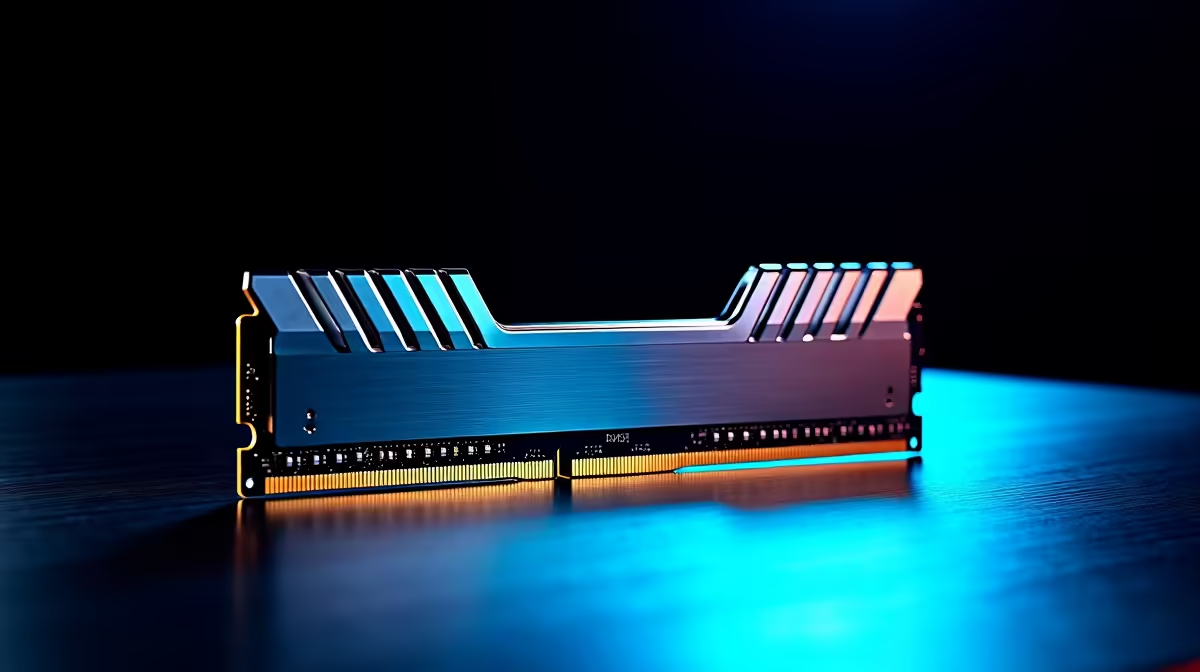
The three best DDR5 RAM kits for Kempton Park builders in stock at Evetech are the Kingston Fury Beast DDR5-6000 32GB (R2,400), Corsair Vengeance DDR5-6000 32GB (R2,600), and G.Skill Trident Z5 Neo DDR5-6000 32GB (~R2,800). For AMD AM5 builds, DDR5-6000 CL30 hits the Infinity Fabric sweet spot; for Intel LGA1851, DDR5-6400 CL32 is the step-up recommendation.
Short-list Criteria for Kempton Park Buyers
The three kits above were selected based on: AM5 EXPO validation on common B650 boards, CL30 timings at DDR5-6000, dual-channel 2×16GB configuration, and consistent Evetech stock availability. All three support both AMD EXPO and Intel XMP 3.0, making them platform-agnostic picks. For a Kempton Park builder unsure which platform they will choose, any of these kits will work on either AM5 or LGA1700/LGA1851.
ZAR Price Comparison
~R2,400: Kingston Fury Beast DDR5-6000 32GB CL30 — low-profile, no-fuss EXPO/XMP, best value. ~R2,600: Corsair Vengeance DDR5-6000 32GB CL30 — taller heat spreader, RGB option available at slight premium. ~R2,800: G.Skill Trident Z5 Neo DDR5-6000 32GB CL30 — AMD Ryzen-tuned timings, highest out-of-the-box stability on AM5. For Kempton Park builds where RGB aesthetics matter, the Corsair Vengeance RGB adds ~R300 over the non-RGB variant with no performance difference.
FPS Benchmarks: DDR5-6000 vs. DDR5-4800 in Gaming
In 1080p CPU-sensitive benchmarks (CS2 average fps, Cyberpunk 2077 busy-city scenes, Starfield planet surfaces), DDR5-6000 CL30 on Ryzen 5 7600X delivers approximately 5–8 fps more than DDR5-4800 JEDEC default. In GPU-limited 1440p scenarios, the difference drops to 1–2 fps — negligible. For Kempton Park gamers targeting 144 fps at 1080p in esports titles, enabling EXPO is a free fps boost that takes 30 seconds in BIOS.
Capacity: 16GB vs. 32GB for Kempton Park Gaming PCs
16GB DDR5 kits (~R1,200) are only suitable for budget secondary machines or older-game libraries. Any Kempton Park build targeting modern titles or multitasking should use 32GB. Microsoft Flight Simulator 2024, Alan Wake 2, and Star Citizen all regularly allocate over 12GB during play — 16GB leaves almost no margin. 32GB at ~R2,400 is the practical minimum for a new build started after 2024.
FAQ
Which is better for Kempton Park builds: Kingston Fury Beast or G.Skill Trident Z5 Neo?
For pure AMD AM5 performance, G.Skill Trident Z5 Neo (R2,800) has slightly tighter secondary timings tuned specifically for Ryzen — measurable in benchmarks but rarely felt in gaming. For budget-conscious Kempton Park builders, Kingston Fury Beast (R2,400) delivers 97% of the performance at R400 less. Either is an excellent choice.
Can I upgrade my DDR4 kit to DDR5 without changing the motherboard?
No — DDR5 is only compatible with DDR5 motherboard slots. AM5, Intel LGA1700, and LGA1851 boards use DDR5. AM4, LGA1200, and LGA1151 use DDR4. Upgrading to DDR5 requires either an AM5 (Ryzen 7000/9000) or a compatible Intel platform. You cannot slot a DDR5 kit into a DDR4 board.
Does dual-channel DDR5 matter for gaming on Kempton Park gaming rigs?
Yes — always install DDR5 in matched pairs (2×16GB, not 1×32GB) to enable dual-channel mode. Dual-channel doubles the effective memory bandwidth. On AM5, single-channel DDR5-6000 performs roughly equal to dual-channel DDR5-3600 — a significant downgrade. Always buy a kit (two sticks) rather than a single module.
builders should install DDR5 in the A2 and B2 slots (second and fourth slots from the CPU) for correct dual-channel operation — check your motherboard manual, as the correct slot labelling varies by brand.