Quick Answer
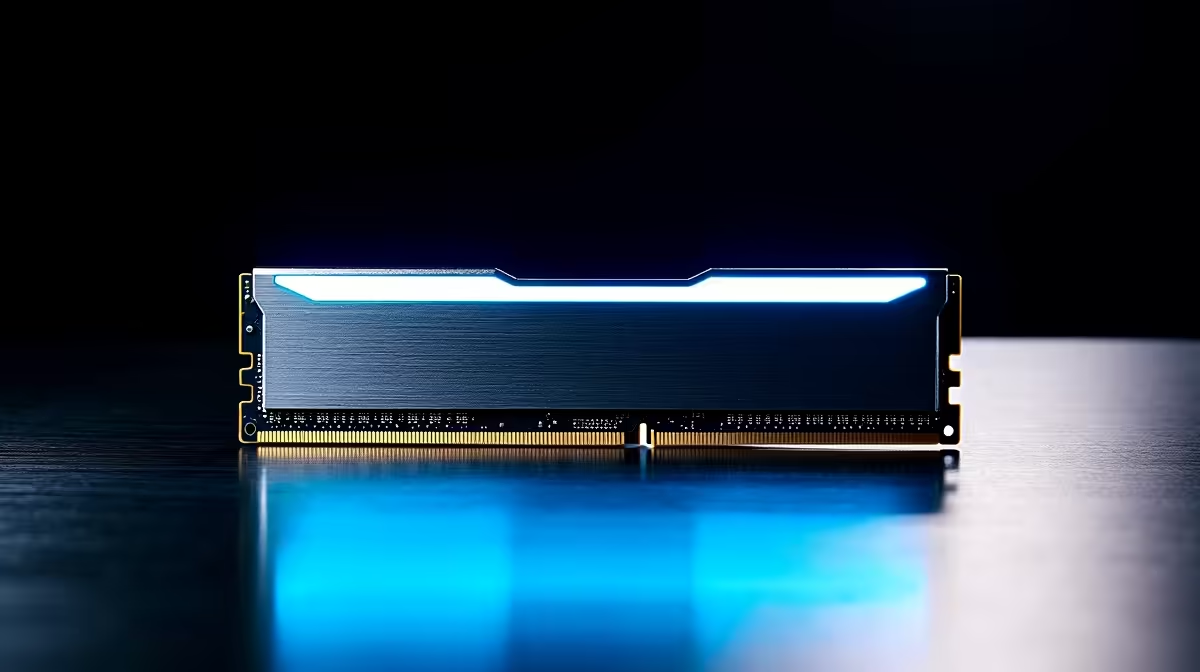
Pretoria East builders on AMD AM5 should target a 32GB DDR5-6000 CL30 kit — the Kingston Fury Beast DDR5-6000 (R2,400) or G.Skill Trident Z5 Neo (R2,800) are the top picks in stock at Evetech. For Intel LGA1851 (Core Ultra 200-series) builds, DDR5-6400 CL32 with XMP 3.0 is the recommended speed. Delivery to Pretoria East suburbs — Faerie Glen, Olympus, Garsfontein, The Willows — takes 1–2 business days.
Named Kits for Pretoria East Buyers
Kingston Fury Beast DDR5-6000 32GB CL30 (~R2,400): low-profile, EXPO + XMP 3.0 support, validated on most B650 boards, best price on this list. Corsair Vengeance DDR5-6000 32GB CL30 (~R2,600): RGB option available, slightly taller heat spreader, aggressive CL30 timings. G.Skill Trident Z5 Neo DDR5-6000 32GB CL30 (~R2,800): AMD-tuned with EXPO profiles validated on X670E and B650 boards, best stability on diverse Ryzen 7000/9000 builds. Crucial Pro DDR5-5600 32GB (~R2,000): budget option for Intel LGA1700 builds where DDR5-5600 is sufficient.
DDR5 Speed Tiers Explained for Pretoria East
DDR5-5200: entry JEDEC-adjacent speed, suitable for light workloads. DDR5-5600: reasonable budget entry, good for Intel 13th/14th Gen. DDR5-6000: AM5 Infinity Fabric sweet spot — the practical performance ceiling for B650 boards. DDR5-6400: Intel Core Ultra 200-series sweet spot with XMP 3.0. DDR5-7200: high-end enthusiast speed for X670E or Z890 boards only. DDR5-8000: extreme overclock territory, not recommended for standard builds.
Capacity Guidance: 16GB vs. 32GB vs. 64GB
16GB (2×8GB): budget builds only — modern games regularly use 12–16GB, leaving no margin. 32GB (2×16GB): correct choice for gaming, streaming, and professional use; ~R2,400 on DDR5-6000. 64GB (2×32GB): for Pretoria East professionals doing video production in Premiere Pro, 3D rendering in Blender, or running VMs alongside gaming; ~R4,000–R5,500. The University of Pretoria student market in nearby Hatfield typically needs 32GB for academic software and gaming.
Platform Notes: AM5 vs. Intel for Pretoria East Builds
AM5 (Ryzen 7000/9000): use DDR5-6000 CL30 with EXPO enabled. Infinity Fabric runs at 3,000 MHz — the documented sweet spot. Do not exceed DDR5-6000 on budget B650 boards. Intel LGA1700/LGA1851: use DDR5-6400 CL32 XMP 3.0. Intel's memory controller handles higher speeds more freely than AM5. Both platforms require dual-channel (2 sticks) for full bandwidth.
FAQ
What DDR5 speed does a Ryzen 9 9900X need for optimal gaming in Pretoria East?
DDR5-6000 CL30 is the documented AM5 sweet spot for the Ryzen 9 9900X. The Infinity Fabric runs at 3,000 MHz — its peak efficiency point. Above 6,000 the timing trade-offs eat into the bandwidth gain, and DDR5-6400 on a B650 board can trigger async Fabric mode at 2,000 MHz, which reduces performance below DDR5-6000 CL30 numbers.
Does RGB DDR5 RAM perform differently from non-RGB versions?
No — RGB LEDs add no memory performance. RGB kits use the same DRAM ICs as non-RGB variants at the same speed and timings. A non-RGB Kingston Fury Beast DDR5-6000 performs identically to the RGB version. RGB adds R200–R400 to the price. For Pretoria East builders prioritising performance per rand, non-RGB is the rational choice unless the aesthetic matters.
Can I run DDR5-6000 on a Pretoria East build using a Gigabyte B650M board?
Yes — most Gigabyte B650M boards validate DDR5-6000 on their QVL for major kit brands. Check the specific board's QVL page for the exact kit model. The G.Skill Trident Z5 Neo and Kingston Fury Beast DDR5-6000 are among the most widely validated kits across B650 board brands.
builders on AM5 should confirm the DDR5 kit is on the motherboard's QVL before ordering — the Evetech product page lists compatibility for major boards, or check the motherboard manufacturer's support page for the full validated list.